
How to Repair P6 Outdoor LED Display Sign Board Screen | Troubleshooting Guide
2026-05-25
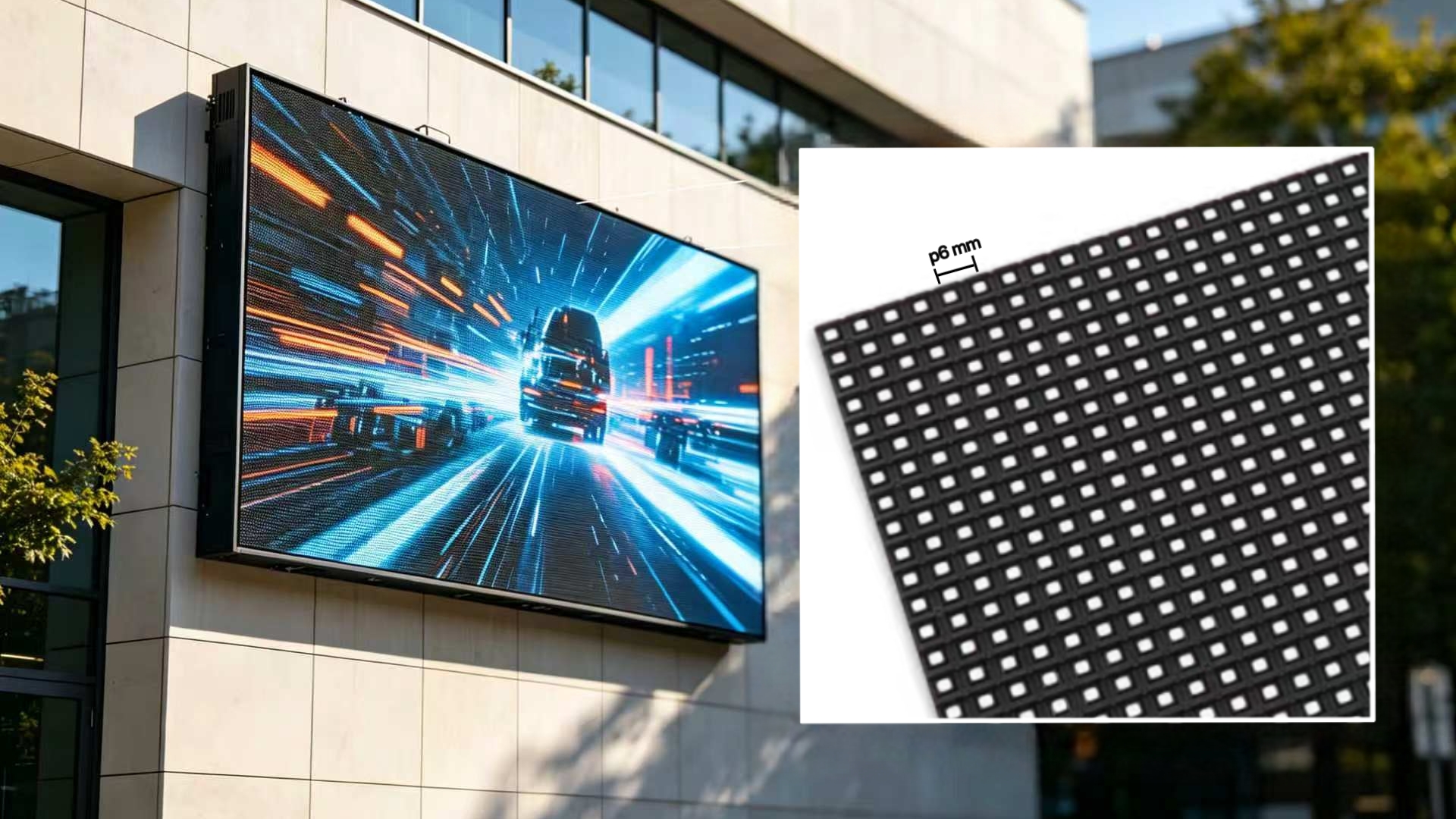
Table of Contents
- Introduction to P6 Outdoor LED Display
- Common Problems & Causes
- Pre-Repair Safety Precautions
- Step-by-Step Repair Guide
- Maintenance Tips to Avoid Future Issues
- FAQ
- Conclusion
1. Introduction to P6 Outdoor LED Display
A P6 outdoor LED display is a popular 6mm pixel pitch screen designed for outdoor advertising, billboards, and public signage. It features high brightness, IP65 waterproof rating, and durable modules. Like any electronic device, it may develop faults over time. Knowing how to repair P6 outdoor LED display sign board screen saves time and maintenance costs.
2. Common Problems & Causes
-
Dead Pixels: Dark or stuck pixels from LED lamp failure or solder damage.
-
Entire Cabinet Blackout: Failed power supply or damaged receiving card.
-
Color Distortion: Signal errors or driver IC damage.
-
Flickering: Unstable power or poor cable connections.
-
Water Damage: Moisture ingress causing short circuits.
-
Brightness Inconsistency: Aging LEDs or calibration issues.
3. Pre-Repair Safety Precautions
- Turn off all power supplies and unplug the device.
- Wear anti-static wristbands to protect components.
- Use insulated tools to avoid short circuits.
- Ensure the cabinet is dry if water damaged.
- Label cables before disassembly for easy reconnection.
4. Step-by-Step Repair Guide
4.1 Power Supply Issues
-
Symptom: Entire screen or cabinet not lighting.
-
Check: Use a multimeter to verify 4.8–5.2V output.
-
Fix: Replace unstable or burned-out power supplies.
4.2 Signal & Connection Errors
-
Symptom: Flickering, no image, or scrambled display.
-
Check: Inspect flat cables and network cables for damage.
-
Fix: Replace faulty cables or reset receiving card connections.
4.3 LED Module Problems
-
Symptom: Dead pixels or partial blackout.
-
Remove: Use magnetic or screw-based module access.
-
Fix: Replace damaged modules (recommended) or re-solder LEDs.
4.4 Color & Brightness Issues
- Symptom: Faded colors or uneven brightness.
- Check: Verify driver ICs and control software settings.
- Fix: Recalibrate the screen or replace faulty ICs.
5. Maintenance Tips to Avoid Future Issues
- Monthly: Clean dust and check cable tightness.
- Quarterly: Inspect waterproof seals and test power stability.
- Bi-Annually: Replace aging fans and update firmware.
- Cleaning: Use soft, non-static cloth; avoid high-pressure water.
6. FAQ
Q1: Can I fix dead pixels myself?
A: Small clusters may be repaired with soldering, but module replacement is more reliable.
Q2: How often should I maintain the P6 screen?
A: Monthly checks and quarterly maintenance are recommended.
Q3: Is water damage repairable?
A: Dry the cabinet fully, then inspect for corrosion; replace damaged components.
Q4: What tools do I need for basic repairs?
A: Multimeter, screwdrivers, anti-static wristband, and replacement modules.
7. Conclusion
Knowing how to repair P6 outdoor LED display sign board screen is essential for minimizing downtime and extending lifespan. Most issues stem from power, connection, or module faults and can be fixed with basic tools. Regular maintenance ensures stable, long-term performance for your outdoor LED display.
65-inch Wall-Mounted Indoor Advertising Display | Best Indoor LCD Displays for Multi-industry Use
Energy Saving Outdoor LED Screen | Low Power Consumption Outdoor LED Display
Related Article
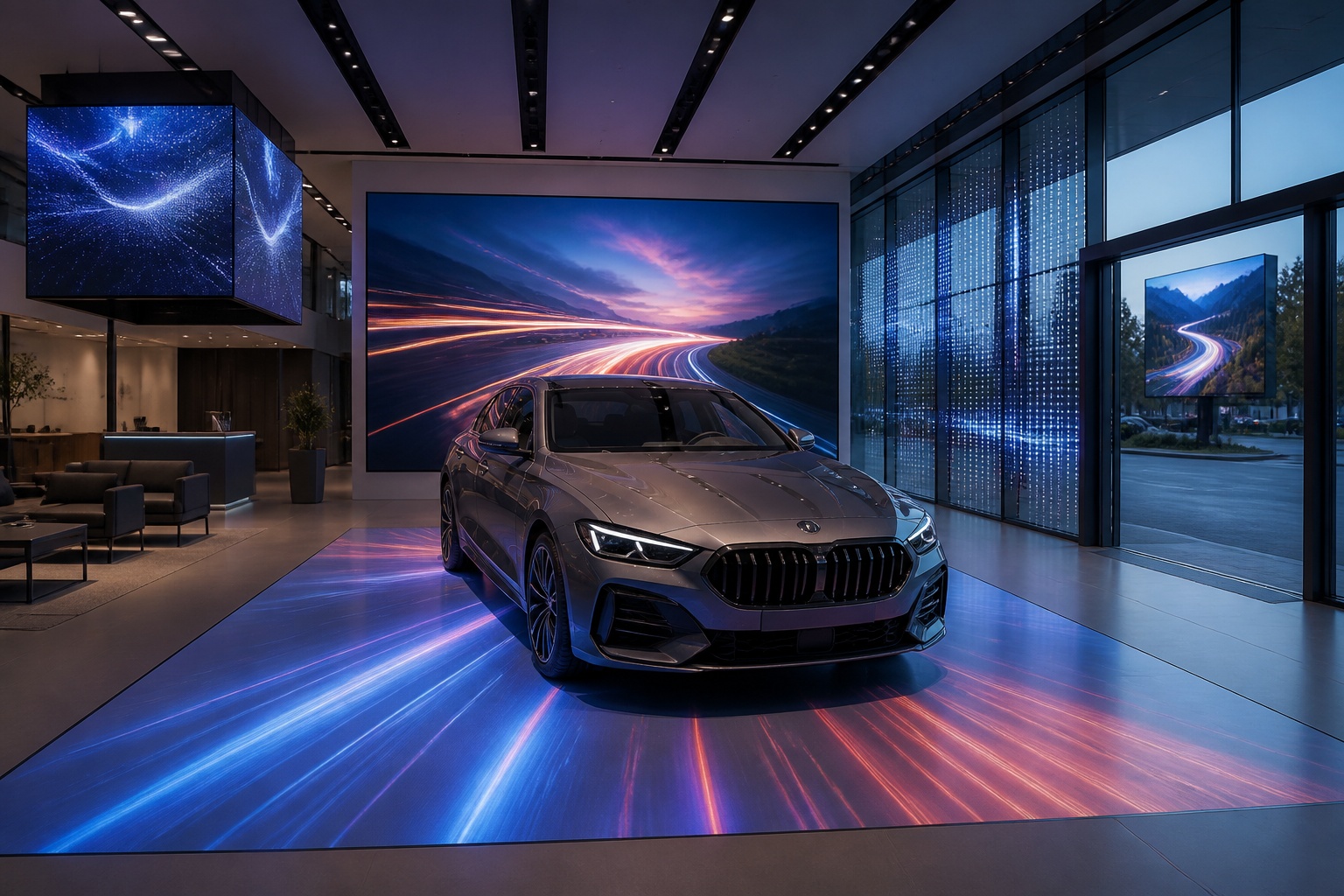
A B2B technical guide to selecting and combining fixed, floor, transparent, cube and other LED displays for automotive dealerships and 4S showrooms.
What LED Displays Can a 4S Dealership Use and How Should They Be Combined?
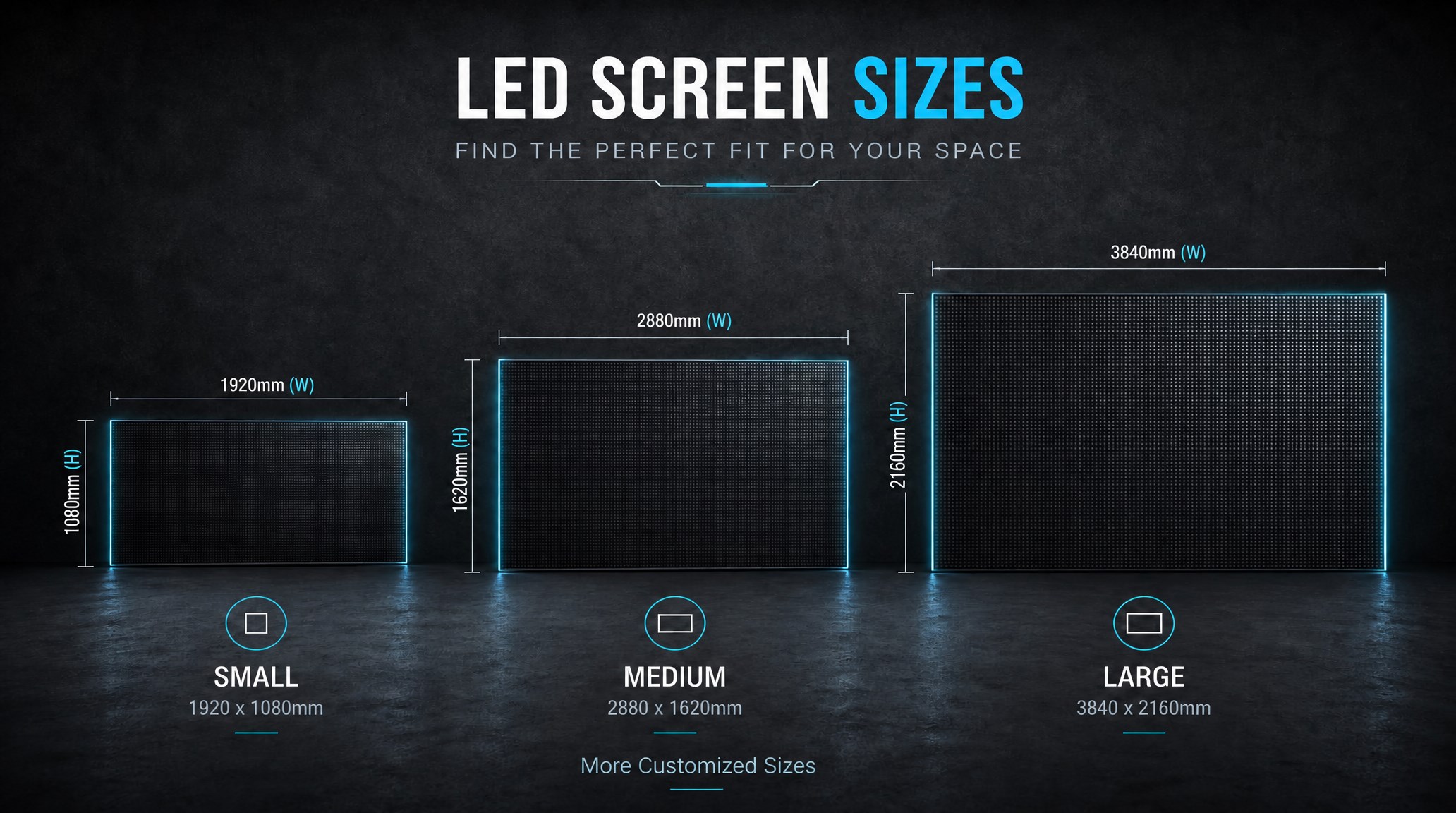
A practical guide explaining how to calculate LED display size, select pixel pitch, determine viewing distance, and choose suitable LED wall dimensions for commercial projects.
How to Choose the Right LED Display Size? Complete LED Screen Size Guide
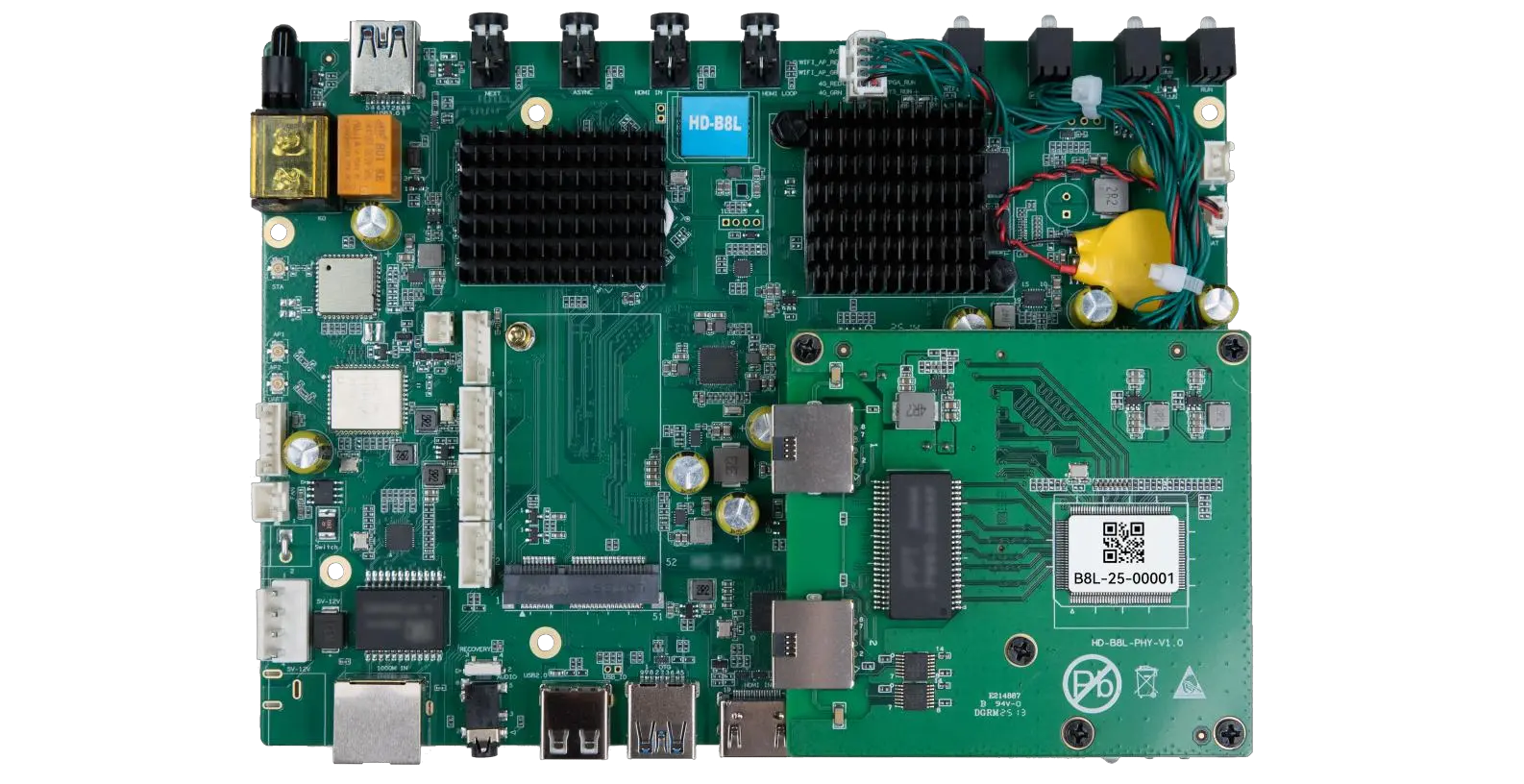
The HD-B8L Poster Screen Control System is an Android-based LED display controller designed for commercial LED poster displays and digital signage. It integrates media playback, asynchronous LED control, HDMI synchronization, network communication, and cloud management into one device, simplifying installation and centralized content management.
What Is the HD-B8L Poster Screen Control System? A Complete Technical Guide for Commercial LED Displays
Tell Us What Are You Looking For?
