
JunChen Display: How to Clean an LED TV Screen | Safe Cleaning Tips for All LED Screen
2026-06-12
Table of Contents
- Introduction: Why Proper Cleaning Matters for LED Screen
- Tools You Need to Clean an LED TV Screen
- Step-by-Step Guide: How to Clean an LED TV Screen
- What You Must Never Use on LED Screen
- Cleaning Tips for Different Types of LED Screen
- Regular Maintenance Habits to Keep LED Screen Clear
- FAQ
- Conclusion
1. Introduction: Why Proper Cleaning Matters for LED Screen
Dust, fingerprints, smudges and stains are common problems for all kinds of led screen during daily use. Many users use wrong tools or liquids to wipe the screen, which may leave scratches, discoloration or permanent damage. Mastering how to clean an led tv screen correctly can protect the panel, extend service life and ensure a clear viewing experience all the time. This guide shares safe, easy and practical methods for both household LED TV and commercial led screen cleaning.
2. Tools You Need to Clean an LED TV Screen
Prepare simple and soft tools before you start cleaning to avoid hurting the delicate led screen surface.
- Microfiber cleaning cloth (lint-free, soft texture, the most essential tool)
- Distilled water (pure water without minerals)
- Small spray bottle (for spraying water lightly)
- Dry soft cloth (for secondary wiping and drying)
Note: Do not use ordinary towels, paper towels or rough rags, as they contain tiny particles that scratch the screen coating.
3. Step-by-Step Guide: How to Clean an LED TV Screen
Step 1: Power off and cool down the device
Turn off the LED TV or led screen completely and unplug the power cord. Wait 10 to 15 minutes until the screen surface cools down, because hot screens are more vulnerable to liquid damage.
Step 2: Remove surface dust gently
Use a dry microfiber cloth to wipe the whole led screen lightly from top to bottom. This step removes floating dust and loose particles first, preventing scratches during wet wiping.
Step 3: Deal with fingerprints and stubborn stains
Spray a small amount of distilled water onto the microfiber cloth, never spray liquid directly on the screen. Wipe the stained area slowly and gently in one direction until smudges disappear.
Step 4: Dry the screen thoroughly
Use another clean dry microfiber cloth to wipe the screen again and absorb residual moisture. Make sure no water droplets remain on the edges or gaps of the led screen.
4. What You Must Never Use on LED Screen
These common items will damage the special anti-glare and protective coating of led screen, please keep away:
- Alcohol, acetone, glass cleaner, detergent or chemical disinfectant: They will corrode the screen coating and cause color fading.
- Paper towels, toilet paper and coarse fabric: Hard fibers leave fine scratches on the panel.
- Excessive water: Liquid seeping into gaps will lead to circuit short circuit and equipment failure.
- High-pressure air gun: Strong airflow may push dust into internal components.
5. Cleaning Tips for Different Types of LED Screen
5.1 Household LED TV Screen
Follow the standard steps above, focus on the frame and screen edges where dust accumulates easily. Do not press the screen hard when wiping to avoid internal panel deformation.
5.2 Indoor Commercial LED Screen
For large-size commercial led screen used in shops, offices and lobbies, perform dry dust removal every week. Do deep wet cleaning once a month, and check if water enters the interface gaps after cleaning.
Outdoor led screen faces more dust, bird droppings and rain stains. First cut off all power supply thoroughly. Use dry cloth to remove dust, then use slightly damp cloth for partial cleaning. Strictly prevent a large amount of water from flowing into the sealed cabinet to maintain waterproof performance.
6. Regular Maintenance Habits to Keep LED Screen Clear
Clean floating dust on the led screen at least once a week to avoid dust accumulation hardening. Keep indoor air circulating and avoid placing the led screen near kitchen fume or heavy smoke areas. Try not to touch the screen surface with hands directly to reduce fingerprints and oil stains. For long-term unused led screen, cover it with a dust-proof cover after power off.
7. FAQ
Q1: Can I use tap water to clean an led tv screen?
A: It is not recommended. Mineral substances in tap water will leave white water marks on the led screen. Distilled water is the best choice.
Q2: Is it okay to spray water directly on the LED screen?
A: No. Liquid may flow into the screen gaps and cause short circuit. Always spray water on the cleaning cloth instead.
Q3: How often should I clean a household LED TV screen?
A: Do simple dry wiping every week, and do deep cleaning with damp cloth every 2 to 3 weeks.
Q4: Can I use alcohol to wipe stubborn stains on led screen?
A: Absolutely not. Alcohol will dissolve the protective coating and cause permanent damage to the led screen surface.
8. Conclusion
Knowing how to clean an led tv screen properly is basic but important daily maintenance work. With the right tools and standard steps, you can keep all types of led screen clean, bright and long-lasting. Wrong cleaning methods will bring irreversible damage to expensive display equipment. Follow the tips in this guide to form good maintenance habits, and your LED screen will always present perfect visual effects.//www.jcdisplay.com/
Mall Immersive Decor Solutions – Dance Floor LED Panel & LED Floor Tiles Floor LED Display Screen
Energy-Saving Digital LED Billboard Display for Outdoor Advertising | Reliable Outdoor LED Display
Related Article

A B2B technical guide to selecting and combining fixed, floor, transparent, cube and other LED displays for automotive dealerships and 4S showrooms.
What LED Displays Can a 4S Dealership Use and How Should They Be Combined?
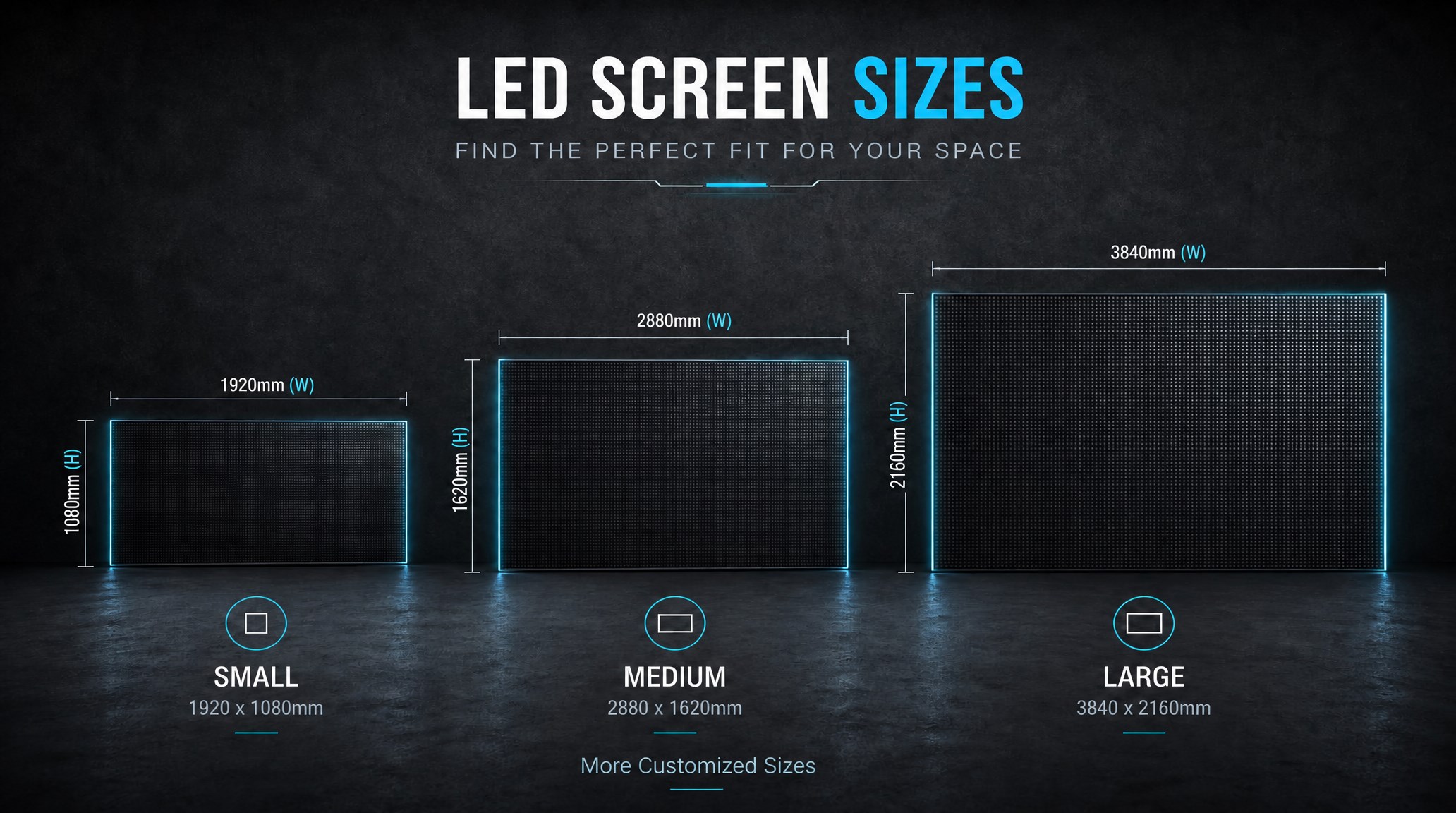
A practical guide explaining how to calculate LED display size, select pixel pitch, determine viewing distance, and choose suitable LED wall dimensions for commercial projects.
How to Choose the Right LED Display Size? Complete LED Screen Size Guide
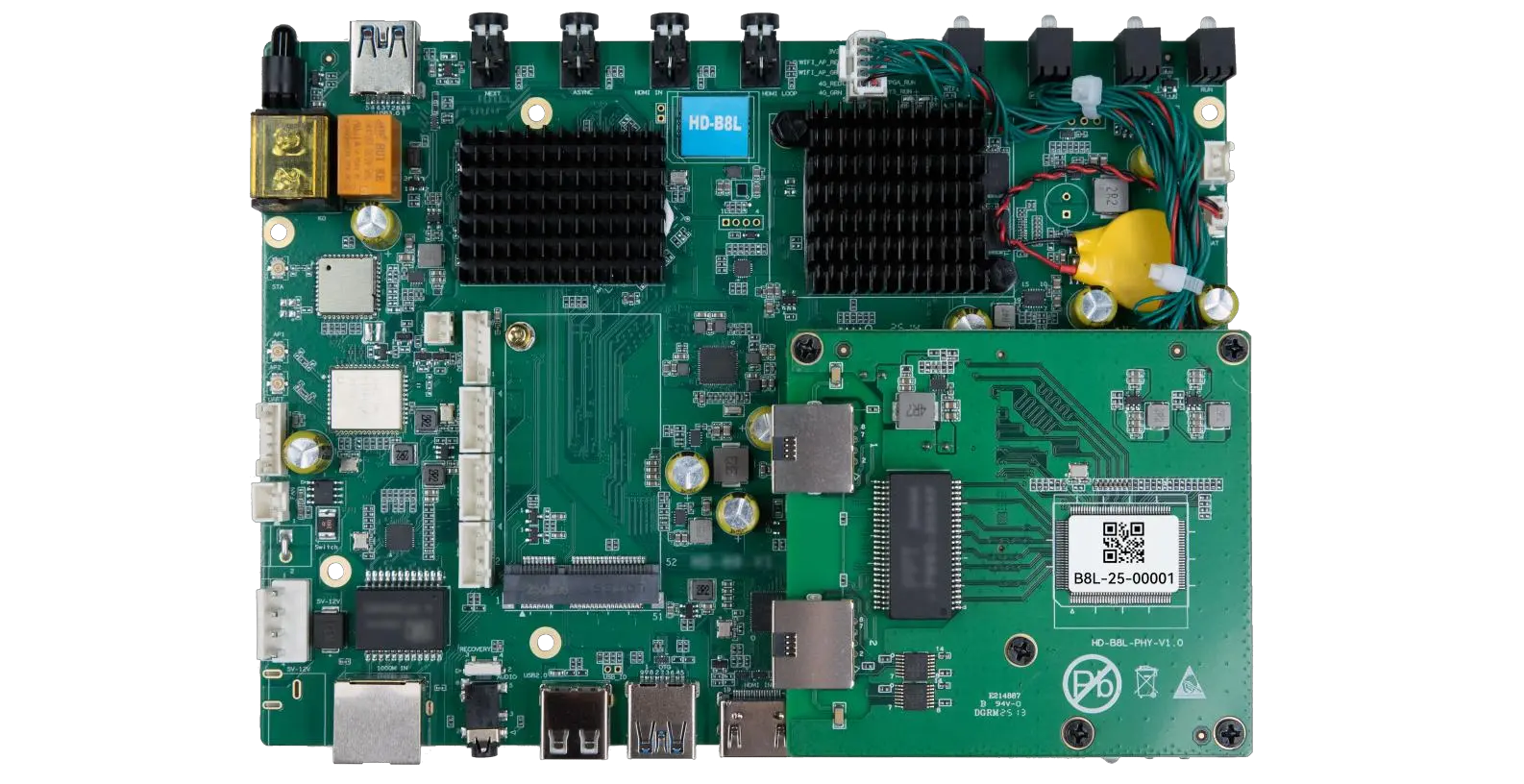
The HD-B8L Poster Screen Control System is an Android-based LED display controller designed for commercial LED poster displays and digital signage. It integrates media playback, asynchronous LED control, HDMI synchronization, network communication, and cloud management into one device, simplifying installation and centralized content management.
What Is the HD-B8L Poster Screen Control System? A Complete Technical Guide for Commercial LED Displays
Tell Us What Are You Looking For?
