
What Is a Good Contrast Ratio for a Monitor? A Complete Guide
2025-12-09
What Is a Good Contrast Ratio for a Monitor? A Complete Guide
Table of Contents
When choosing a monitor, few specs matter as much as contrast ratio. If you’ve ever asked, “what is a good contrast ratio for a monitor?” you’re in the right place. This guide breaks down everything from definitions to practical advice, helping you pick the best screen for your needs.
What Is a Contrast Ratio on a Monitor?
So, what is a contrast ratio on a monitor? It’s the ratio of a screen’s brightest white to its darkest black, expressed as numbers like 1000:1. This means the white is 1000x brighter than the black. A higher ratio creates sharper differences between light and dark, making images look more lifelike.
For example, a 500:1 ratio means whites are 500x brighter than blacks. Panel tech, backlighting, and build quality determine this ratio, which directly impacts how well you see details in bright or dark scenes.
Contrast Ratio Explanation: How It Affects Your Viewing Experience
Contrast ratio explanation starts with its real-world impact. A good ratio delivers deep blacks (not gray) and bright whites (not washed out), enhancing every activity.
-
Movie fans: Dark scenes (night battles, dim rooms) gain depth—shadows reveal details lost on low-ratio screens. Bright scenes (sunny landscapes) pop with realism.
-
Gamers: High contrast helps spot enemies in dark dungeons or bright battlefields, boosting immersion and performance.
-
Professionals: Graphic designers and editors need to see subtle tone differences. A solid ratio ensures their work translates accurately across displays.
What Is the Best Contrast Ratio for a Monitor? Breaking Down the Numbers
What is the best contrast ratio for a monitor? It depends on your use case:
-
Everyday users: 1000:1 is ideal. It handles web browsing, word processing, and streaming with clear light/dark separation.
-
Gamers/movie lovers: Aim for 2000:1 or higher. VA panels often hit 3000:1+, making them great for deep blacks and vivid colors.
-
Professionals: IPS panels (around 1000:1) prioritize color accuracy and wide viewing angles over extreme contrast—critical for design work.
-
Premium seekers: OLED monitors offer infinite contrast (pixels turn off completely for true blacks) but come with a higher price tag.
Best Contrast Ratio Monitor: Factors to Consider When Shopping
To find the best contrast ratio monitor, look beyond the ratio itself:
-
Panel type: VA for high contrast, IPS for color accuracy, OLED for infinite contrast (but cost more).
-
Brightness: 250-300 nits works for most rooms. Higher brightness helps high-contrast screens perform in sunlight.
-
Backlighting: Full-array with local dimming improves contrast by dimming specific areas (deeper blacks). Edge-lit screens are thinner/cheaper but less precise.
-
Intended use: Gamers need fast refresh rates alongside high contrast; designers prioritize color over max ratio; casual users balance cost and performance.
Screen Contrast Ratio: Common Myths and Facts
Don’t fall for these screen contrast ratio myths:
-
Myth 1: Higher is always better. Not true—color accuracy or viewing angles may matter more (e.g., an IPS 1000:1 is better for design than a VA 5000:1 with poor color).
-
Myth 2: Ratios from different brands are comparable. Manufacturers use varying tests, so 1000:1 from Brand A may differ from Brand B. Check reviews or test in person.
-
Myth 3: Contrast can’t be adjusted. You can tweak monitor settings to alter light/dark balance, but this doesn’t change the native ratio—it just personalizes the look.
Conclusion
Understanding what is a good contrast ratio for a monitor simplifies your buying decision. For daily use, 1000:1 suffices. Gamers and movie buffs benefit from 2000:1+, while OLEDs offer infinite contrast at a premium.
Factor in panel type, brightness, and backlighting, and ignore misleading myths. Test or read reviews to ensure real-world performance matches specs. With this knowledge, you’ll find a monitor that elevates work, gaming, and entertainment.
Monitor DCR: What It Is, When to Use It & Step-by-Step Setup (2025 Expert Guide)
Jumbotron vs LED Billboard: Differences, Uses & Advertising Guide | JunChen Display
Related Article
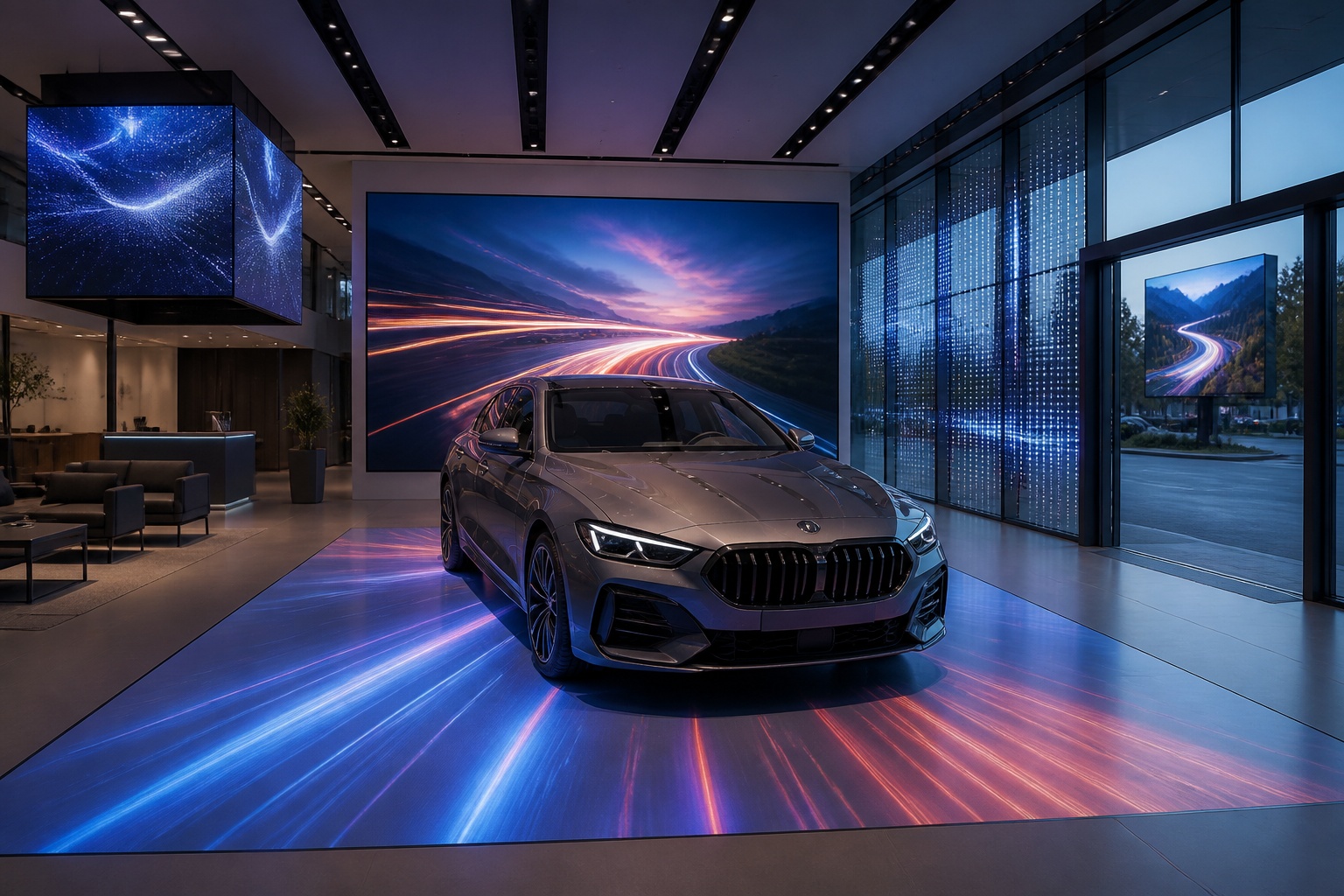
A B2B technical guide to selecting and combining fixed, floor, transparent, cube and other LED displays for automotive dealerships and 4S showrooms.
What LED Displays Can a 4S Dealership Use and How Should They Be Combined?
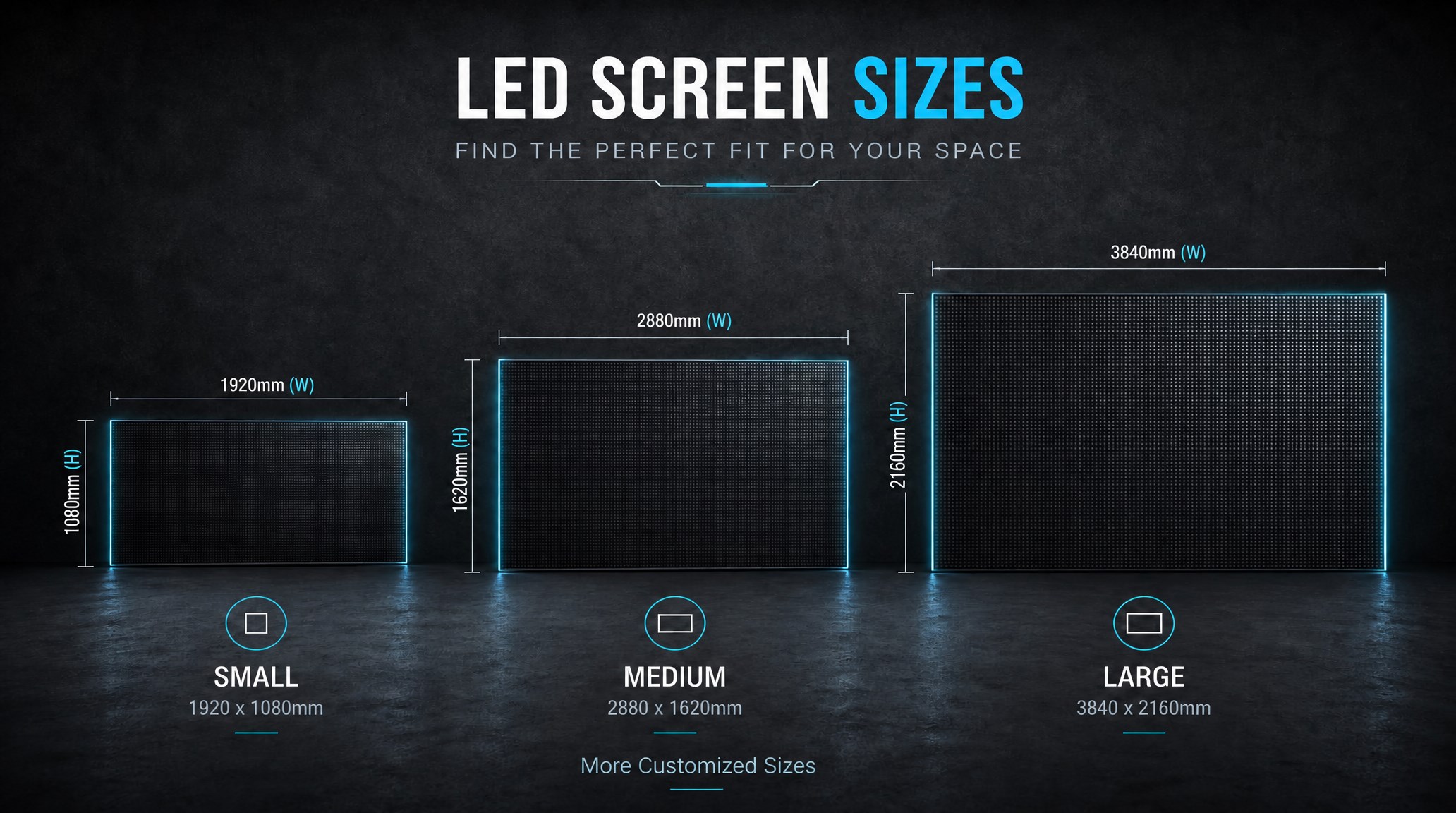
A practical guide explaining how to calculate LED display size, select pixel pitch, determine viewing distance, and choose suitable LED wall dimensions for commercial projects.
How to Choose the Right LED Display Size? Complete LED Screen Size Guide
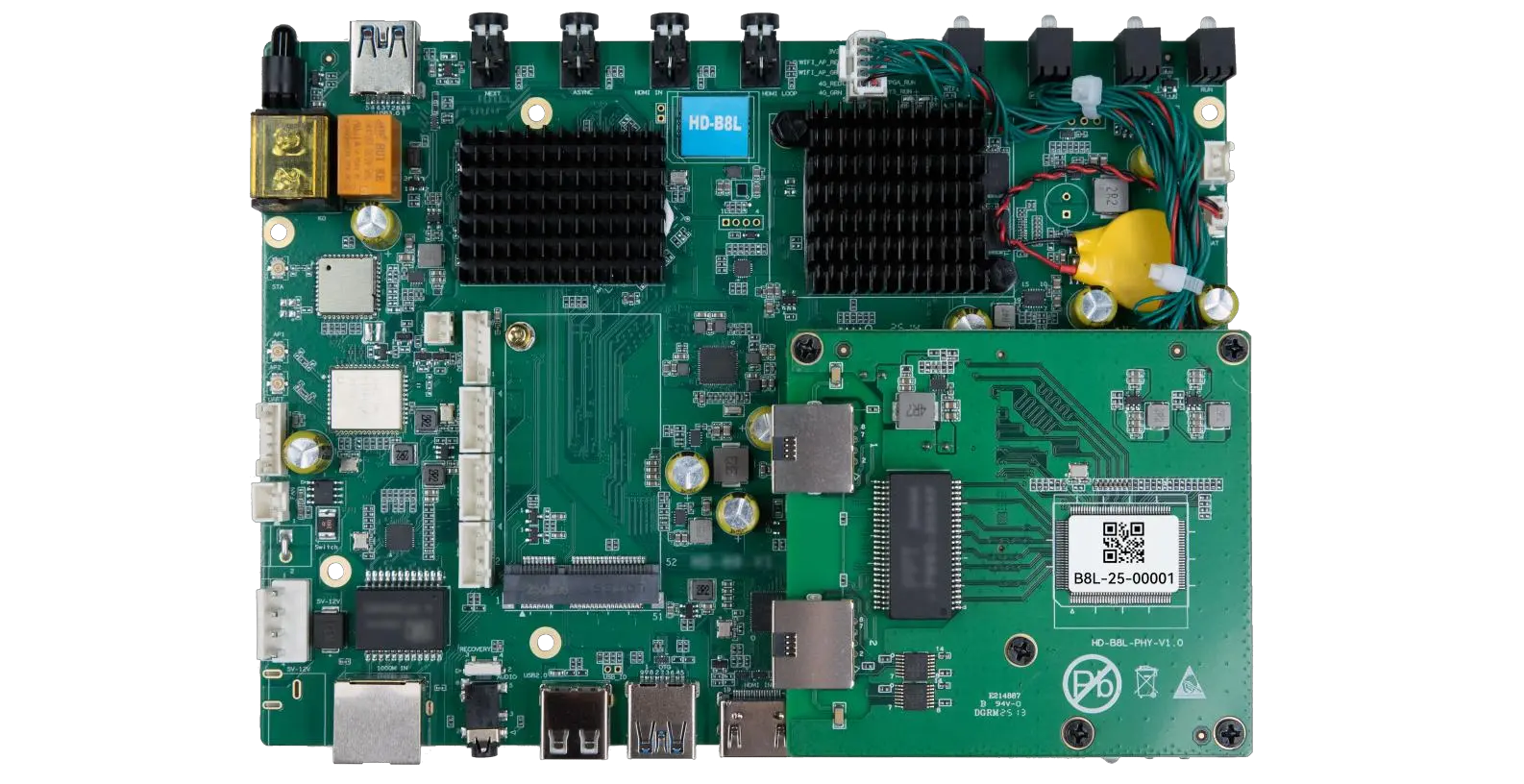
The HD-B8L Poster Screen Control System is an Android-based LED display controller designed for commercial LED poster displays and digital signage. It integrates media playback, asynchronous LED control, HDMI synchronization, network communication, and cloud management into one device, simplifying installation and centralized content management.
What Is the HD-B8L Poster Screen Control System? A Complete Technical Guide for Commercial LED Displays
Tell Us What Are You Looking For?
