
What Is Indicated by the Contrast Ratio of a Monitor? Complete Guide
2025-09-22

What Is Indicated by the Contrast Ratio of a Monitor? Complete Guide
Core Takeaway: Contrast ratio on a monitor indicates how well a display distinguishes between the darkest (black) and brightest (white) parts of an image. A higher ratio means deeper blacks, crisper details in shadows/highlights, and more immersive visuals—whether you’re watching movies, working, or gaming. This guide breaks down exactly what is indicated by the contrast ratio of a monitor, plus how to use this spec to choose the right display.
Table of Contents
- What Is Indicated by the Contrast Ratio of a Monitor? (Key Meanings)
- Static vs. Dynamic Contrast Ratio: Which Is More Useful?
- How Contrast Ratio Impacts Your Daily Monitor Use
- How to Test a Monitor’s Contrast Ratio (At Home, No Tools Needed)
- Common Contrast Ratio Myths (Debunked by Experts)
- FAQ: Your Contrast Ratio Questions Answered
Before diving into what is indicated by the contrast ratio of a monitor, let’s start with a clear contrast ratio explanation: Contrast ratio on a monitor is a numerical spec that measures the difference between the maximum brightness (white) and minimum brightness (black) a display can produce. It’s written as “X:Y” (e.g., 1000:1), where X = white brightness and Y = black brightness.
For example:
- A 1000:1 contrast ratio means the brightest white is 1000x brighter than the darkest black.
- A 3000:1 ratio means whites are 3000x brighter than blacks—so blacks look deeper, and whites more vivid.
This contrast ratio explanation is critical because it’s not just a random number: it directly impacts how “real” and detailed your screen looks. Unlike resolution (which affects sharpness), contrast ratio shapes the depth of an image—making it one of the most important specs for visual quality (after brightness).
2. What Is Indicated by the Contrast Ratio of a Monitor? (Key Meanings)
Now to the core question: what is indicated by the contrast ratio of a monitor? This spec reveals 3 critical things about your display’s performance:
① How “Deep” Blacks Will Look
A high contrast ratio (e.g., 3000:1) indicates the monitor can produce near-true blacks—no grayish tint in dark scenes. For example, when watching a night movie scene, a 3000:1 monitor will show inky black shadows, while a 500:1 monitor will make those shadows look “washed out” (light gray), ruining immersion.
② How Crisp Details Are in Highlights/Shadows
Contrast ratio indicates how well you’ll see fine details in bright or dark areas. A 1500:1 monitor, for example, will let you spot text in a dark Excel spreadsheet (no eye strain) or see clouds in a bright sky (no “blown-out” white blobs). A low ratio (500:1 or lower) will blur these details—bright areas look overexposed, dark areas lose texture.
③ How Natural Colors Appear
Colors rely on contrast to “pop.” A good contrast ratio (1000:1+) indicates colors will look more accurate: reds stay vibrant, blues look rich, and skin tones feel natural. A low ratio makes colors look flat—like watching a photo printed on faded paper—even if the monitor has a wide color gamut.
3. Static vs. Dynamic Contrast Ratio: Which Is More Useful?
When researching monitors, you’ll see two types of contrast ratios—this contrast ratio explanation helps you avoid confusion:
|
Type
|
Definition
|
Use Case Value
|
|
Static Contrast Ratio
|
Fixed ratio (measured in a single frame, same brightness/black level)
|
Best for color-critical work (editing photos/videos)
|
|
Dynamic Contrast Ratio
|
Variable ratio (adjusts brightness/black level based on content)
|
Good for streaming movies/gaming (boosts immersion)
|
Key Tip: Static contrast ratio is more reliable for most users. Dynamic ratios (often labeled “DCR”) can overstate performance—they might deepen blacks in dark scenes but wash out details in bright ones. When asking “what is contrast ratio on a monitor,” prioritize the static spec (most manufacturers list it prominently).
4. How Contrast Ratio Impacts Your Daily Monitor Use
Contrast ratio isn’t a “one-size-fits-all” spec—its importance depends on how you use your monitor:
For Gaming
A high static contrast ratio (1500:1+) is critical for competitive games (e.g., CS2, Valorant). It lets you spot enemies in dark corners (no “gray blob” surprises) and see UI details (health bars, maps) clearly. Dynamic contrast can help for single-player games (e.g., The Last of Us), but avoid it for fast-paced titles (it may cause lag).
For Office Work
A 1000:1+ ratio reduces eye strain when reading docs, browsing webpages, or working in dark mode. It keeps text sharp (no blurring) and avoids the “eye fatigue” caused by gray blacks (which force your eyes to squint to distinguish details).
For Media Streaming/Editing
- Streaming: A 2000:1+ ratio makes movies/shows more immersive—think deep blacks in Netflix thrillers or bright whites in Disney+ animations.
- Editing: Color graders/photographers need 1000:1+ static contrast (and calibration) to ensure edits look accurate on other screens (low ratios lead to “off” colors in final work).
5. How to Test a Monitor’s Contrast Ratio (At Home, No Tools Needed)
You don’t need expensive equipment to verify what is indicated by the contrast ratio of a monitor—try these 2 simple tests:
Test 1: Dark Scene Check
- Play a dark movie scene (e.g., the opening of Batman Begins) or open a pure black image (search “solid black wallpaper” online).
- Look for gray tint: If the “black” area looks gray, your contrast ratio is lower than advertised. True blacks should blend into the monitor’s bezel (if it’s black).
Test 2: Text/Detail Check
- Open a document with white text on a dark background (e.g., Google Docs in dark mode) or a photo with bright sky and dark trees.
- Check clarity: If text looks fuzzy or tree details in shadows are lost, your contrast ratio is insufficient for your use case.
6. Common Contrast Ratio Myths (Debunked by Experts)
Myths about contrast ratio can lead to bad monitor buys—here’s the truth:
Myth 1: “Higher contrast ratio = better display, no matter what.”
False. A 10,000:1 dynamic ratio isn’t better than a 1000:1 static ratio for photo editing—dynamic ratios distort colors. Choose based on your use case, not just the number.
Myth 2: “All IPS monitors have bad contrast.”
False. Modern IPS panels (e.g., LG’s Nano IPS) have 1000:1 static contrast—same as basic VA panels. Only old IPS models had low ratios (500:1).
Myth 3: “You can’t notice contrast ratio differences.”
False. Even casual users notice a 1000:1 vs. 3000:1 difference—just compare two monitors side-by-side watching a dark scene. The 3000:1 screen will feel far more immersive.
7. FAQ: Your Contrast Ratio Questions Answered
Q1: What is the ideal contrast ratio for a monitor?
A: It depends on use:
- Office/work: 1000:1+ static
- Gaming/streaming: 1500:1+ static (or 2000:1+ dynamic for single-player)
- Editing: 1000:1+ static (plus calibration)
Q2: If a monitor lists “5000:1 contrast ratio,” is that static or dynamic?
A: Most likely dynamic (DCR). Manufacturers highlight static ratios (e.g., “1000:1 static contrast”)—if it just says “5000:1,” check the fine print (it’s usually dynamic).
Q3: Can I improve my monitor’s contrast ratio with settings?
A: You can tweak brightness/contrast in your monitor’s OSD (On-Screen Display) to optimize it, but you can’t exceed the panel’s native static contrast ratio. For example, a 1000:1 panel can’t be adjusted to 3000:1.
Q4: What is contrast ratio on a monitor vs. brightness?
A: Brightness is how “light” the screen is (measured in nits), while contrast ratio is the difference between bright and dark. A 500-nit monitor with 1000:1 contrast is better than a 1000-nit monitor with 500:1 contrast (it has deeper blacks).
Conclusion
To recap: What is indicated by the contrast ratio of a monitor? It reveals how deep blacks are, how crisp details look in shadows/highlights, and how natural colors appear—making it a make-or-break spec for visual quality. With this guide, you now understand contrast ratio explanation, what is contrast ratio on a monitor, and how to choose a monitor that matches your needs (whether gaming, working, or editing).
Remember: Prioritize static contrast ratio, test it at home with simple checks, and ignore inflated dynamic ratio claims. By focusing on this key spec, you’ll avoid buyer’s remorse and get a monitor that looks great for years.
What Does DCR Mean on a Monitor? 2025 Expert Guide
Largest Jumbotron in the World: A Complete Guide to Jumbotrons & LED Screens
Related Article

A B2B technical guide to selecting and combining fixed, floor, transparent, cube and other LED displays for automotive dealerships and 4S showrooms.
What LED Displays Can a 4S Dealership Use and How Should They Be Combined?
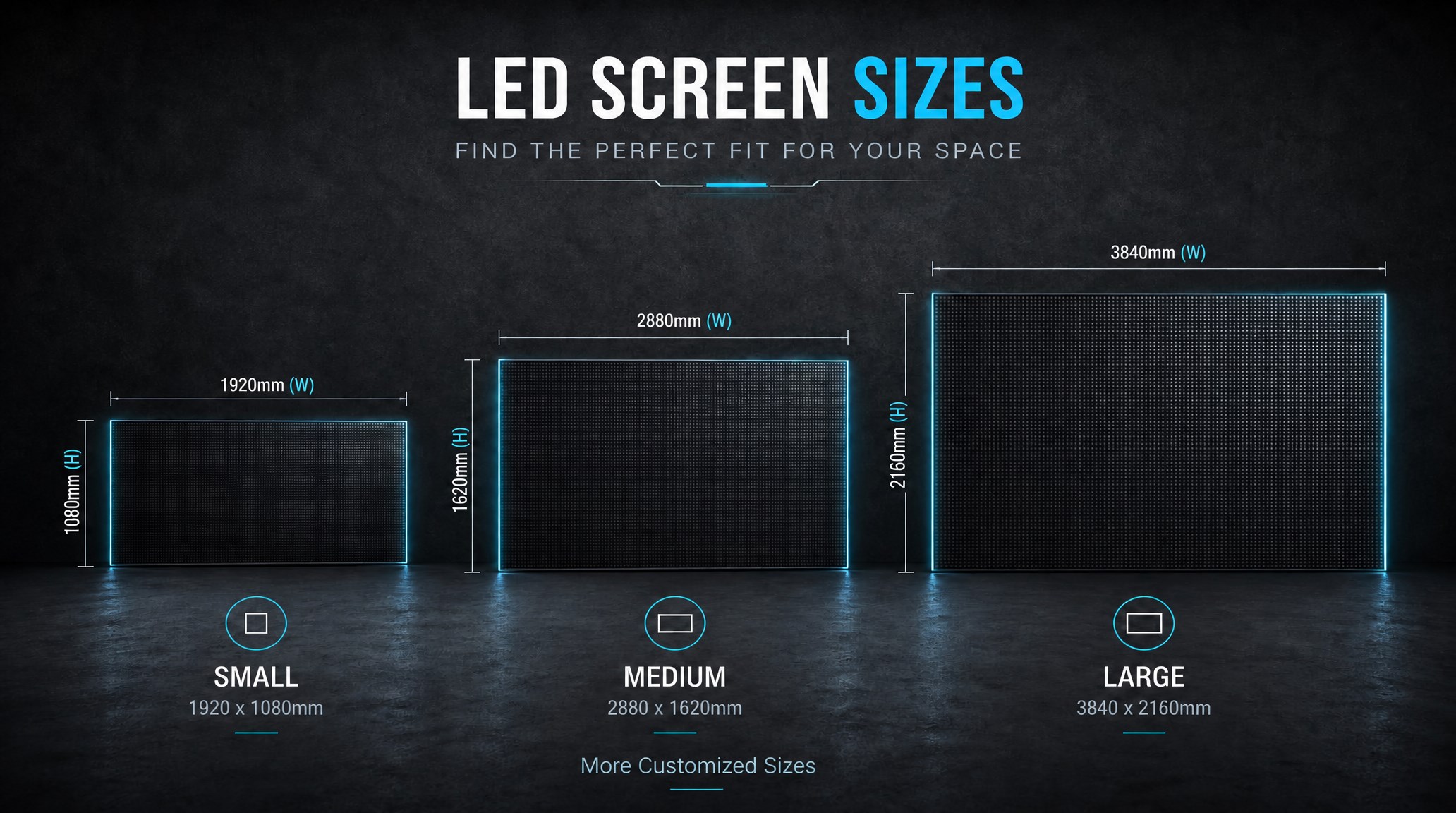
A practical guide explaining how to calculate LED display size, select pixel pitch, determine viewing distance, and choose suitable LED wall dimensions for commercial projects.
How to Choose the Right LED Display Size? Complete LED Screen Size Guide
The HD-B8L Poster Screen Control System is an Android-based LED display controller designed for commercial LED poster displays and digital signage. It integrates media playback, asynchronous LED control, HDMI synchronization, network communication, and cloud management into one device, simplifying installation and centralized content management.
What Is the HD-B8L Poster Screen Control System? A Complete Technical Guide for Commercial LED Displays
Tell Us What Are You Looking For?
