
What Does DCR Mean on a Monitor? 2025 Expert Guide
2025-09-26
What Does DCR Mean on a Monitor? 2025 Expert Guide
If you’re shopping for a monitor or adjusting display settings, you’ve likely seen “DCR.” But what does DCR mean on a monitor, and how does it impact your viewing? For casual streamers, gamers, or design pros, understanding dcr monitor meaning is critical to unlocking your screen’s full potential. This guide answers what is monitor dcr, breaks down its mechanics, compares it to alternatives, and helps you decide if it’s right for your setup.
What Exactly Is DCR on a Monitor?
Let’s start with the basics: what is monitor DCR? DCR stands for Dynamic Contrast Ratio, a monitor technology that enhances the contrast between the darkest blacks and brightest whites in an image. Unlike static contrast ratio—a fixed number manufacturers cite (e.g., 1000:1)—DCR adjusts in real time based on your content. Its core goal? Make blacks deeper and whites crisper, creating a more vivid, lifelike visual experience.
Why isn’t static contrast enough? Static contrast measures the max black-white difference when those colors cover the entire screen. But real-world content—like a movie scene with a dark living room and sunlit window—often leaves blacks looking gray or whites washed out. That’s where DCR helps: it analyzes images frame by frame, tweaking backlight intensity and pixel brightness to fix these flaws. So when you ask “what does DCR mean on a monitor,” it’s your display’s real-time contrast optimizer for every type of content.
How Does DCR Technology Work?
To grasp dcr monitor meaning fully, let’s dive into how it works. Most DCR-equipped monitors use two key methods: backlight dimming (common in mid-range models) and pixel-level brightness control (found in high-end displays like ASUS ROG or Dell Ultrasharp).
First, the monitor’s processor scans incoming image data to map bright and dark zones. For dark scenes—like a night sky in Elden Ring—it dims the backlight in those regions to deepen blacks. For bright scenes—such as a beach in Fortnite—it boosts backlight intensity to make whites pop. Premium monitors add local dimming zones (small, independent backlight sections) to avoid “blooming” (bright pixels bleeding into dark areas), a key pain point for users asking what is monitor DCR.
Pixel-level control takes this further by adjusting individual pixels alongside the backlight. This refinement is why high-end DCR monitors outperform budget ones. Budget models may only tweak overall backlight (still better than static contrast but less precise). Either way, DCR’s core job is balancing light and dark for a more engaging view—answering the “what does DCR mean on a monitor” question with tangible results.
The Pros of Using DCR on Your Monitor
Now that you know what DCR means on a monitor and how it operates, let’s break down its top benefits—tailored to how real users interact with their screens:
-
Cinema-Quality Movie/TV Viewing: Films and shows rely on lighting drama—think Stranger Things’ dark Upside Down or Oppenheimer’s bright test scenes. DCR enhances these moments by deepening shadows and brightening highlights, so you catch every detail (from a character’s subtle expression to cloud textures). This is where dcr monitor meaning truly elevates entertainment.
-
Competitive Gaming Edge: Gamers benefit from DCR in varied environments. In an FPS like CS2, DCR darkens cave shadows (hiding enemies) and brightens open areas (reducing glare). Even on non-HDR monitors, it mimics HDR-like pop—critical for players wondering what is monitor DCR’s value for gaming.
-
Easier Reading in Bright Rooms: Ambient light can wash out static contrast. DCR adjusts backlight to make whites brighter (easier to read) without losing black depth.
The Cons to Consider with DCR
While DCR has clear perks, it’s not perfect. Understanding these limitations helps you avoid frustration—key for anyone researching what does DCR mean on a monitor:
-
Detail Loss in Budget Models: Cheap DCR monitors often overprocess images—dark shadows turn pure black (losing texture) or bright skies “blow out” (no clouds visible). Test DCR with your go-to content (e.g., photos, games) before buying to avoid this.
-
Backlight Flicker: Rapid backlight adjustments can cause flicker and eye strain during long sessions (bad for office work or marathon gaming).
-
Bad for Pro Work: Photo/graphic designers need accurate colors/contrast. DCR alters the original image—stick to static contrast and calibrated monitors.
Should You Keep DCR Turned On?
Should you keep DCR on? The answer ties directly to how you use your monitor—let’s align it with what does DCR mean on a monitor for your needs:
Turn it on if: You stream movies, watch TV, or game (and your monitor has no flicker/distortion). It makes these activities more visually immersive—exactly why DCR exists.
Turn it off if: You’re a photo/graphic designer, video editor, or notice eye strain. Professional work demands accurate colors/contrast, and DCR alters the original image—static contrast is better here.
Most monitors let you toggle DCR in settings (look for “Dynamic Contrast” or “DCR”). Test both ways with your favorite content—you’ll notice the difference fast.
DCR vs. HDR: What’s the Difference?
Many confuse DCR with HDR—let’s clarify, as this is a top question for users learning what is monitor DCR. HDR (High Dynamic Range) is a hardware/software standard that expands color gamuts and brightness beyond SDR. It needs HDR10/Dolby Vision panels and encoded content for natural, rich visuals.
DCR, by contrast, is software-driven and works on any monitor (even non-HDR). It mimics HDR by adjusting contrast but can’t match HDR’s color depth or peak brightness. Think: DCR = budget-friendly contrast boost; HDR = premium visual upgrade. This distinction is key to fully understanding dcr monitor meaning vs. industry standards.
Final Thoughts on Monitor DCR
To wrap up: what does DCR mean on a monitor? It’s a dynamic contrast ratio tool that optimizes black-white differences in real time, enhancing movies, games, and daily use. While it has limits (budget-model distortion, flicker), it’s a valuable feature for casual users wanting better visuals without upgrading to HDR.
When shopping for a monitor, prioritize models with local dimming (e.g., Samsung Odyssey, LG UltraGear) for precise DCR. Test DCR in-store or via return policies to avoid eye strain. Pros should stick to color-calibrated monitors with reliable static contrast.
Whether DCR is on or off, knowing its purpose helps you maximize your monitor. Now that you understand dcr monitor meaning and what is monitor DCR in practical terms, you can adjust settings confidently for a tailored viewing experience.
2025 Biggest Screen in the World: Top Records, Tech & Industry Impact
What Is Indicated by the Contrast Ratio of a Monitor? Complete Guide
Related Article

A B2B technical guide to selecting and combining fixed, floor, transparent, cube and other LED displays for automotive dealerships and 4S showrooms.
What LED Displays Can a 4S Dealership Use and How Should They Be Combined?
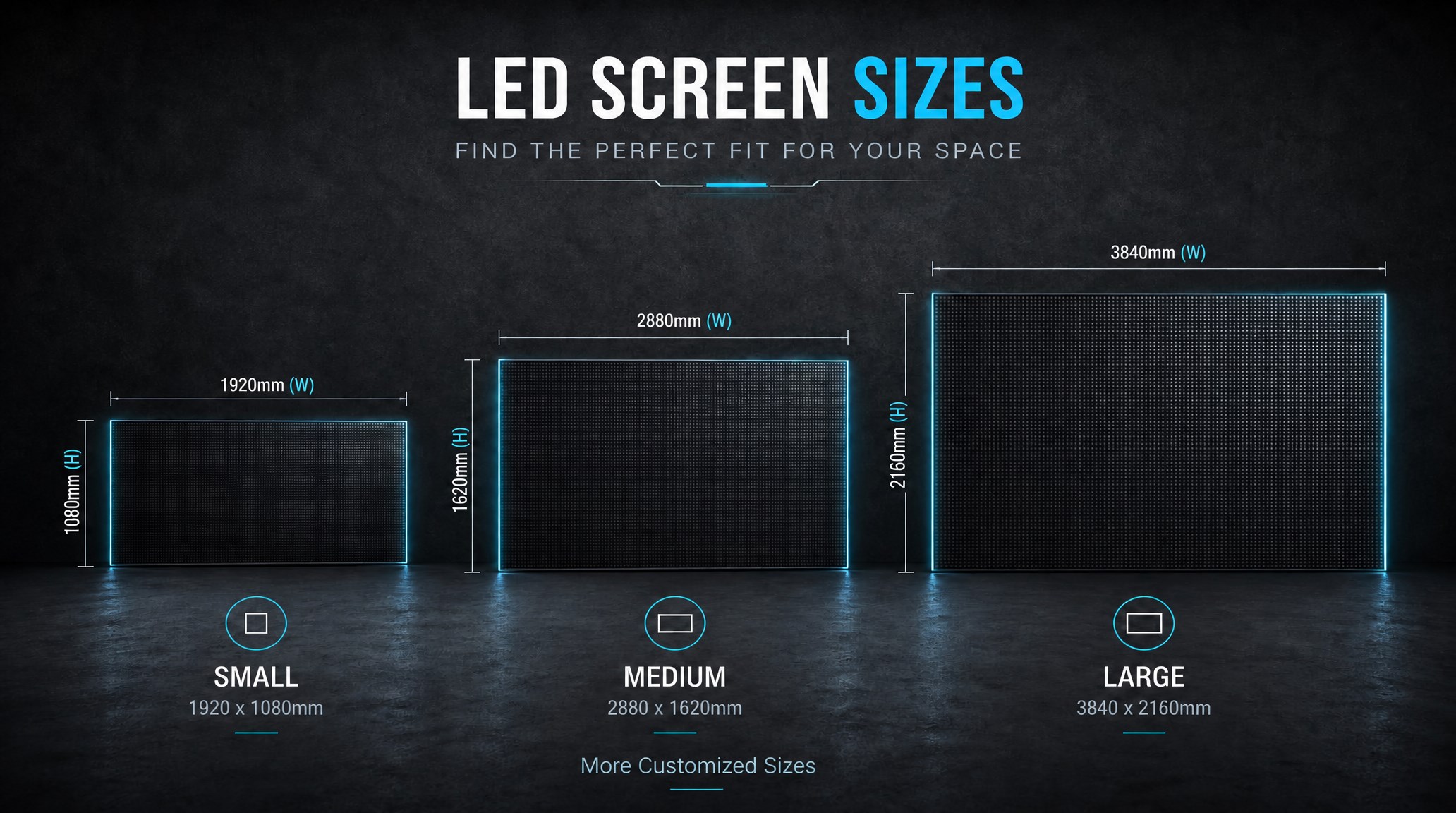
A practical guide explaining how to calculate LED display size, select pixel pitch, determine viewing distance, and choose suitable LED wall dimensions for commercial projects.
How to Choose the Right LED Display Size? Complete LED Screen Size Guide
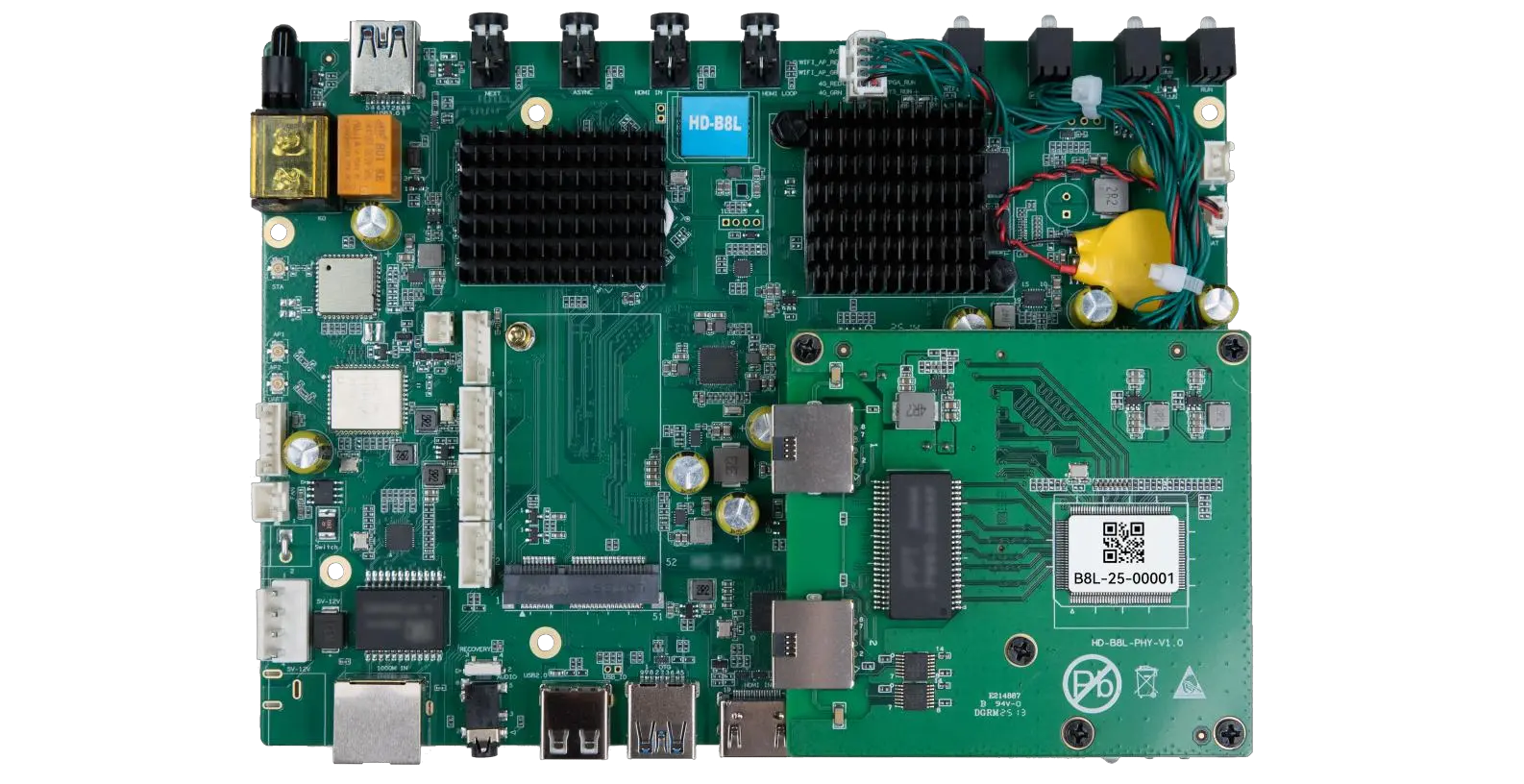
The HD-B8L Poster Screen Control System is an Android-based LED display controller designed for commercial LED poster displays and digital signage. It integrates media playback, asynchronous LED control, HDMI synchronization, network communication, and cloud management into one device, simplifying installation and centralized content management.
What Is the HD-B8L Poster Screen Control System? A Complete Technical Guide for Commercial LED Displays
Tell Us What Are You Looking For?
