
How to choose a suitable video wall processor?
2025-02-05
Calculate module resolution - calculate cabinet resolution - calculate the number of cabinets with a network cable = 65W ÷ cabinet resolution - draw a picture to get the number of network cables - get the number of network ports - choose a suitable video wall processor
1 Calculate module resolution
Module resolution = module size ÷ dot spacing
2 Calculate cabinet resolution
Cabinet resolution = cabinet size ÷ dot spacing = module resolution × number of modules
3 Calculate the number of cabinets with a network cable
A network cable can carry up to 65W dots
65W ÷ cabinet resolution = number of cabinets with a network cable
4 Calculate the number of cabinets for the length and width of the screen size
5 Calculate the number of network cables
6 Number of network ports = number of network cables
7 Choose a suitable video wall processor
Colorite: Choose Xn video wall processor for n network ports
NOVA: 3 commonly used video wall processors
VX400, 4 interfaces, 4*65W=26W
VX600, 6 interfaces, 6*65W=390W
VX1000, 10 interfaces, 10*65W=650W
Example : To make a 16m*9m LED display screen, P3.91, and the cabinet size is 500mmx1000mm. How to choose a video wall processor?
Method 1:
Calculate the cabinet resolution of P3.91,500x1000 = (500÷3.91) * (1000÷3.91) ≈ 128*256 = 32768 ≈ 3.2W
Calculate the number of P3,91,500x1000 cabinets that can be carried by one network cable = 65W÷3.2W = 20.3, round down, equal to 20
Calculate the number of 16m*9m display cabinets: length: 16m÷0.5m=32; width: 9m÷1m=9
Calculate the number of network cables: horizontal: 2*9=18;
Calculate the number of network ports: 18
Select video wall processor: X18
Method 2:
Calculate the point density = (1000mm÷3.91) (1000mm÷3.91) = 65536
Calculate the number of points that the video wall processor needs to carry = point density * screen area = 65536 * 16 * 9 = 9437184
LED video processor overview
Common Terms of LED Display Screen (2)
Related Article
A B2B technical guide to selecting and combining fixed, floor, transparent, cube and other LED displays for automotive dealerships and 4S showrooms.
What LED Displays Can a 4S Dealership Use and How Should They Be Combined?
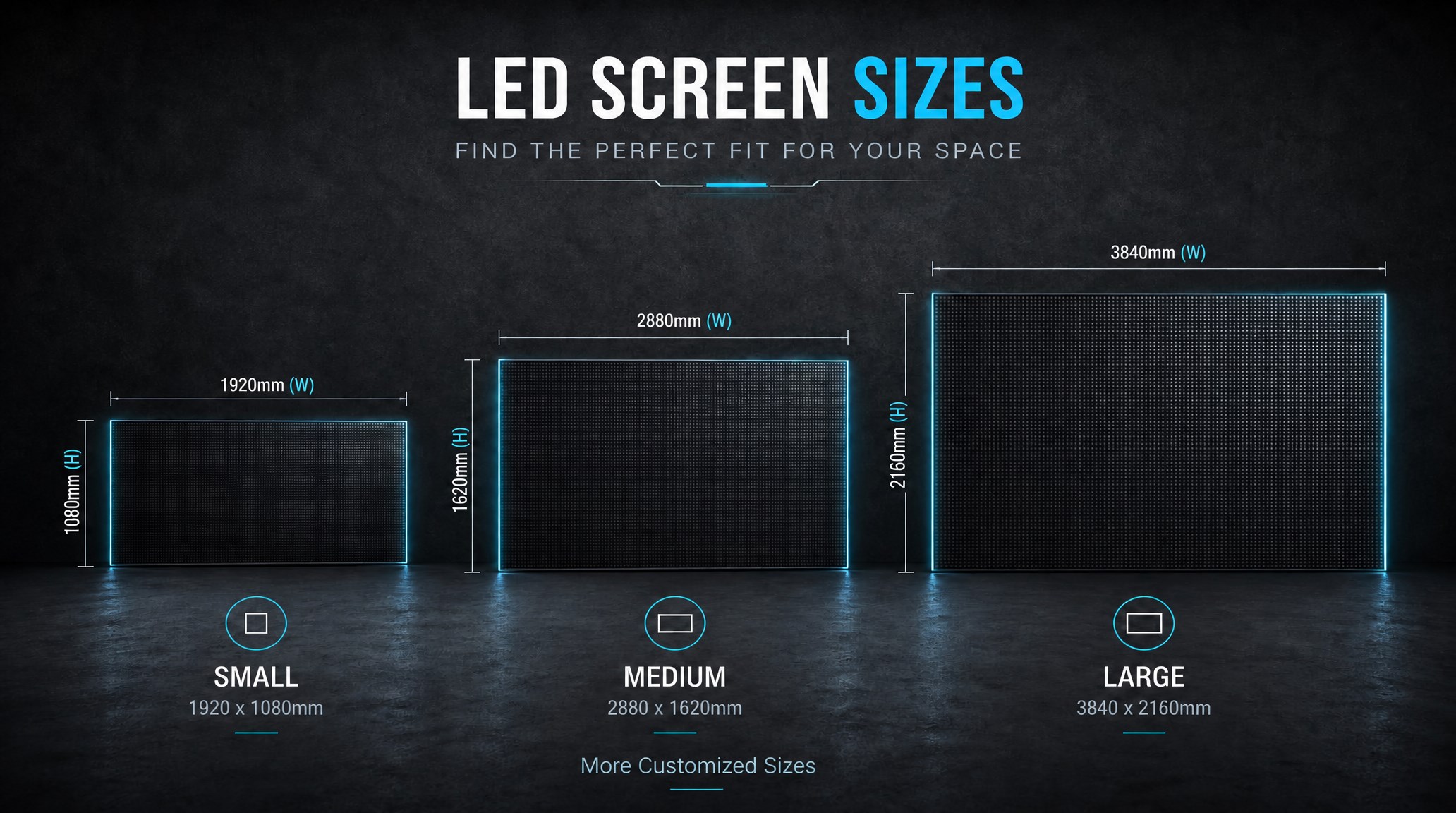
A practical guide explaining how to calculate LED display size, select pixel pitch, determine viewing distance, and choose suitable LED wall dimensions for commercial projects.
How to Choose the Right LED Display Size? Complete LED Screen Size Guide
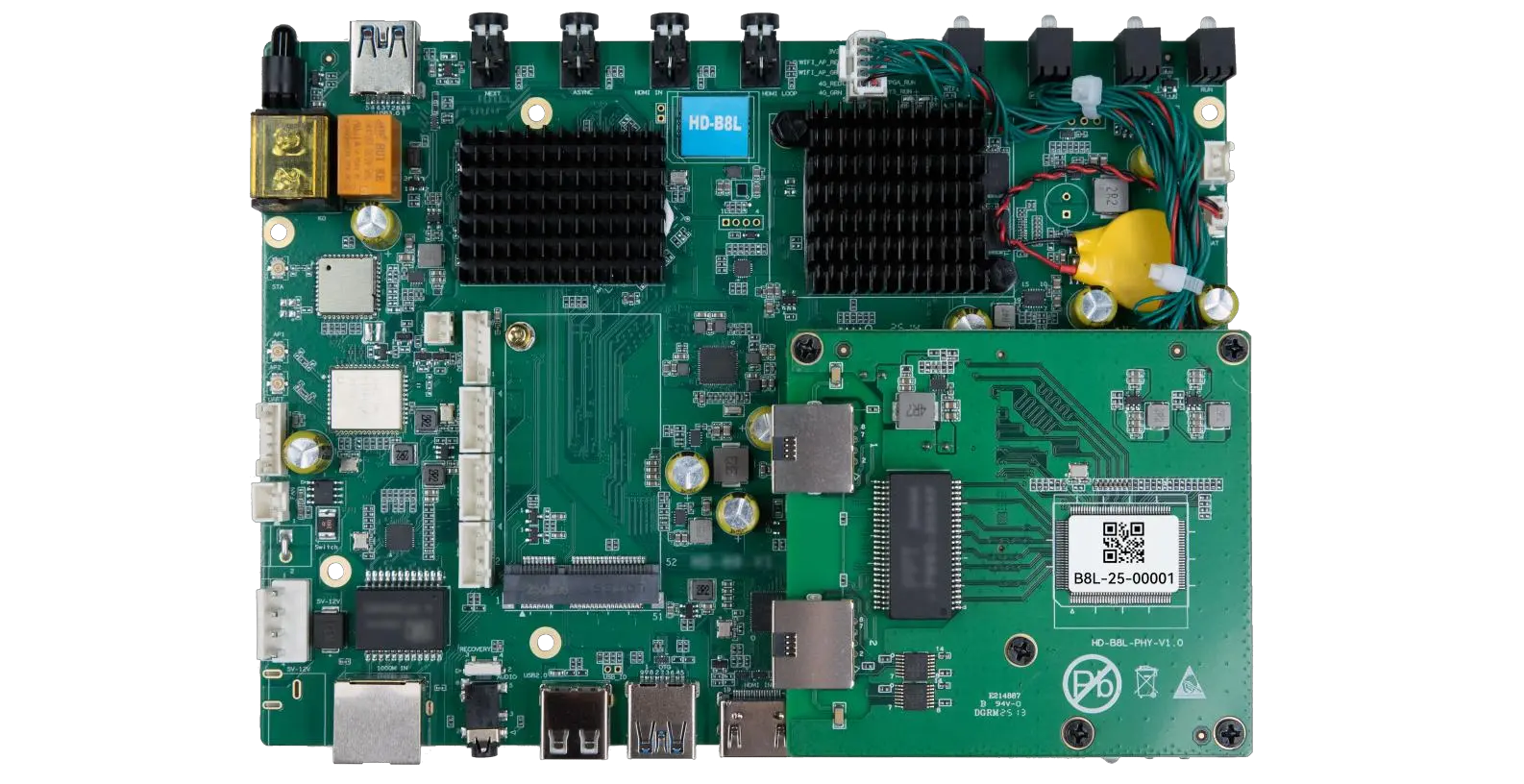
The HD-B8L Poster Screen Control System is an Android-based LED display controller designed for commercial LED poster displays and digital signage. It integrates media playback, asynchronous LED control, HDMI synchronization, network communication, and cloud management into one device, simplifying installation and centralized content management.
What Is the HD-B8L Poster Screen Control System? A Complete Technical Guide for Commercial LED Displays
Tell Us What Are You Looking For?
