
How to Repair P6 Outdoor LED Display Sign Board Screen: A Complete Guide
2025-10-14
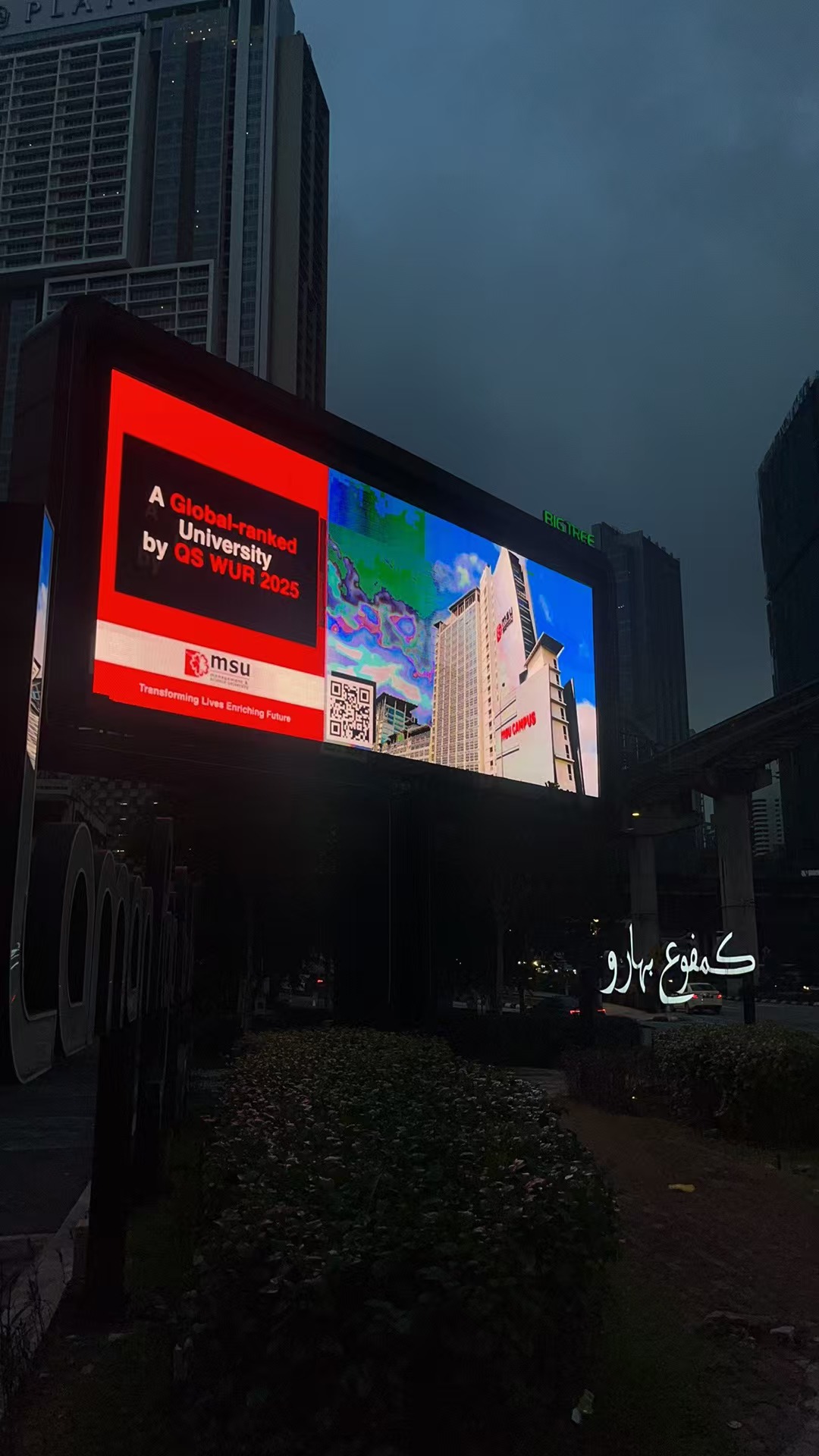
How to Repair P6 Outdoor LED Display Sign Board Screen: A Complete Guide
Outdoor LED display sign boards, especially P6 models (with a 6mm pixel pitch), are workhorses for businesses, advertising, and public messaging. Their bright, weather-resistant design makes them ideal for harsh outdoor conditions—but like any electronic device, they can develop issues over time. From flickering screens to dead pixels, knowing how to repair P6 outdoor LED display sign board screen can save you time and money. In this guide, we’ll walk you through diagnosing common problems and executing effective led sign repair and led screen repair solutions.
Common Issues with P6 Outdoor LED Display Sign Board Screens
Before diving into repairs, it’s critical to identify the problem. P6 outdoor LED screens face unique challenges due to exposure to rain, dust, extreme temperatures, and physical impact. Here are the most frequent issues:
- Flickering or unstable display: Often caused by power supply issues or loose connections.
- Dead pixels or dark patches: May result from damaged LED modules or faulty driver ICs.
- No display at all: Could stem from a failed power source, broken control card, or damaged data cables.
- Color distortion: Typically linked to mismatched LED modules or software calibration errors.
Step 1: Safety First—Prepare for Led Sign Repair
Before attempting any led screen repair, prioritize safety:
- Power off: Disconnect the screen from its main power source to avoid electric shock.
- Check weather conditions: Repairing outdoors? Wait for dry weather to prevent water damage to internal components.
- Gather tools: You’ll need a screwdriver set, multimeter, anti-static wristband, replacement LED modules (matching P6 specs), and a soft cloth.
Step 2: Diagnose the Problem
Accurate diagnosis is key to effective led screen repair. Follow these steps:
Check the Power Supply
A faulty power supply is the most common culprit behind a non-functional or flickering P6 outdoor LED display.
- Use a multimeter to test the voltage output of the power supply. It should match the screen’s specifications (usually 5V or 12V).
- If the voltage is unstable or absent, replace the power supply with a compatible model. Ensure it’s rated for outdoor use (waterproof and dustproof).
Inspect Connections
Loose or corroded connections often cause display issues.
- Examine data cables (usually HDMI, DVI, or Ethernet) and power cables for fraying, corrosion, or disconnections.
- Clean connectors with a soft cloth and reconnect them firmly. For corroded parts, use isopropyl alcohol to remove rust.
- Check the junction box (where power and data cables meet the screen) for water ingress—seal any gaps with silicone caulk if needed.
Test LED Modules
P6 outdoor LED screens are made of modular panels; a single faulty module can cause dark patches or dead pixels.
- Power on the screen (briefly, with caution) and mark the problematic area.
- Power off again, then remove the faulty module using a screwdriver.
- Replace it with a new P6-compatible module (ensure the pixel pitch, resolution, and color temperature match).
- Reconnect the module’s data and power cables, then test the screen.
Examine the Control Card
The control card manages the display’s content and signal. A malfunctioning card can cause no display or distorted images.
- Check if the control card’s indicator lights are on (most have LED lights to signal power and data flow).
- If lights are off, reseat the card or replace it with a compatible model.
- For software-related issues, update the control card’s firmware via the manufacturer’s software (e.g., NovaStar or Linsn).
Step 3: Calibrate and Test
After repairing, calibrate the screen to ensure optimal performance:
- Use the manufacturer’s calibration software to adjust brightness, contrast, and color balance.
- Test the display with different content (text, images, videos) to check for lingering issues.
- For outdoor screens, verify visibility in direct sunlight—adjust brightness settings if needed.
Preventive Maintenance for Longevity
To reduce the need for frequent led sign repair or led screen repair, follow these maintenance tips:
- Clean regularly: Wipe the screen with a soft, dry cloth to remove dust and debris. Avoid harsh chemicals.
- Inspect seals: Check waterproof gaskets and seals quarterly; replace them if cracked.
- Monitor temperature: Ensure the screen’s cooling system (fans or heat sinks) is working to prevent overheating.
- Schedule professional checks: Have a technician inspect the screen annually for hidden issues.
When to Call a Professional
While many issues can be fixed with DIY led screen repair, some require expert help:
- Complex control card failures or software bugs.
- Large-scale module damage (more than 10% of the screen).
- Water damage to internal components (e.g., circuit boards).
Conclusion
Knowing how to repair P6 outdoor LED display sign board screen empowers you to address common issues quickly, minimizing downtime. By following these steps—from safety prep to diagnosis and calibration—you can extend your screen’s lifespan and ensure it remains a reliable communication tool. Remember, regular maintenance is key to reducing the need for major led sign repair or led screen repair. With the right care, your P6 outdoor LED display will continue to shine bright for years to come.
Concert Screen: Elevate Your Live Events with Top-Tier LED Display Solutions
How to Clean LED TV Screen: Safe & Streak-Free Guide 2025
Related Article

A B2B technical guide to selecting and combining fixed, floor, transparent, cube and other LED displays for automotive dealerships and 4S showrooms.
What LED Displays Can a 4S Dealership Use and How Should They Be Combined?
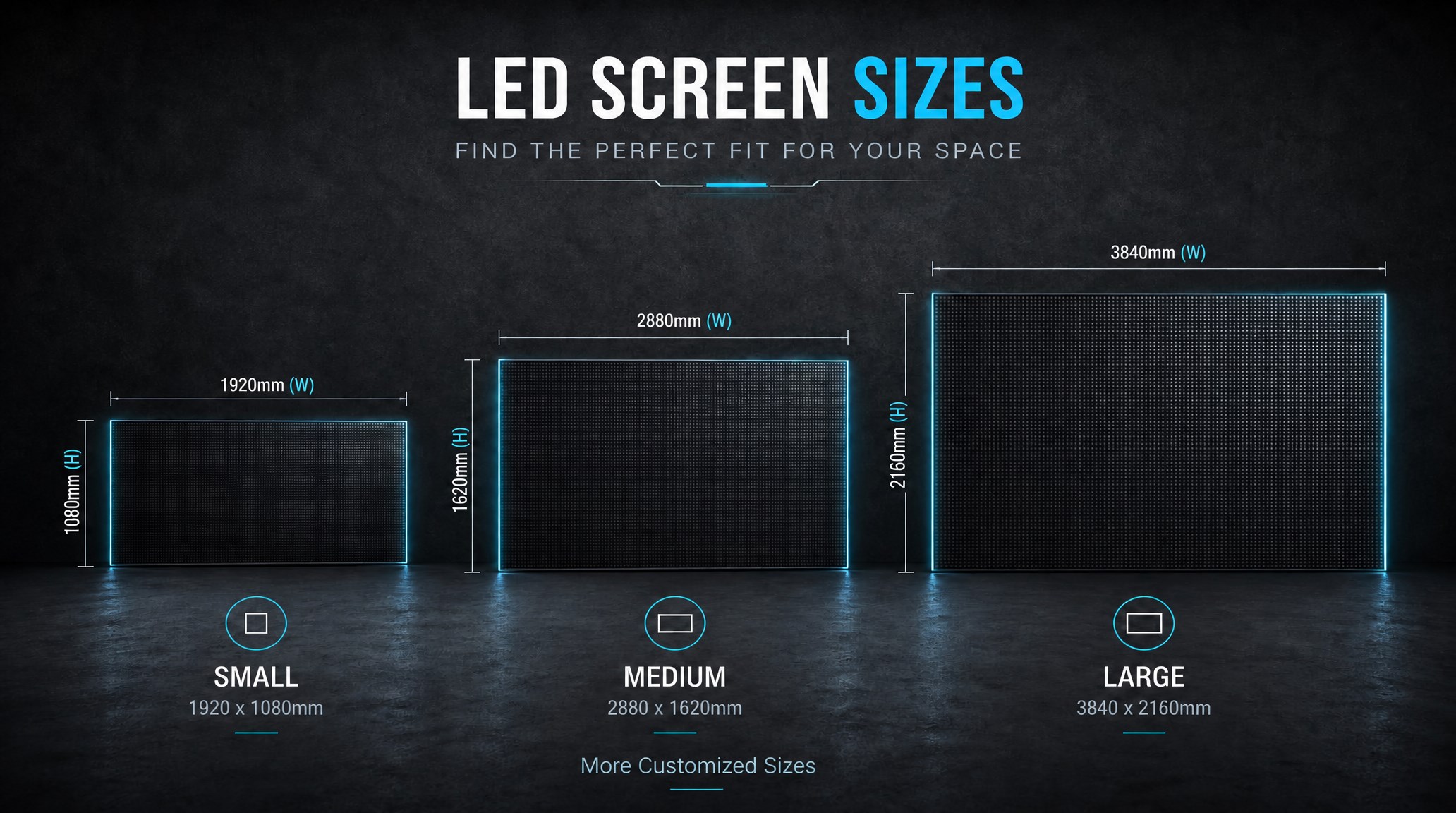
A practical guide explaining how to calculate LED display size, select pixel pitch, determine viewing distance, and choose suitable LED wall dimensions for commercial projects.
How to Choose the Right LED Display Size? Complete LED Screen Size Guide
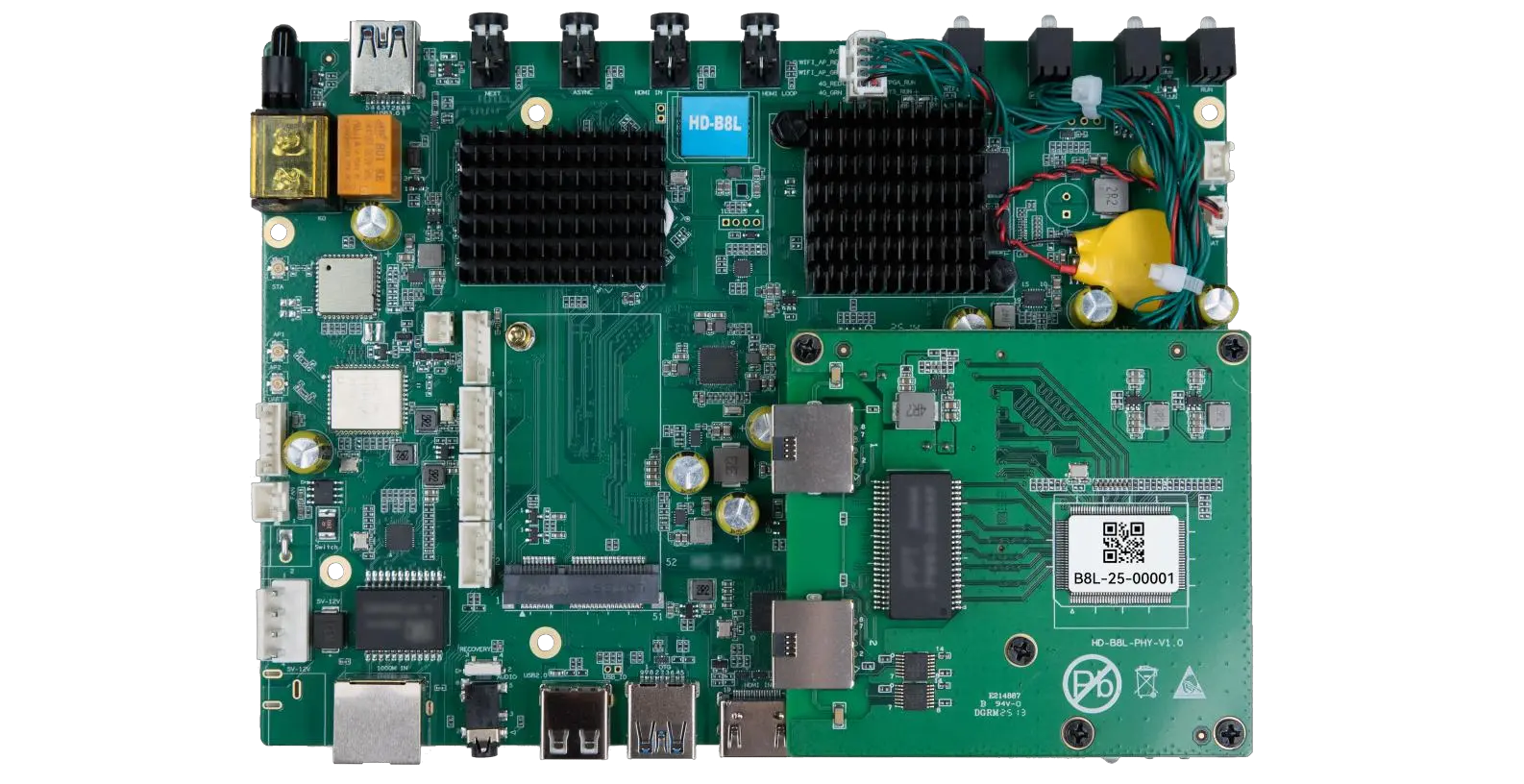
The HD-B8L Poster Screen Control System is an Android-based LED display controller designed for commercial LED poster displays and digital signage. It integrates media playback, asynchronous LED control, HDMI synchronization, network communication, and cloud management into one device, simplifying installation and centralized content management.
What Is the HD-B8L Poster Screen Control System? A Complete Technical Guide for Commercial LED Displays
Tell Us What Are You Looking For?
