
P6 Outdoor LED Display Screen Does Look Different? Here’s Why & How to Fix It
2025-10-25

Why Does Your P6 Outdoor LED Display Screen Look Different?
Before fixing the problem, it’s crucial to identify the root cause. P6 outdoor LED display screens operate in harsh conditions—exposure to sunlight, rain, temperature swings, and dust—so issues often stem from environmental wear or component mismatches. Here are the most common culprits:
1. Brightness & Contrast Imbalance
Outdoor LED display screens rely on consistent brightness to remain visible in direct sunlight. If your P6 outdoor LED display screen does look different—like “washed out” or darker in certain sections—it may be due to uneven brightness calibration. Over time, LED bulbs degrade at different rates, especially if some modules are exposed to more sunlight than others. Additionally, incorrect contrast settings can make text or images appear fuzzy or skewed, worsening why the P6 outdoor LED display screen does look different from its original state.
2. Color Calibration Deviations
A P6 outdoor LED display screen that shows off-color hues (e.g., too much red, green tint, or faded colors) is a clear sign it does look different due to color calibration issues. This can happen if the screen’s control software settings are reset, or if individual LED modules have mismatched color temperatures. For example, replacing a faulty module with one from a different batch may make the P6 outdoor LED display screen does look different by creating a “patchwork” effect from mismatched color output.
3. Module Aging or Mismatch
P6 outdoor LED display screens are made of modular panels, each with a 5–8 year lifespan (depending on usage). As modules age, brightness and color output decline—so if only some are old and others new, the contrast makes the screen look uneven. Even new modules can cause the P6 outdoor LED display screen does look different if they’re not the same brand, model, or batch; small pixel pitch or LED chip differences create a disjointed outdoor LED display screen appearance.
4. Viewing Angle & Installation Issues
Sometimes the P6 outdoor LED display screen does look different not due to the screen itself, but installation. P6 outdoor LED display screens have a 120°–160° horizontal/vertical viewing angle. Mounting it too high, low, or at an awkward angle makes viewers see color shifts or brightness drops from certain positions, making the outdoor LED display screen look different than intended. Loose brackets that tilt the screen worsen this issue.
5. External Environmental Interference
Outdoor elements often make a P6 outdoor LED display screen does look different. Dust, dirt, or bird droppings dim the outdoor LED display screen and create smudges. Unsealed screens get water spots from rain that refract light, distorting images. Extreme temps also affect performance—cold slows LED response, heat causes overheating and brightness dips, all leading to why the P6 outdoor LED display screen does look different.
How to Fix a P6 Outdoor LED Display Screen That Looks Different
Once you’ve identified the cause, follow these actionable steps to restore your outdoor LED display screen to its optimal state:
Step 1: Clean the Screen Surface
Start with the simplest fix for when your P6 outdoor LED display screen does look different: cleaning. Turn off the outdoor LED display screen and use a soft, lint-free cloth dampened with distilled water (avoid harsh chemicals/abrasives) to wipe dust, dirt, and smudges. For tough stains, use mild detergent diluted in water. Dry thoroughly to prevent water spots—this often resolves “dull” or “smudged” looks that make the P6 outdoor LED display screen does look different.
Step 2: Check & Adjust Brightness/Contrast Settings
If brightness imbalance makes your P6 outdoor LED display screen does look different, access the screen’s control software (e.g., NovaStar, Linsn) via a connected computer. Navigate to “Brightness” and “Contrast” settings. Use built-in calibration tools to measure brightness across the outdoor LED display screen. Adjust for uniform brightness (5000–8000 nits for outdoor visibility). If specific areas stay dim, replace aging LED modules to fix why the P6 outdoor LED display screen does look different.
Step 3: Recalibrate Colors
Color calibration fixes off-hue issues that make a P6 outdoor LED display screen does look different. In the control software, select “Color Calibration.” Use a colorimeter to scan the outdoor LED display screen and identify deviations. The software generates a profile to adjust RGB levels per module. If modules are mismatched, replace them with identical batch units—this eliminates color inconsistencies causing the P6 outdoor LED display screen does look different.
Step 4: Inspect & Replace Aging Modules
Aging modules are a top reason your P6 outdoor LED display screen does look different. Turn off the outdoor LED display screen, remove the front panel (if applicable), and inspect modules for dim LEDs, discolored plastic, or burn-in. Use a multimeter to test suspect modules—replace those with voltage below manufacturer specs (usually 5V). Always use P6-compatible modules from the original manufacturer to avoid mismatches that make the P6 outdoor LED display screen does look different.
Step 5: Adjust Installation Angle & Mounting
If viewing angle issues make your P6 outdoor LED display screen does look different, check mounting. Use a level to ensure the outdoor LED display screen is straight. Adjust brackets to position it at a 45° angle from the primary viewing area (e.g., tilt downward for street-level viewers). This maximizes the P6 outdoor LED display screen’s viewing angle, ensuring consistent visibility so it no longer does look different from any position.
Preventive Tips to Keep Your P6 Outdoor LED Display Screen Looking Consistent
To avoid future cases where your P6 outdoor LED display screen does look different, follow these outdoor LED display screen maintenance practices:
-
Regular Calibration: Calibrate brightness and colors every 3–6 months, especially after extreme weather events.
-
Module Inventory Management: Keep spare modules from the same batch as your screen. Label them with purchase dates to ensure consistency when replacing parts.
-
Weatherproofing: Inspect the screen’s seals and gaskets quarterly. Replace cracked seals with silicone caulk to prevent water ingress. Install a protective cover if the screen is in an area with heavy rain or snow.
-
Scheduled Cleaning: Clean the screen monthly to remove debris. For high-pollution areas, clean every 2 weeks.
-
Temperature Monitoring: Install temperature sensors near the screen. If temperatures exceed 40°C (104°F), add extra cooling fans to prevent overheating.
When to Call a Professional
While many fixes for when a P6 outdoor LED display screen does look different are DIY, some need experts: repeated color calibration failures, over 20% aging modules, or internal water damage. Professional technicians have specialized tools (advanced colorimeters, thermal imaging cameras) to diagnose and resolve complex issues, ensuring your outdoor LED display screen no longer does look different and performs at its best.
Conclusion
If your P6 outdoor LED display screen does look different, don’t panic—it’s almost always fixable. By identifying the cause (dirt, calibration, aging modules, or installation) and following the steps above, you can restore your outdoor LED display screen’s clarity, brightness, and color consistency. Preventive maintenance is key to long-term performance: regular checks keep the P6 outdoor LED display screen from looking different and ensure it stays vibrant and professional. With the right care, your outdoor LED display screen will effectively communicate your message, no matter the outdoor conditions.
Add LED Screen Corner: Transform Spaces with Smart LED Installations
How to download and install Novastar software for LED display?
Related Article
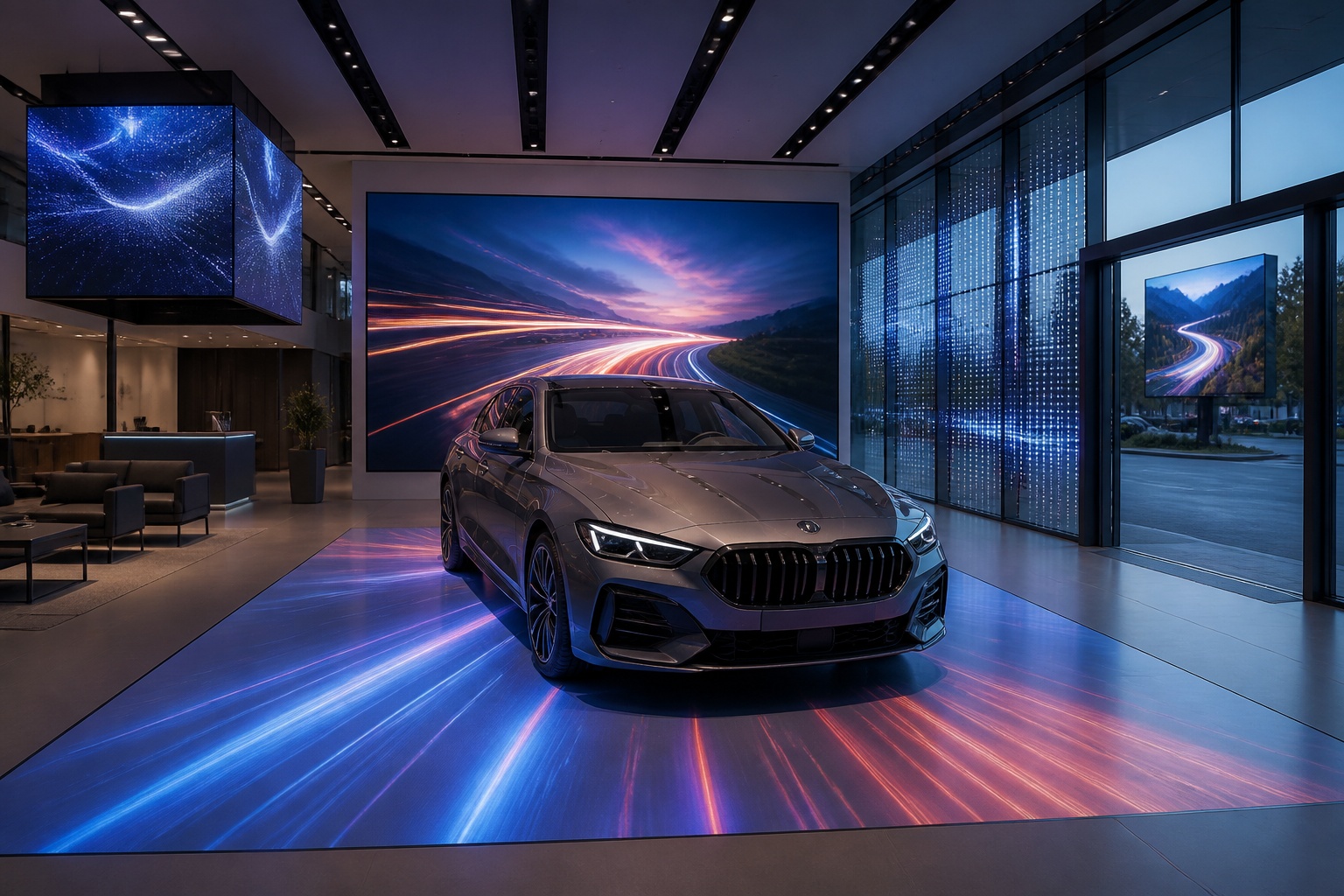
A B2B technical guide to selecting and combining fixed, floor, transparent, cube and other LED displays for automotive dealerships and 4S showrooms.
What LED Displays Can a 4S Dealership Use and How Should They Be Combined?
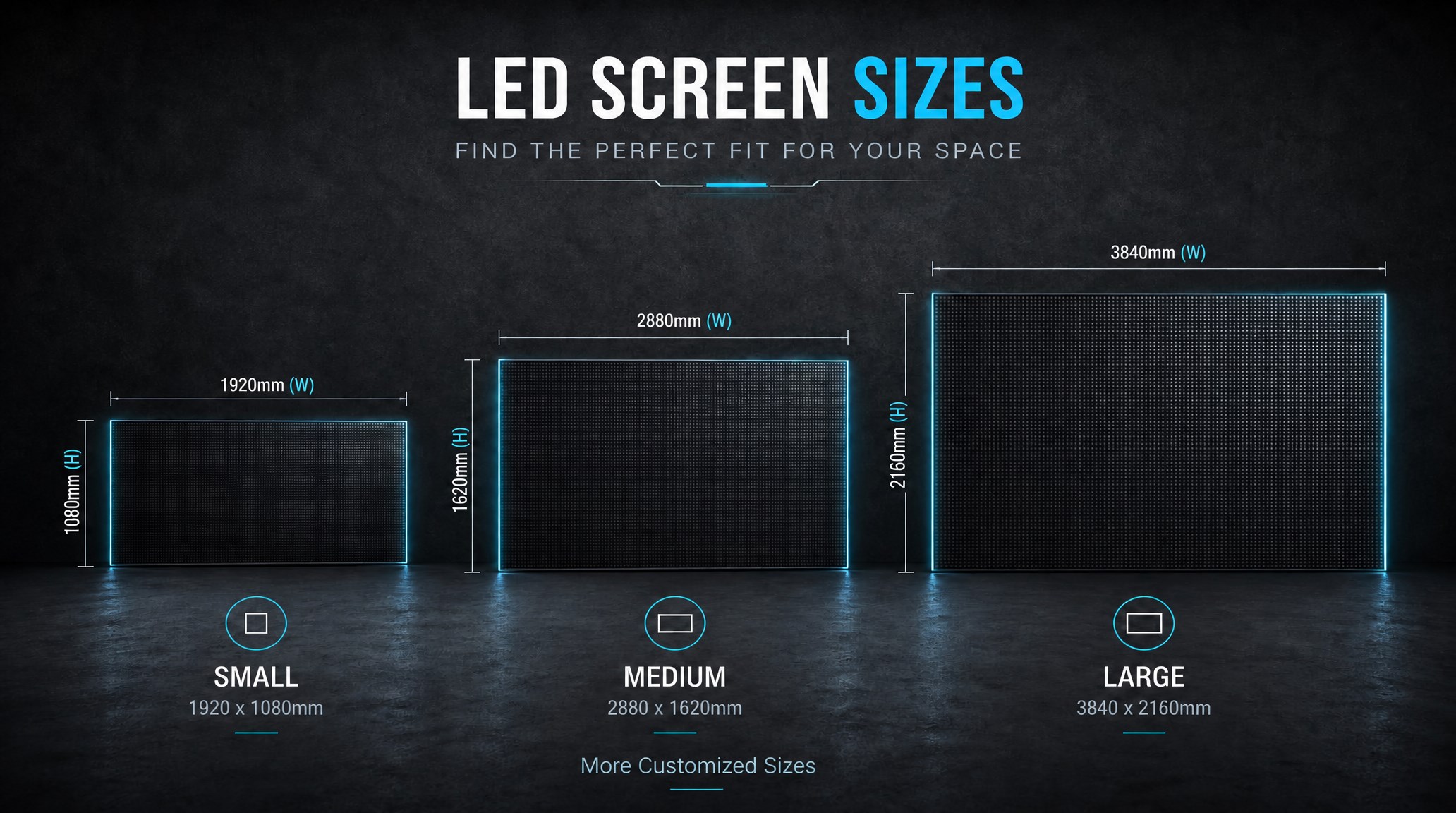
A practical guide explaining how to calculate LED display size, select pixel pitch, determine viewing distance, and choose suitable LED wall dimensions for commercial projects.
How to Choose the Right LED Display Size? Complete LED Screen Size Guide
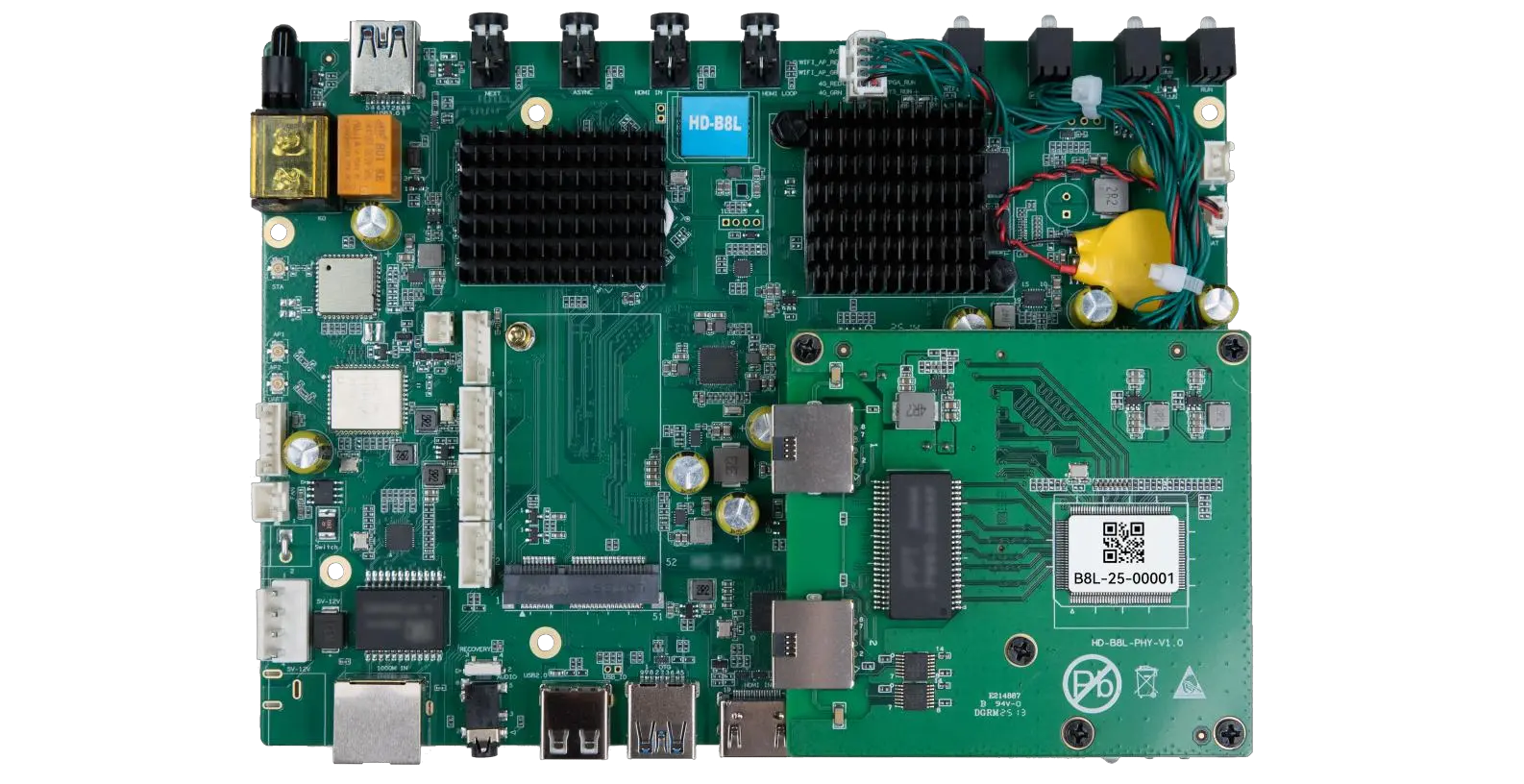
The HD-B8L Poster Screen Control System is an Android-based LED display controller designed for commercial LED poster displays and digital signage. It integrates media playback, asynchronous LED control, HDMI synchronization, network communication, and cloud management into one device, simplifying installation and centralized content management.
What Is the HD-B8L Poster Screen Control System? A Complete Technical Guide for Commercial LED Displays
Tell Us What Are You Looking For?
