
A Guide to Adjusting Brightness of LED Video Wall with Novastar Controller
2025-05-07
How to adjust the brightness of the Nova control system?
In this article, we will guide you through the process of adjusting the brightness of your LED video wall using a Novastar controller. Novastar controllers are known for their user-friendly interface and versatile features, making it easy to customize the brightness levels to suit your specific needs. By following our step-by-step instructions, you can ensure that your LED video wall is always displaying the perfect amount of brightness for any environment or event.
- Startup software
- Click "Login" and select "Synchronous Control System" or "Asynchronous Control System" according to the actual situation.
After logging in, the software interface is clear and all functions are displayed. In the main interface of the "NOVALCT" application, find the font or icon named "Brightness" and click
- Brightness adjustment
Drag with your mouse or finger to move the weights on the bar.
When the weight moves, the brightness change can be seen in real time. When the weight moves to the desired brightness position, release the mouse or finger and the brightness adjustment is complete.
The "Smart Brain" of LED Displays: Essential Guide to Video Processors
How to log in NovaLCT software?
Related Article
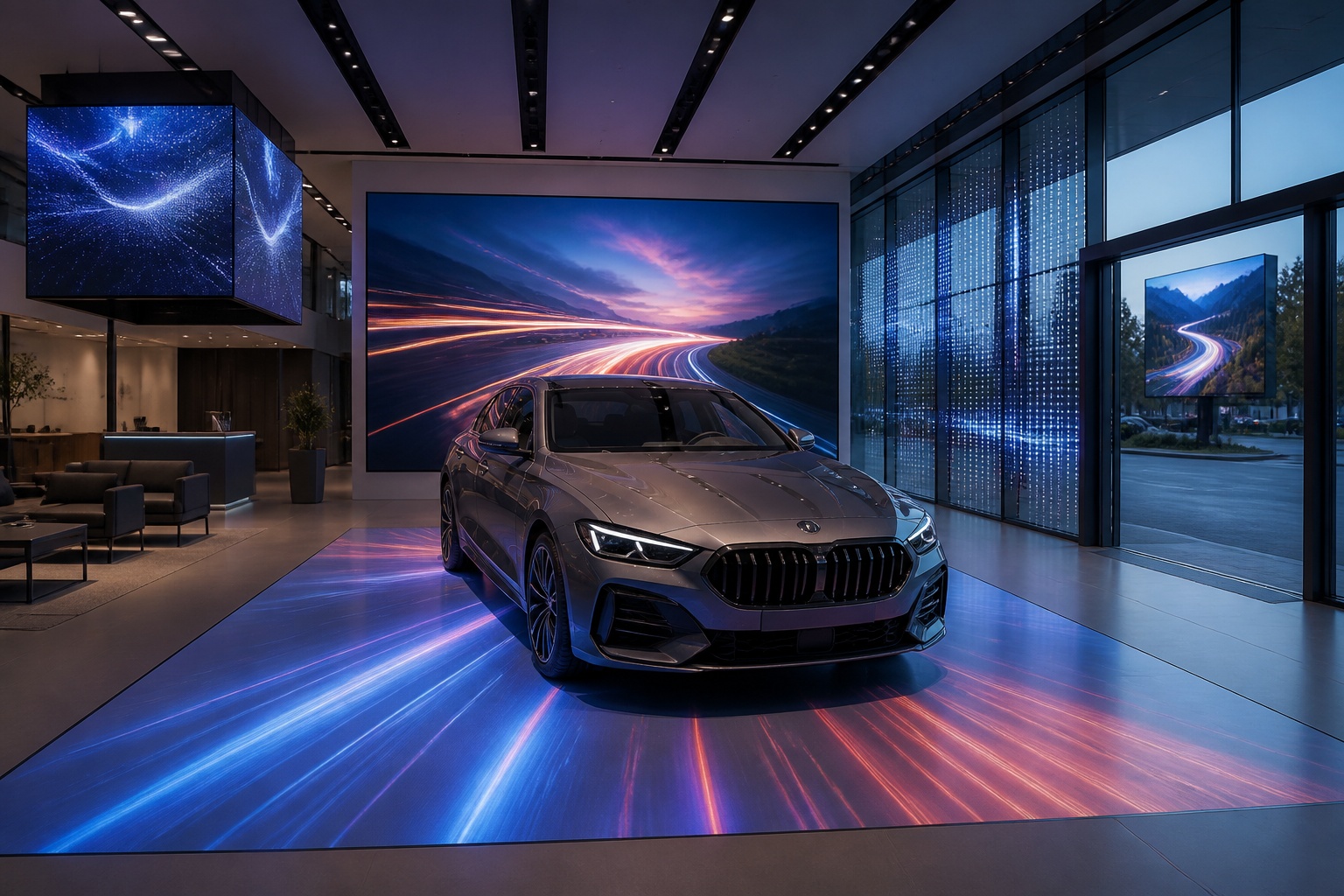
A B2B technical guide to selecting and combining fixed, floor, transparent, cube and other LED displays for automotive dealerships and 4S showrooms.
What LED Displays Can a 4S Dealership Use and How Should They Be Combined?
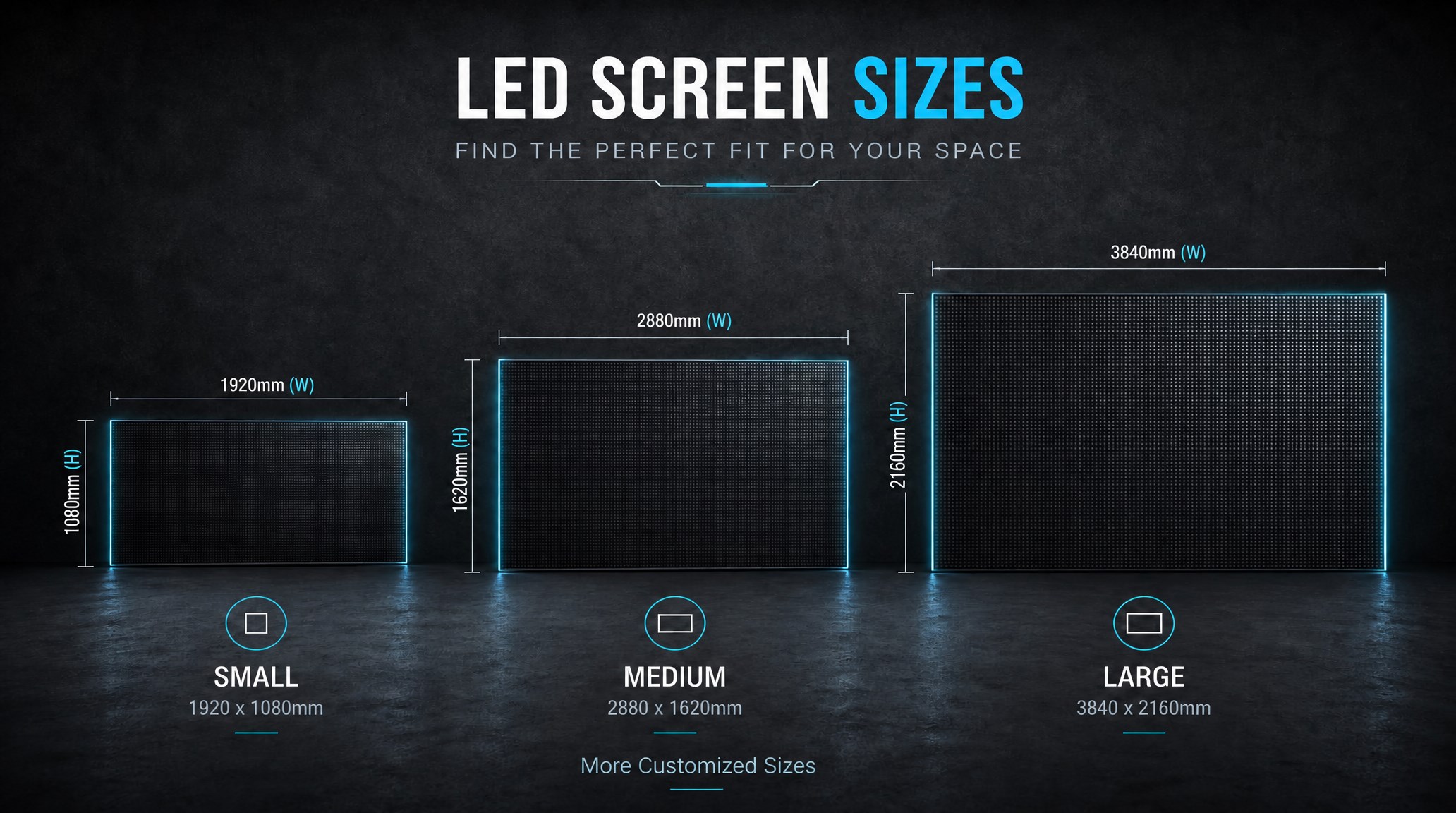
A practical guide explaining how to calculate LED display size, select pixel pitch, determine viewing distance, and choose suitable LED wall dimensions for commercial projects.
How to Choose the Right LED Display Size? Complete LED Screen Size Guide
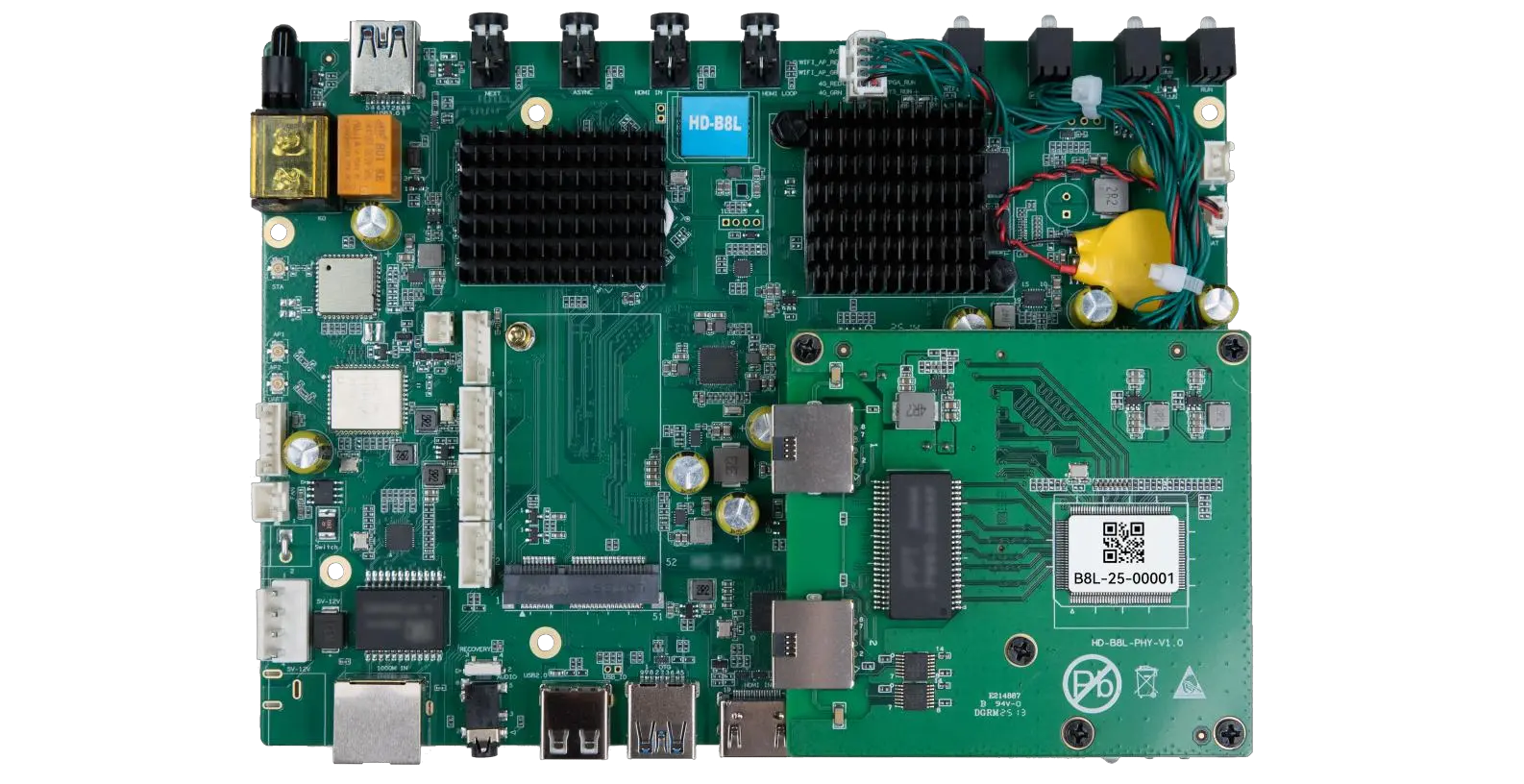
The HD-B8L Poster Screen Control System is an Android-based LED display controller designed for commercial LED poster displays and digital signage. It integrates media playback, asynchronous LED control, HDMI synchronization, network communication, and cloud management into one device, simplifying installation and centralized content management.
What Is the HD-B8L Poster Screen Control System? A Complete Technical Guide for Commercial LED Displays
Tell Us What Are You Looking For?
