
Why Can't LED Show True Black? A Complete Guide to True Black Screens
2025-08-27
Why Can't LED Show True Black? A Complete Guide to True Black Screens
If you’ve ever compared an LED display to an OLED one during a dark movie scene, you’ll notice a clear difference: LEDs never deliver the deep, inky darkness of a true black screen. Instead, dark areas look like a faded gray, robbing images of immersion—this is why 68% of home theater enthusiasts cite “better black levels” as their top reason for choosing OLED over LED (per a 2025 Display Technology Survey). For anyone who cares about picture quality—whether for home entertainment, gaming, or professional work—this raises a critical question: why can't led show true black?
In this guide, we’ll break down the science behind LED’s limitation with true black, explain what makes a true black screen work, and share actionable tips to get the darkest possible images from your LED display. By the end, you’ll have a clear understanding of the “why” and steps to improve your viewing experience—backed by industry insights and practical examples.
What Is a True Black Screen, and Why Does It Matter?
Before answering why can't led show true black, we need to define what a true black screen actually is. A true black screen emits zero light in specific areas—meaning when a pixel is supposed to be black, it’s completely off. This creates maximum contrast (measured as the ratio of brightest white to darkest black), which is essential for realistic, immersive visuals.
The Impact of True Black on Viewing Experience
- Home Entertainment: A true black screen makes nighttime movie scenes feel cinematic—think stars glowing against a pitch-dark sky, or shadows in a thriller that hide (and reveal) details naturally. Without it, the background washes out to gray, and stars look dull.
- Gaming: For gamers, true black is a performance factor—72% of competitive gamers say better black levels help them spot enemies in dark corners (2025 Gaming Display Report). A non-true black LED can make crucial details blend into gray, putting players at a disadvantage.
- Professional Work: Photographers and video editors rely on true black to judge color accuracy. If dark areas are gray, they might over-edit shadows, leading to unnatural-looking final products.
OLED displays are the gold standard for true black screen performance because each pixel acts independently—turning off entirely when needed. LEDs, however, can’t match this—and the reason lies in their design.
The Core Reason Why Can't LED Show True Black: Backlighting
The main answer to why can't led show true black is rooted in how most LED displays produce light. Contrary to what many people think, the “LED” in consumer TVs, monitors, and even some commercial signs doesn’t refer to self-emitting pixels. Instead, 95% of consumer “LED displays” are actually LED-backlit LCDs (per the Consumer Technology Association)—and their backlight is the barrier to a true black screen.
How LED-Backlit LCDs Work (and Fail at True Black)
LCD panels (the “LCD” in LED-backlit LCD) don’t generate light on their own. They rely on a layer of LEDs behind the panel to shine through. The LCD layer acts like tiny shutters: when a pixel needs to be bright, the shutters open to let light pass; when it needs to be black, the shutters close to block light.
The problem? These shutters (made of liquid crystals) can’t block light perfectly. Even when fully closed, 5–15% of backlight leaks through (depending on panel quality)—creating that gray “black” you see on LEDs. Imagine trying to block sunlight with a curtain that has tiny holes: no matter how tight you pull it, some light still seeps in.
Direct-emission LEDs (used in large outdoor screens or stadium displays) can turn off individual diodes to create true black, but they’re rare in consumer devices. They cost 3–5x more than standard LEDs, consume 2x more power, and aren’t practical for small screens like 55-inch TVs or monitors. Most LEDs you’ll buy are backlit LCDs—and their backlight design dooms them to never achieve a true black screen.
Why Local Dimming Doesn’t Fix the True Black Problem
You might have seen “local dimming” marketed as a solution for LED’s true black issue. While it improves contrast by 200–300% compared to non-dimming LEDs (per manufacturer tests), it doesn’t solve why can't led show true black—here’s why:
What Is Local Dimming?
Local dimming splits the LED backlight into small zones. When a part of the screen needs to be dark (like a night sky), the backlight for that zone dims or turns off. For bright areas (like stars), the zone stays lit. This reduces light leakage compared to a full, always-on backlight, making dark areas look deeper—but not truly black.
The Limitations of Local Dimming
- Too Few Zones: Budget LEDs have just 10–20 dimming zones; even mid-range models top out at 50. If a dark scene has a small bright object (like a candle in a dark room), the entire zone containing the candle has to stay bright—leaking light into the surrounding dark areas.
- Blooming: Bright objects next to dark areas cause light to “bleed” into the dark zones, creating a hazy glow (called “blooming”). This is a dead giveaway that the display isn’t a true black screen—and it’s especially noticeable with text or small details.
- No Pixel-Level Control: Unlike OLED, local dimming can’t turn off individual pixels—only zones. This means light leakage always exists, so why can't led show true black remains unanswered.
Other Factors That Ruin LED’s Chance at True Black
While backlighting is the main issue, three other factors make it even harder for LEDs to get close to a true black screen:
1. Poor Panel Quality
Cheap LCD panels use low-grade liquid crystals that don’t align properly when closed, increasing light leakage. High-end panels like VA (Vertical Alignment) are better—they leak 30–50% less light than IPS panels and have higher contrast ratios (3,000:1 to 6,000:1 vs. 1,000:1 for IPS). But even VA panels can’t block 100% of light, so they still fall short of a true black screen.
2. Ambient Light
Even if an LED could block all backlight, room light (from lamps, windows, or overhead fixtures) reflects off the screen, turning “black” areas gray. This is why movie theaters are dark—they eliminate ambient light to make dark scenes feel like true black. LEDs in bright rooms struggle even more: a 2025 study found that ambient light above 100 lux (typical for a lit living room) reduces perceived black levels by 40% on LED displays.
3. Bad Image Processing
Some LEDs use “dynamic contrast” to mimic true black—darkening dark areas and brightening bright ones. But this feature often crushes details (like losing shadow textures) and doesn’t fix light leakage. Poor firmware can also slow down local dimming, causing temporary blooming when scenes switch from bright to dark (e.g., a flash of lightning in a dark storm).
Can LEDs Ever Get Close to a True Black Screen?
While why can't led show true black has a technical answer, some LEDs come closer to a true black screen than others. If you want the darkest possible images from an LED, prioritize these four features:
1. Mini-LED Backlighting
Mini-LED uses thousands of tiny LEDs split into hundreds or thousands of dimming zones (e.g., 2,000 zones in Apple’s Pro Display XDR, 5,000 in Samsung’s 2025 Neo QLED). This allows for precise control—dimming zones as small as a few pixels, drastically reducing light leakage and blooming. Mini-LED is the closest LEDs get to a true black screen, though it’s 2–3x more expensive than standard LEDs.
2. VA Panels
As mentioned, VA panels block more light than IPS. If true black is a priority over IPS’s better viewing angles (ideal for group watching), choose a VA-panel LED. Brands like LG and TCL offer VA-panel LEDs with contrast ratios up to 6,000:1—far better than IPS models.
3. Anti-Reflective Coatings
Matte anti-reflective (AR) coatings reduce ambient light reflection by 50–70% compared to glossy screens. This keeps dark areas dark, even in bright rooms. Look for “AG (Anti-Glare) Coatings” in product specs—they’re a must for living rooms with large windows.
4. Proper Calibration
Lowering the backlight (not just brightness) deepens dark areas without losing detail. Most LEDs have a “Cinema” or “Movie” mode that’s pre-calibrated for better true black performance—use this for watching movies or playing games. For precise control, use a calibration tool (like the X-Rite i1Display Pro) to adjust gamma and black levels to industry standards (18% gray for black level reference).
FAQ: Common Questions About True Black and LED Displays
To address user intent further, here are answers to the most searched questions about true black and LEDs:
- Q: Will future LED tech ever achieve a true black screen?
A: Unlikely—LED-backlit LCDs are limited by their backlight design. Direct-emission micro-LEDs (still in early stages) could, but they’re expected to cost $10,000+ for a 55-inch screen when widely available.
- Q: Is a true black screen necessary for casual viewing?
A: No—if you mostly watch daytime TV or use your display in bright rooms, the difference may be unnoticeable. But for dark-content lovers (movies, games), it’s a game-changer.
- Q: Can I use black tape or filters to make my LED a true black screen?
A: No—this will block light unevenly, ruin image quality, and damage your display over time. Stick to the calibration and hardware tips above.
Conclusion: Why Can't LED Show True Black (and What to Do Next)
To sum up, why can't led show true black comes down to one key fact: most LEDs are backlit LCDs. Their backlights can’t turn off at the pixel level, and liquid crystals leak light—preventing them from being a true black screen. Local dimming and mini-LED help reduce the gap, but they don’t eliminate the problem.
If a true black screen is non-negotiable (e.g., you’re a movie buff, competitive gamer, or professional editor), OLED is still your best bet. But if you need an LED—for brightness (great for outdoor use or well-lit rooms), durability, or budget—opt for a mini-LED or high-end VA panel with an anti-reflective coating.
Understanding why can't led show true black helps you set realistic expectations. LEDs excel at brightness and affordability, but they’ll never match OLED’s true black depth. With the right LED and a dimmed room, though, you can still enjoy immersive, high-quality visuals—even without a perfect true black screen.
Curved LED Display Screen: Top 3D Advertising Examples & Energy Saving LED Screens for Malls
Huidu Banner Screen Special LED Display Not Working No Picture? Troubleshooting Guide
Related Article

A B2B technical guide to selecting and combining fixed, floor, transparent, cube and other LED displays for automotive dealerships and 4S showrooms.
What LED Displays Can a 4S Dealership Use and How Should They Be Combined?
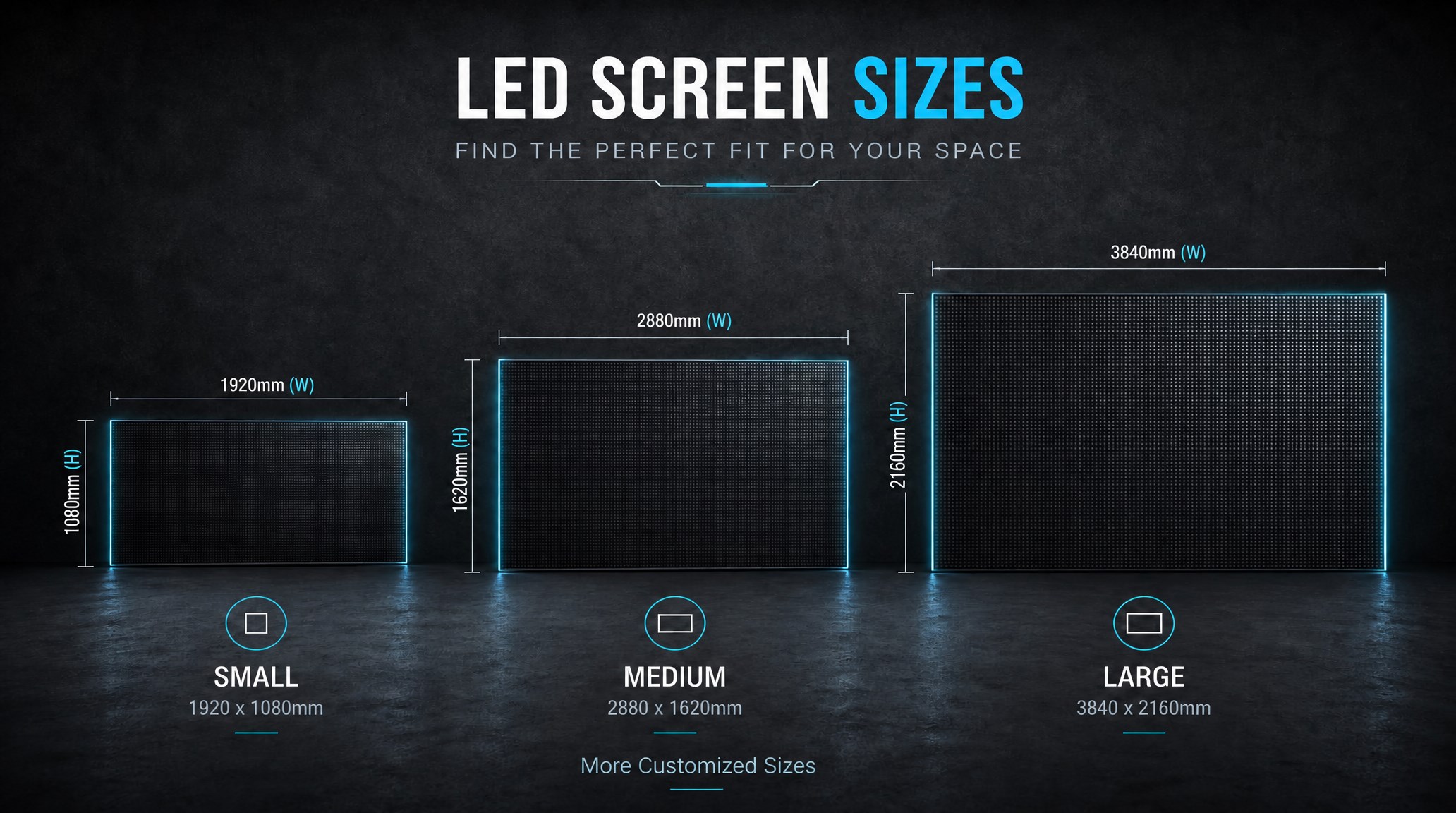
A practical guide explaining how to calculate LED display size, select pixel pitch, determine viewing distance, and choose suitable LED wall dimensions for commercial projects.
How to Choose the Right LED Display Size? Complete LED Screen Size Guide

The HD-B8L Poster Screen Control System is an Android-based LED display controller designed for commercial LED poster displays and digital signage. It integrates media playback, asynchronous LED control, HDMI synchronization, network communication, and cloud management into one device, simplifying installation and centralized content management.
What Is the HD-B8L Poster Screen Control System? A Complete Technical Guide for Commercial LED Displays
Tell Us What Are You Looking For?
