LED Display Pixel Pitch: Unraveling the Key to Stunning Visuals
2025-08-23
LED Display Pixel Pitch: Unraveling the Key to Stunning Visuals
In the dynamic realm of visual technology, LED displays have become an integral part of our daily lives, gracing shopping malls, stadiums, corporate boardrooms, and even our living rooms. One of the most crucial yet often misunderstood aspects of LED displays is pixel pitch. In this blog, we'll delve deep into what pixel pitch is, its significance, and how to make the best choices when it comes to your LED display needs, whether it's for a massive LED billboard advertising campaign or a compact indoor LED wall.
What is Pixel Pitch? Decoding the Basics
At its core, pixel pitch, often denoted as "P" followed by a number (e.g., P2.5), represents the distance, measured in millimeters, between the centers of two adjacent pixels on an LED display. This might seem like a minuscule detail, but it wields a significant impact on the overall performance of the LED display. For instance, in a P2.5 LED display, the pixels are spaced 2.5 millimeters apart. The concept of pixel pitch is also sometimes referred to as dot pitch, and it's a fundamental metric that determines the pixel density of the display. Smaller pixel pitch values mean that more pixels are packed into a given area, resulting in a higher pixel density.
Pixel Pitch Meaning: A Closer Look at Its Significance
The meaning of pixel pitch extends far beyond just a simple measurement. It's the key determinant of the resolution and clarity of the images and videos displayed on an LED screen. When the pixel pitch is small, such as in a P1.2 or P1.5 display, the higher pixel density enables the screen to showcase incredibly sharp and detailed visuals. This makes it ideal for applications where viewers will be up close to the display, like in a corporate boardroom or a high - end retail store. On the other hand, a larger pixel pitch, like P6 or P10, has a lower pixel density. While this may sacrifice some fine - detail resolution, it is more cost - effective and still provides a clear view from a distance.
Pixel Pitch Calculator: Making the Right Choice
Determining the appropriate pixel pitch for your LED display can be a daunting task. Thankfully, pixel pitch calculators are available to simplify this process. These calculators typically take into account factors such as the viewing distance and the desired size of the display. For example, if you know that your LED wall will be viewed from an average distance of 5 meters, you can use a pixel pitch calculator to find out the optimal pixel pitch. The general rule is that the closer the viewing distance, the smaller the pixel pitch should be to avoid a pixelated look. A common formula used in some calculators is pixel pitch x 3438 = visual acuity in millimeters. This helps in understanding the relationship between the physical pixel pitch and the viewing distance for optimal visual clarity.
LED Wall Pixel Pitch: Applications and Considerations
When it comes to LED walls, pixel pitch is a make - or - break factor. For indoor LED walls, which are often used in conference rooms, exhibition booths, or control centers, a smaller pixel pitch in the range of P0.9 - P4 is commonly preferred. This is because indoor environments usually have controlled lighting, and viewers are typically closer to the display. A P2.0 LED wall in a conference room, for example, can clearly display detailed presentations, videos, and data, ensuring that every attendee can see the information without any distortion.
Outdoor LED walls, on the other hand, face different challenges. They need to be visible in direct sunlight and withstand various weather conditions. Here, a larger pixel pitch, usually in the range of P6 - P16, is more suitable. The larger pixels are brighter, which helps them stand out against the sunlight, and the wider gaps between pixels aid in heat dissipation, making the display more durable in harsh outdoor environments.
Pixel Pitch Viewing Distance 2.6: An Example Case
Let's take a closer look at a specific example - the pixel pitch viewing distance relationship for a P2.6 LED display. A P2.6 display has a relatively small pixel pitch, which means it can deliver sharp images. Based on general guidelines, for a P2.6 LED display, the optimal viewing distance is typically around 2.6 - 5.2 meters. At these distances, viewers can enjoy a clear, non - pixelated view of the content being displayed. If viewers are too close, say within 1 meter, they may start to notice individual pixels, which can detract from the visual experience. Conversely, if the viewing distance is too far, say beyond 10 meters, the fine details may be lost, and the image may appear less sharp.
Conclusion
In conclusion, understanding pixel pitch is essential for anyone looking to invest in an LED display, whether it's for advertising purposes with an LED billboard or for creating an immersive visual experience with an LED wall. By considering factors such as the viewing distance, the type of content to be displayed, and the environment (indoor or outdoor), and by utilizing pixel pitch calculators, you can make an informed decision. Remember, the right pixel pitch can transform your LED display into a powerful visual tool that captivates your audience and effectively conveys your message.
Huidu Banner Screen Special LED Display Not Working No Picture? Troubleshooting Guide
How to Choose the Right Pixel Pitch for Your LED Display: A Complete Guide
Related Article
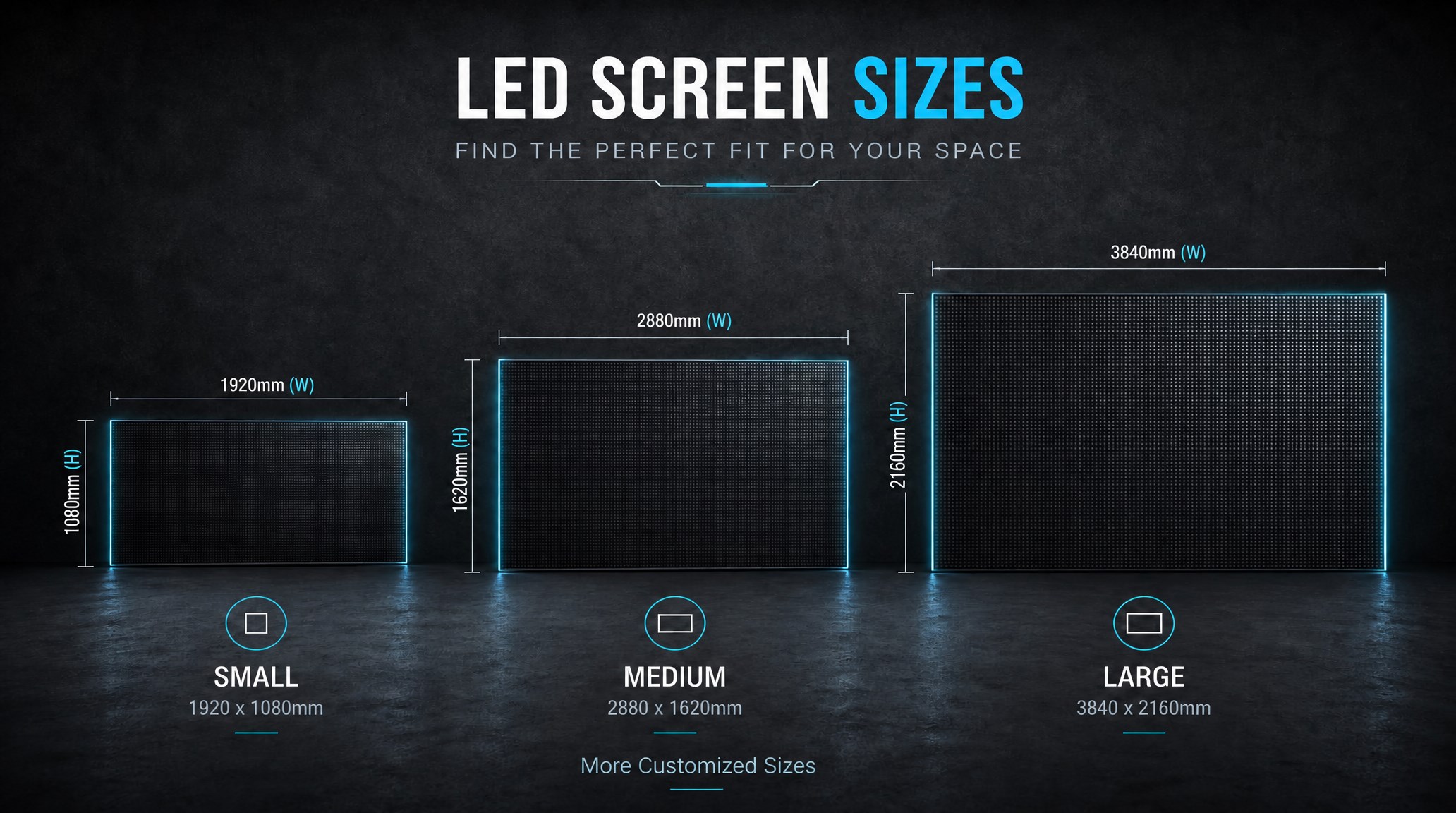
A practical guide explaining how to calculate LED display size, select pixel pitch, determine viewing distance, and choose suitable LED wall dimensions for commercial projects.
How to Choose the Right LED Display Size? Complete LED Screen Size Guide
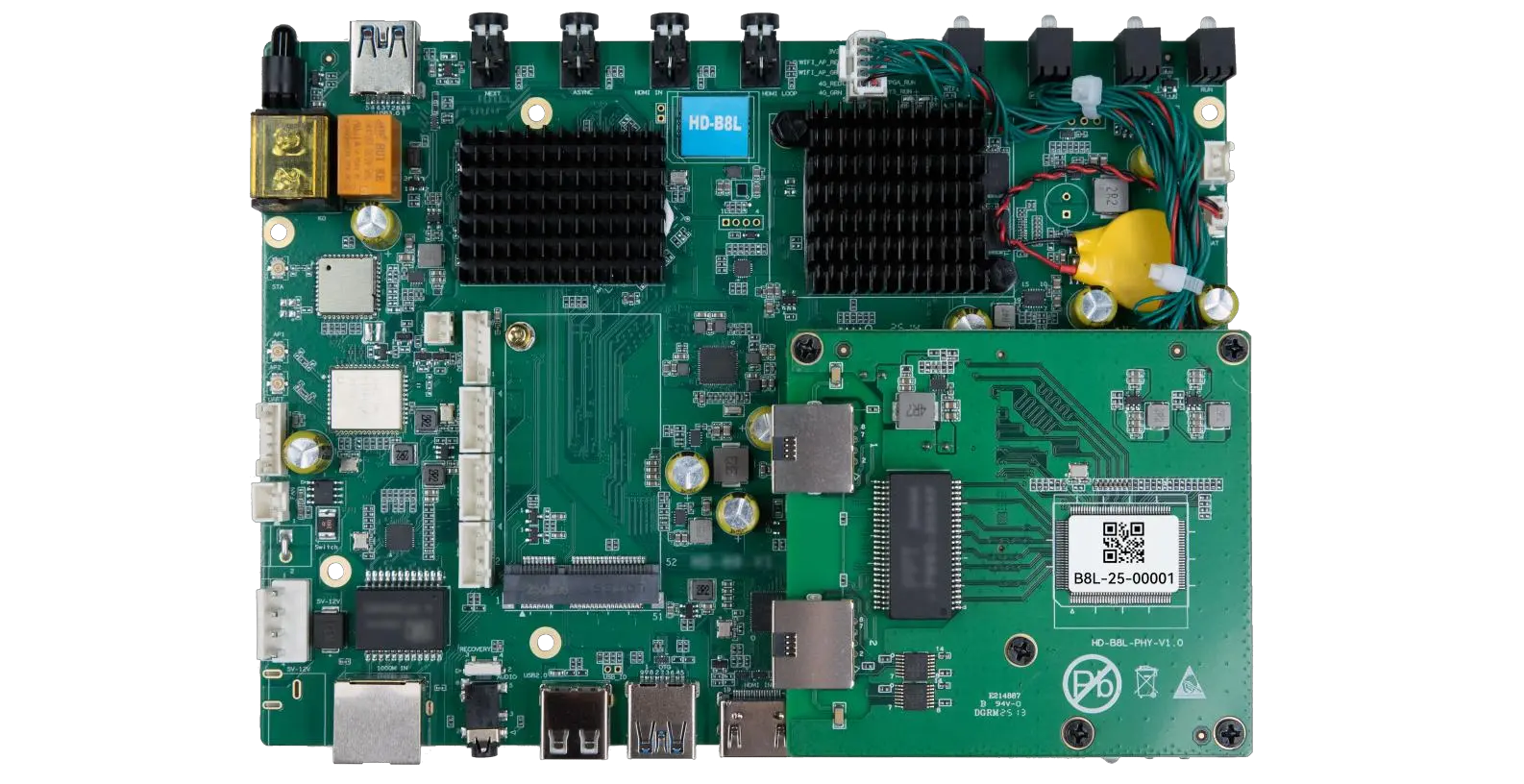
The HD-B8L Poster Screen Control System is an Android-based LED display controller designed for commercial LED poster displays and digital signage. It integrates media playback, asynchronous LED control, HDMI synchronization, network communication, and cloud management into one device, simplifying installation and centralized content management.
What Is the HD-B8L Poster Screen Control System? A Complete Technical Guide for Commercial LED Displays
Tell Us What Are You Looking For?