
LED Display Basics: Core Principles, LED Modules & Light Emission Science 丨Part1
2025-08-20

LED Display Basics: How LED Modules & Semiconductors Power Modern Screens 丨Part 1
LED displays are everywhere—from the billboards lighting up city streets to the screens in your living room, and even the massive scoreboards in sports stadiums. But have you ever wondered how these displays create such bright, vivid visuals? At their core, LED screens rely on simple yet brilliant science: light-emitting diodes (LEDs) and modular design. Let’s break down the key principles, why LED modules matter, and how semiconductor technology makes it all possible.
What Is an LED Module? The Building Block of All LED Displays
An LED module is the "brick" that builds every LED screen. It’s not just a bunch of LEDs stuck together—each module is a pre-assembled unit with:
- Multiple LEDs (the tiny light sources)
- Circuit boards to control electricity flow
- A protective casing (to shield from dust, moisture, or impact)
- Connectors to link to other modules
This modular design is why LED displays are so versatile. Need a small screen for a retail shelf? Use a few 10x10cm modules. Want a stadium-sized display? Combine hundreds of larger modules. It’s like building with Lego—scalable, customizable, and easy to fix if a piece breaks.
How Do LEDs Generate Light? The Semiconductor Science
LEDs light up thanks to semiconductor materials—typically compounds like gallium, arsenic, and phosphorus. Here’s the step-by-step process:
- Electricity flows through the semiconductor: When you turn on the display, current moves through the material.
- Electrons and "holes" collide: The semiconductor has negatively charged electrons and positively charged gaps (called "holes"). These particles move and crash into each other.
- Energy turns into light: When electrons and holes recombine, they release energy—most of which becomes light (unlike old incandescent bulbs, which waste energy as heat).
The color of the light depends on the semiconductor mix:
- Red/yellow LEDs use gallium arsenide phosphide
- Blue/green LEDs use gallium nitride
This precision is why LED screens can show millions of colors—by blending red, green, and blue (RGB) LEDs in each module.
5 Key Benefits of LED Displays (Thanks to Modules & Semiconductors)
- Super energy-efficient: LEDs convert ~90% of electricity into light (incandescent bulbs waste 90% as heat). This cuts power bills, especially for large screens that run 24/7.
- Long lifespan: A good LED module lasts 50,000–100,000 hours. That’s 10+ years of use for a screen running 12 hours a day—no frequent replacements needed.
- Durable for any environment: Outdoor LED modules are weatherproof (resistant to rain, sun, and extreme temperatures), while indoor modules stay crisp in controlled spaces.
- Easy to fix: If one module fails, swap it out in minutes. No need to replace the entire screen—critical for stadiums, airports, or busy storefronts.
- Flexible designs: Modules bend, curve, or form custom shapes. Think of the wrap-around screens in malls or the circular displays in museums—all made possible by modularity.
Why LED Modules Make or Break a Display
Consistency is key for a great LED screen. Imagine watching a movie where one corner is dimmer than the rest—that’s a problem with uncalibrated modules. Reputable manufacturers test each module to ensure:
- Same brightness across all LEDs
- Matching color accuracy (so red looks red, not orange)
- Fast response times (no blurring during sports or action scenes)
This calibration is why a 100-foot stadium screen looks like one seamless image, even though it’s made of hundreds of modules.
Real-World Examples: How LED Modules Are Used
- Outdoor billboards: Use large, weatherproof modules (e.g., 32x32cm) with bigger LEDs to stay bright in sunlight.
- Indoor TVs/monitors: Smaller modules (e.g., 16x16cm) with tiny LEDs for sharp 4K resolution.
- Stage backdrops: Flexible modules that curve around performers, creating dynamic visuals for concerts.
Next Up: How Pixels Create Full Images
Now that you know how LED modules and semiconductors generate light, the next step is understanding how these tiny lights work together to form pictures, videos, and text. We’ll dive into pixels, resolution, and pixel pitch in Part 2: How LED Displays Create Images.
Got questions? Let us know in the comments—we’re happy to explain more!
Related guides:
Why This Matters for You
Whether you’re a business owner looking to install a sign, a tech enthusiast, or just curious—understanding LED basics helps you make smarter choices. LED displays are efficient, long-lasting, and adaptable, and it all starts with the humble LED module.
LED Display Basics: Exploring Classification and Collaborative Mechanisms (Part 2)
How Much Does It Cost to Build a Billboard? 2025 Guide to LED Billboard Cost & Factors
Related Article
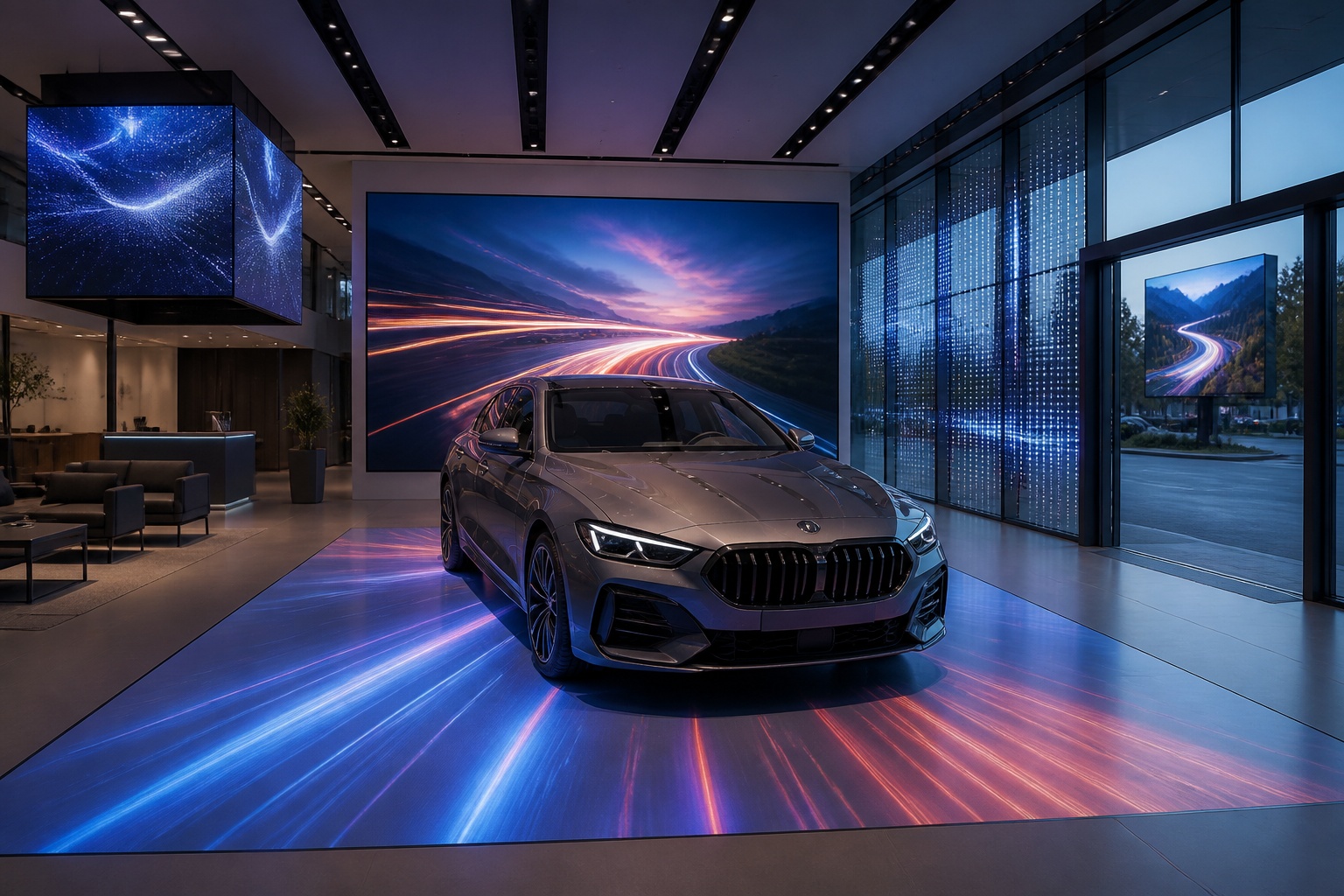
A B2B technical guide to selecting and combining fixed, floor, transparent, cube and other LED displays for automotive dealerships and 4S showrooms.
What LED Displays Can a 4S Dealership Use and How Should They Be Combined?
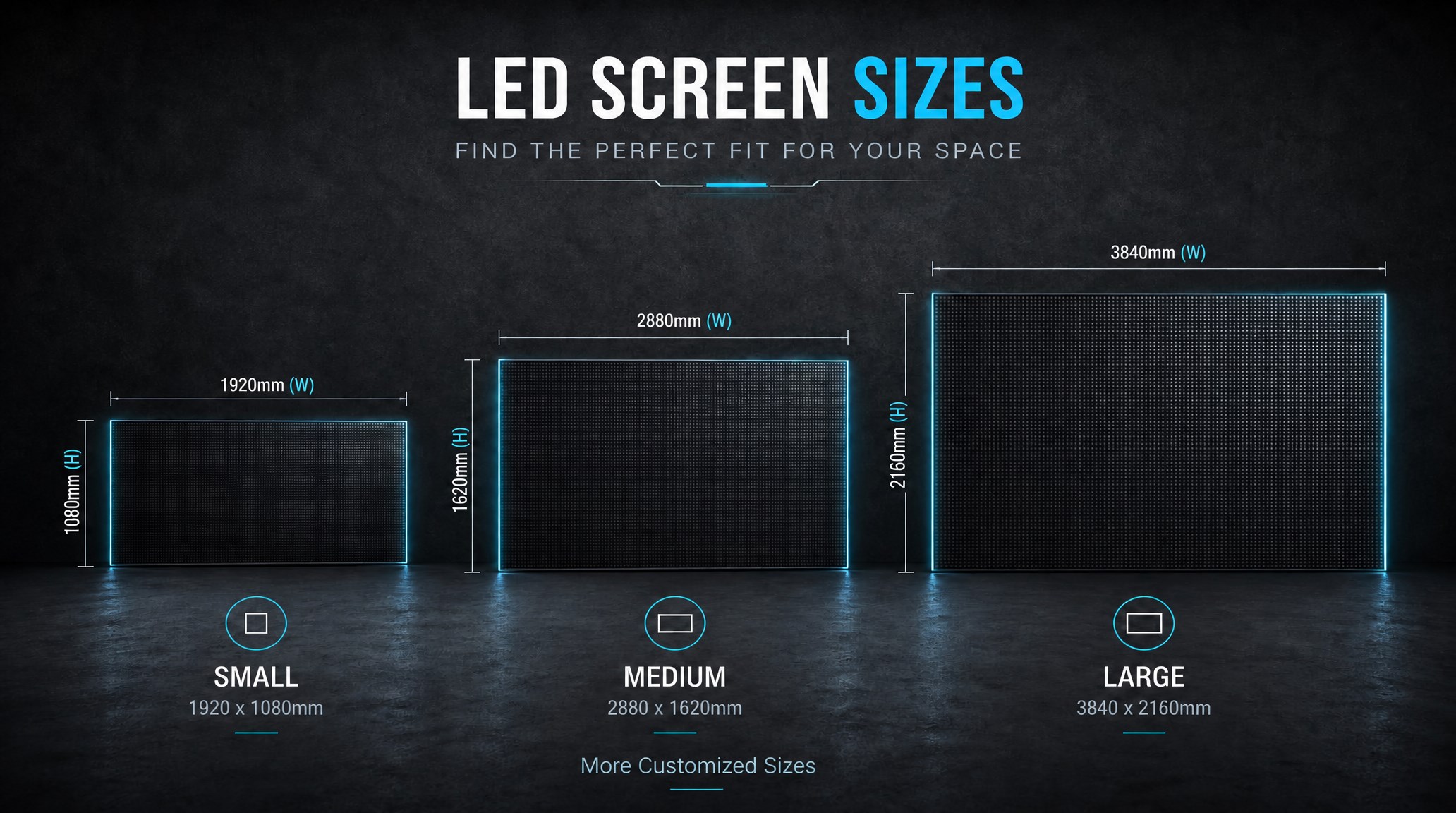
A practical guide explaining how to calculate LED display size, select pixel pitch, determine viewing distance, and choose suitable LED wall dimensions for commercial projects.
How to Choose the Right LED Display Size? Complete LED Screen Size Guide
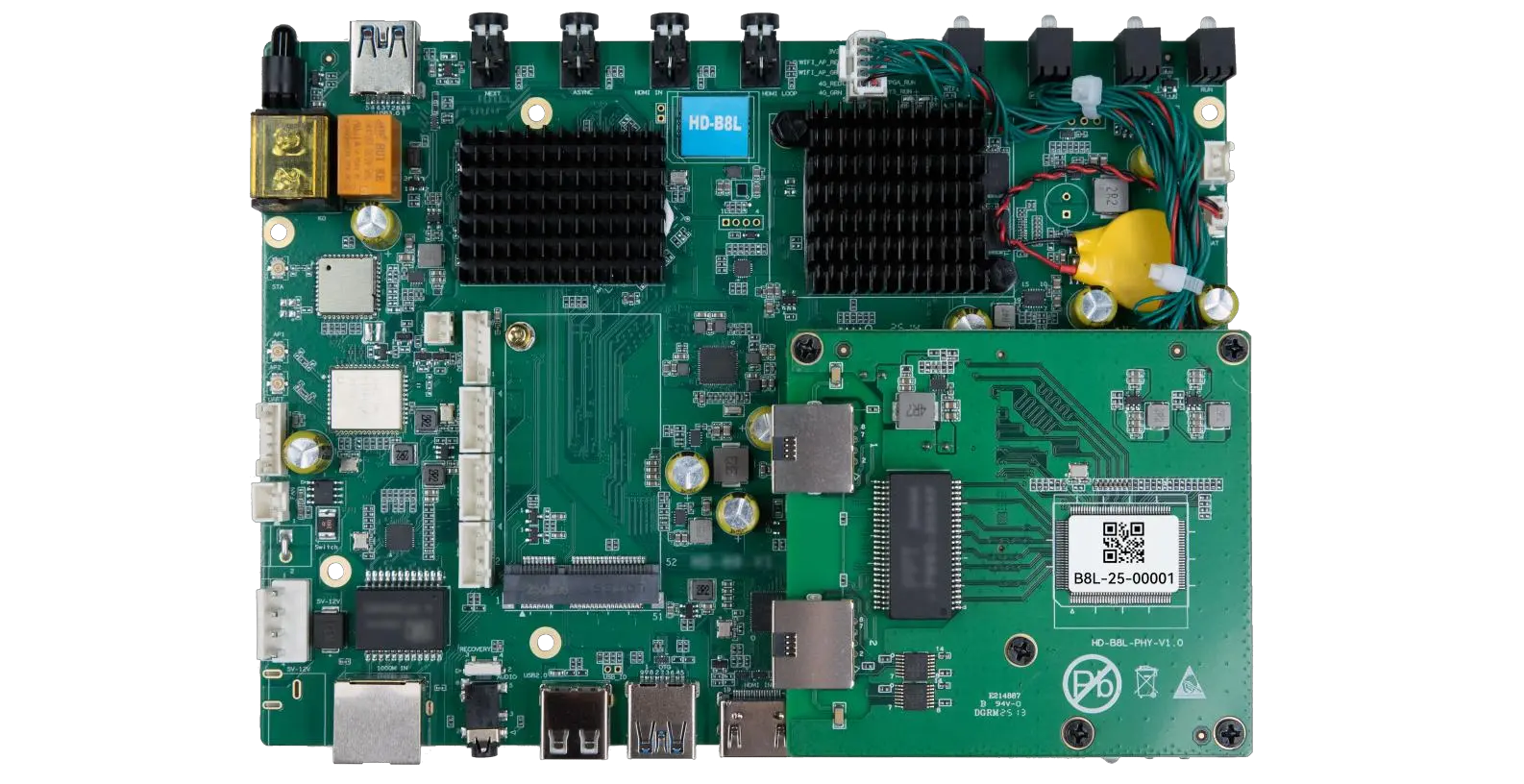
The HD-B8L Poster Screen Control System is an Android-based LED display controller designed for commercial LED poster displays and digital signage. It integrates media playback, asynchronous LED control, HDMI synchronization, network communication, and cloud management into one device, simplifying installation and centralized content management.
What Is the HD-B8L Poster Screen Control System? A Complete Technical Guide for Commercial LED Displays
Tell Us What Are You Looking For?
