
How to Clean LED TV Screen: Safe & Streak-Free Guide 2025
2025-10-11

How to Clean LED TV Screen: Safe & Streak-Free Guide 2025
1. What You Need to Prepare Before Cleaning LED TV Screen
The first rule of cleaning an LED TV screen is: don’t use random household cleaners or cloths. LED screens have an anti-glare coating that’s easily damaged by harsh chemicals or abrasive materials. Here’s a list of safe, effective tools you’ll need:
-
Microfiber cloth: This is non-abrasive and traps dust without leaving lint. Avoid paper towels, tissues, or cotton rags—they can scratch the screen.
-
Distilled water: Tap water contains minerals that can leave streaks. Fill a spray bottle with distilled water for gentle cleaning.
-
Isopropyl alcohol (optional): For tough smudges (like grease or sticky fingerprints), mix 1 part isopropyl alcohol with 1 part distilled water. Only use this dilute solution—pure alcohol can damage the coating.
-
Soft-bristled brush: A small, clean paintbrush or makeup brush works to dust hard-to-reach corners, especially if your LED TV is mounted on an LED TV wall.
2. Step-by-Step Guide: How to Clean LED TV Screen Safely
Follow these steps to get a streak-free, damage-free clean for your LED TV:
-
Turn off and unplug the LED TV: A black screen makes it easier to see dust and smudges. Unplugging ensures safety, especially if you use a damp cloth.
-
Dust first with a dry microfiber cloth: Gently wipe the screen in a circular or vertical motion. Start from the top and work your way down to avoid pushing dust onto clean areas. For the edges and corners, use the soft-bristled brush to loosen dust before wiping with the cloth.
-
Address smudges with a damp cloth: Spray a small amount of distilled water (or the alcohol-water solution) onto the microfiber cloth—never spray directly on the screen. Too much moisture can seep into the TV’s bezel and damage internal components. Wipe the smudged area gently, then dry with a clean part of the cloth immediately.
-
Buff out streaks: If streaks remain, use a dry microfiber cloth to polish the screen in light, circular motions. Avoid pressing too hard—let the cloth do the work.
-
Clean the bezel and LED TV wall around it: Don’t forget the TV’s frame! Wipe the bezel with a damp cloth (same solution as the screen). For an LED TV wall, dust the area around the TV with a microfiber cloth to keep the entire setup looking tidy.
3. Common Mistakes to Avoid When Cleaning LED TV
Even with the right tools, bad habits can ruin your LED TV screen. Here are the top mistakes to steer clear of:
-
Using glass cleaner: Products like Windex contain ammonia and alcohol, which strip the anti-glare coating from LED screens.
-
Scrubbing hard: Pressing too hard can damage pixel elements or create permanent scratches.
-
Spraying liquid on the screen: Moisture can leak into the TV’s electronics and cause short circuits.
-
Using rough materials: Paper towels, sponges, or even old rags have tiny fibers that scratch the screen’s surface.
4. How to Remove Tough Stains from LED TV Screen
Sometimes, you’ll encounter more than just dust—like sticky soda spills or grease from fried food. Here’s how to handle tough stains without harming your LED TV:
For sticky stains: Dampen the microfiber cloth with the dilute alcohol-water solution. Gently dab the stain (don’t rub) to break down the stickiness, then wipe clean with a dry cloth. For grease stains: Use the same alcohol-water mix, but wipe in a single direction (not circular) to avoid spreading the grease. If the stain persists, repeat with a slightly damp cloth—never use harsh solvents.
5. Daily Maintenance Tips for LED TV & LED TV Wall
Regular maintenance keeps your LED TV looking new and reduces the need for deep cleans. Try these simple tips:
-
Dust daily: Do a quick wipe with a dry microfiber cloth to prevent dust buildup. This takes 30 seconds and makes deep cleans easier.
-
Keep the area ventilated: Dust accumulates faster in stuffy rooms. Use a fan or open windows to circulate air around your LED TV and LED TV wall.
-
Avoid touching the screen: Tell family members (especially kids) not to touch the screen with fingers—this reduces fingerprints and smudges.
-
Clean the LED TV wall monthly: Wipe the wall around the TV with a damp cloth to remove dust and keep the setup cohesive.
6. Cleaning LED TV Wall: Special Considerations
If your LED TV is mounted on an LED TV wall, cleaning requires a bit more care to avoid damaging the wall or the TV mount. Here’s what to do:
First, secure the TV—gently hold the bottom of the TV to prevent it from shifting while you clean the wall around it. Use a dry microfiber cloth to dust the wall, then wipe with a damp cloth (water only) if there are smudges. Avoid using wall cleaners near the TV, as fumes or overspray can damage the screen. For textured LED TV walls, use a soft-bristled brush to dust crevices before wiping with a damp cloth.
7. How Often Should You Clean LED TV Screen?
The frequency depends on how much you use the TV and the environment. In most homes, a weekly dusting with a dry microfiber cloth is enough. A deep clean (with distilled water or alcohol solution) is only needed every 2-4 weeks, or when you notice smudges/fingerprints that affect viewing. If you have pets or live in a dusty area, you may need to dust twice a week.
FAQ About Cleaning LED TV Screen
-
Q: Can I use baby wipes to clean my LED TV screen? A: No. Baby wipes contain soap and moisturizers that leave residue and can damage the anti-glare coating.
-
Q: Is it safe to use a vacuum cleaner near the LED TV screen? A: Avoid using a vacuum directly on the screen—suction can scratch it. Use the soft brush attachment to vacuum dust around the bezel and LED TV wall, but keep it at least 6 inches away from the screen.
-
Q: My LED TV screen has a scratch—can I fix it? A: Minor scratches may be improved with a small amount of petroleum jelly (apply with a microfiber cloth, then wipe off). For deep scratches, you may need to contact the manufacturer for repair.
-
Q: Do I need to unplug the TV every time I clean it? A: It’s recommended to unplug it for safety, especially when using a damp cloth. If you’re just dusting with a dry cloth, turning it off is enough.
Conclusion
Cleaning your LED TV screen doesn’t have to be complicated—but it does require the right tools and techniques. By following this guide on how to clean LED TV screen, you’ll keep your TV’s picture sharp and its surface scratch-free for years. Remember to dust regularly, avoid harsh chemicals, and take extra care if your LED TV is mounted on an LED TV wall. With a little effort, your LED TV will remain the star of your home entertainment setup.
How to Repair P6 Outdoor LED Display Sign Board Screen: A Complete Guide
Energy-saving LED Display 2025: Eco-Friendly & Cost-Saving Guide
Related Article


A B2B technical guide to selecting and combining fixed, floor, transparent, cube and other LED displays for automotive dealerships and 4S showrooms.
What LED Displays Can a 4S Dealership Use and How Should They Be Combined?
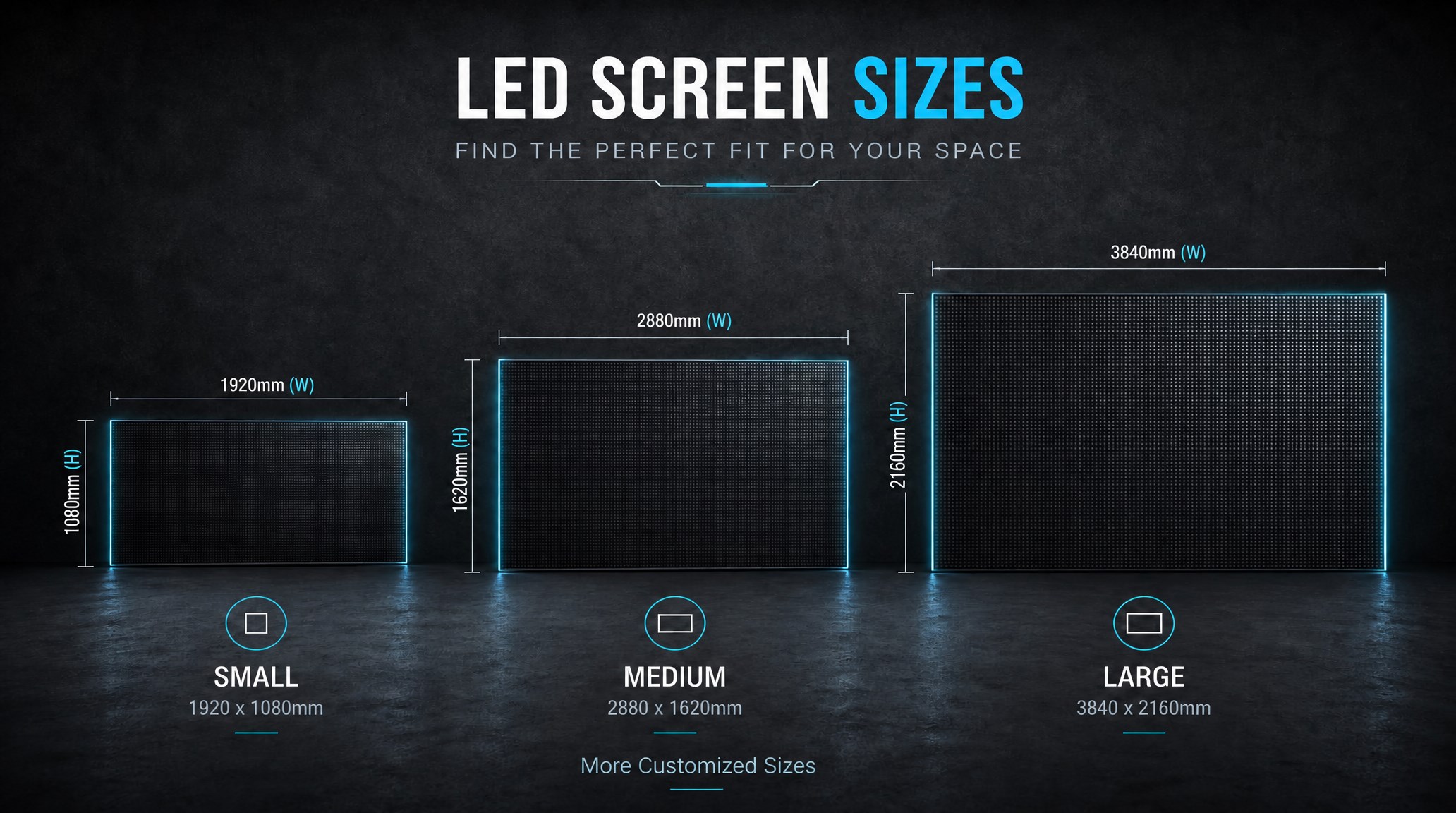
A practical guide explaining how to calculate LED display size, select pixel pitch, determine viewing distance, and choose suitable LED wall dimensions for commercial projects.
How to Choose the Right LED Display Size? Complete LED Screen Size Guide
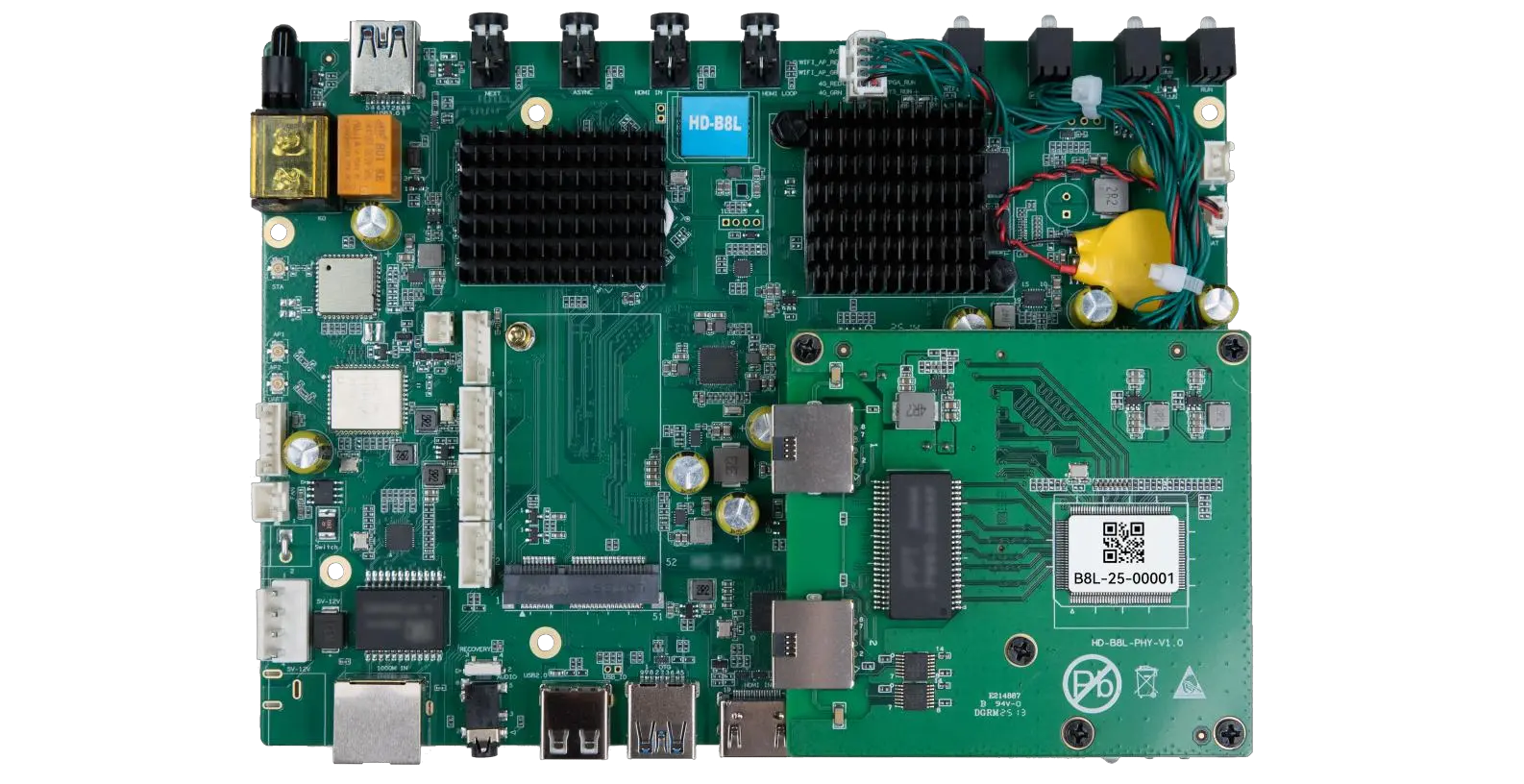
The HD-B8L Poster Screen Control System is an Android-based LED display controller designed for commercial LED poster displays and digital signage. It integrates media playback, asynchronous LED control, HDMI synchronization, network communication, and cloud management into one device, simplifying installation and centralized content management.
What Is the HD-B8L Poster Screen Control System? A Complete Technical Guide for Commercial LED Displays
Tell Us What Are You Looking For?
