
Common Terms of LED Display Screen (1)
2025-01-15

1. LED (Light Emitting Diode)
It is the core light-emitting component of the LED display screen, capable of converting electrical energy into visible light. Different colors of LEDs are arranged in a specific pattern, enabling various images to be presented on the screen. Display contents such as outdoor advertisements and indoor notifications all rely on it.
2. Pixel
The smallest unit for forming an image on the screen, just like small blocks that make up a large jigsaw puzzle. More pixels result in a finer picture, while fewer pixels make the picture rough and grainy. For example, for an outdoor large LED display screen viewed from a long distance, the pixel density can be lower; while a small-sized high-definition monitor LED display screen requires high pixels to ensure details.
3. Pitch
The distance between the centers of adjacent pixels, measured in millimeters. For instance, P2.5 means 2.5 mm. A smaller pitch means more pixels per unit area, leading to a clear picture suitable for indoor close-up viewing; a larger pitch gives a strong sense of graininess and is used for outdoor large LED display screens for long-distance display. It can also control the cost.
4. Pixel Density
The number of pixels per square meter, which is closely related to the pitch. The smaller the pitch, the higher the pixel density, jointly determining the clarity of the picture.
5. LED Display Screen Module
The smallest independent unit constituting the LED display screen, with common specifications such as 8×8 and 16×16. It integrates LEDs, circuits, and control elements inside and has basic light-emitting and display functions, serving as the basic module for constructing a large LED display screen.
6. LED Display Screen Module Assembly
It is assembled from multiple display modules of the same specification and has more powerful functions, capable of meeting different size, shape, and functional requirements, such as curved stage LED display screens and ultra-wide control LED display screens.
7. Brightness
- LED Brightness : Depends on the quality and manufacturing process of the chip. There are differences among different manufacturers and models, determining the basic brightness of the LED display screen.
- Brightness Level: To adapt to different ambient light conditions, the LED display screen is equipped with multiple brightness levels. In indoor dark environments, a low brightness level is used for energy conservation and eye protection; in outdoor strong light, a high brightness level is required to make the content visible.
- Maximum Brightness: The highest luminous intensity that the LED display screen can reach under specific conditions, with the unit of candela per square meter, which is a key indicator for the outdoor LED display screen to be visible in strong light.
8. Color
- Dual-Color Display: The pixels are composed of red and green LEDs. By adjusting the brightness ratio of the two, a limited number of colors can be combined. It was widely used in the early stage and is still used for simple signs, such as displaying store opening hours.
- Full-Color Display: The pixels contain red, green, and blue LEDs and can mix over a million colors, vividly reproducing the real world. It is widely used in advertisements and film and television.
- Gray Scale: Represents the different brightness variation levels of a single pixel. A higher level means more natural color transitions and a finer picture; otherwise, the color gradient will be stiff.
- Color Temperature: Described in Kelvin, it indicates the warmth or coolness of the light emitted by the LED display screen. A color temperature in the range of 5000K - 6500K is a cool white, suitable for office exhibition halls; a temperature in the range of 3000K - 4000K is a warm yellow, used to create an atmosphere in hotels and homes.
- Color Difference: The deviation between the actual color of the LED display screen and the standard color, caused by issues with LED beads, drive circuits, and manufacturing processes. Professional fields are sensitive to color differences, and high-quality LED display screens strictly control this issue.
9. Resolution
Determined by the number of pixels in the horizontal and vertical directions of the LED display screen, such as 1920×1080. A higher resolution means more display information and richer picture details, which is essential for watching high-definition movies and processing high-definition pictures.
10. Information Capacity
Related to resolution and pixel density. The higher the latter two, the greater the information capacity, enabling LED display screen to carry more graphics, texts, and videos. For example, digital signage in shopping malls needs to display multiple advertisements, maps, etc. simultaneously.
Common Terms of LED Display Screen (2)
Classification Of LED Screen Panels
Related Article
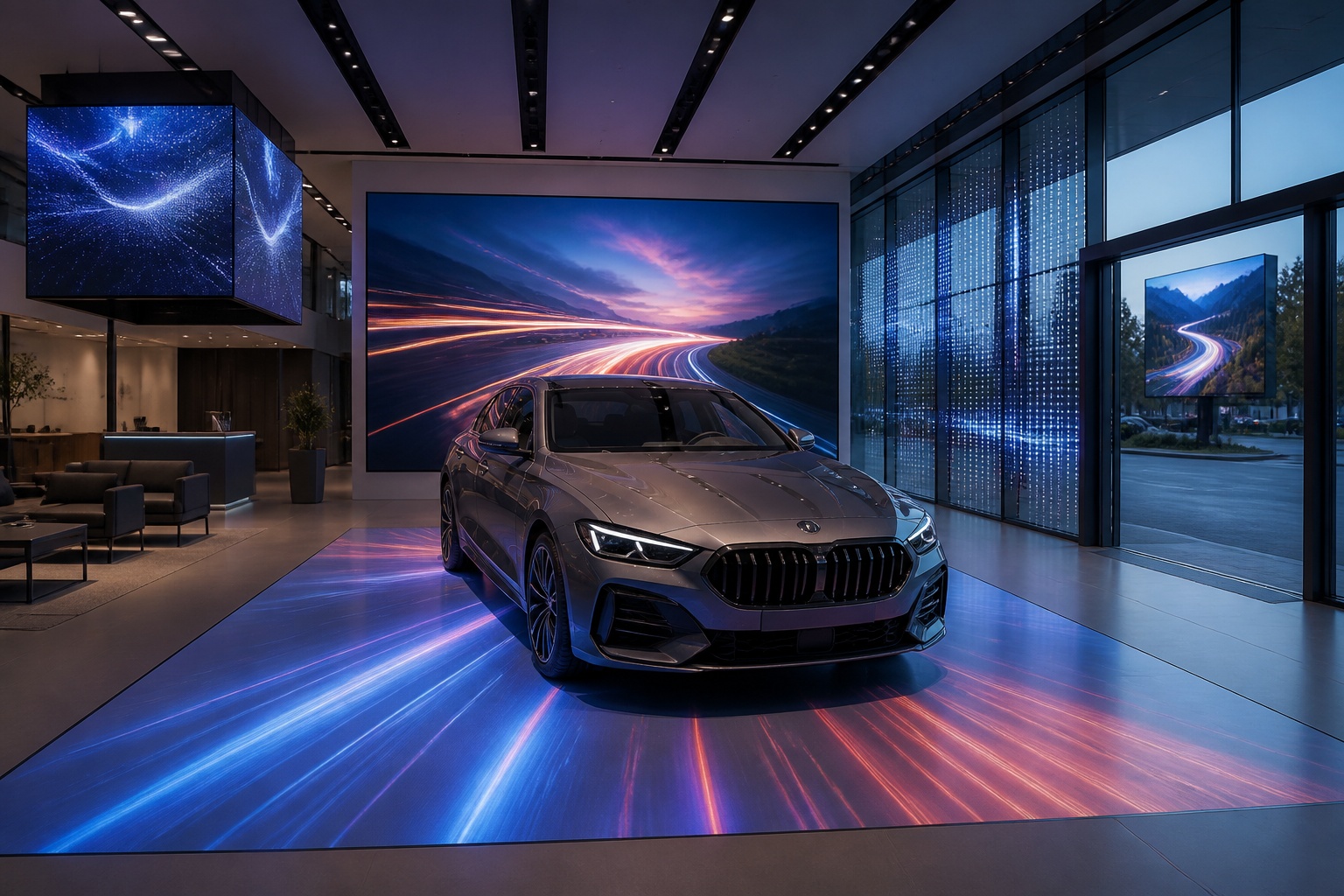
A B2B technical guide to selecting and combining fixed, floor, transparent, cube and other LED displays for automotive dealerships and 4S showrooms.
What LED Displays Can a 4S Dealership Use and How Should They Be Combined?
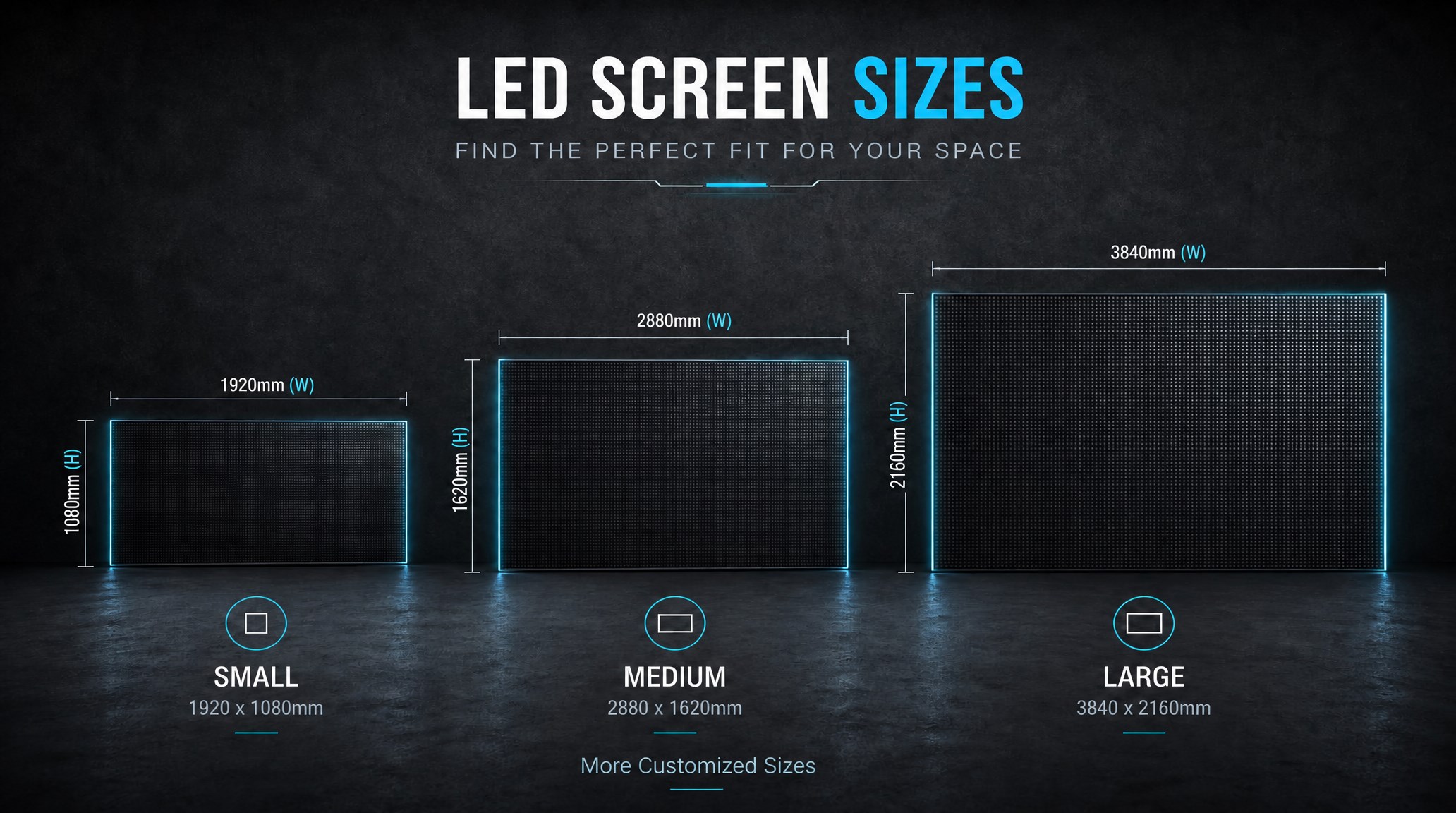
A practical guide explaining how to calculate LED display size, select pixel pitch, determine viewing distance, and choose suitable LED wall dimensions for commercial projects.
How to Choose the Right LED Display Size? Complete LED Screen Size Guide
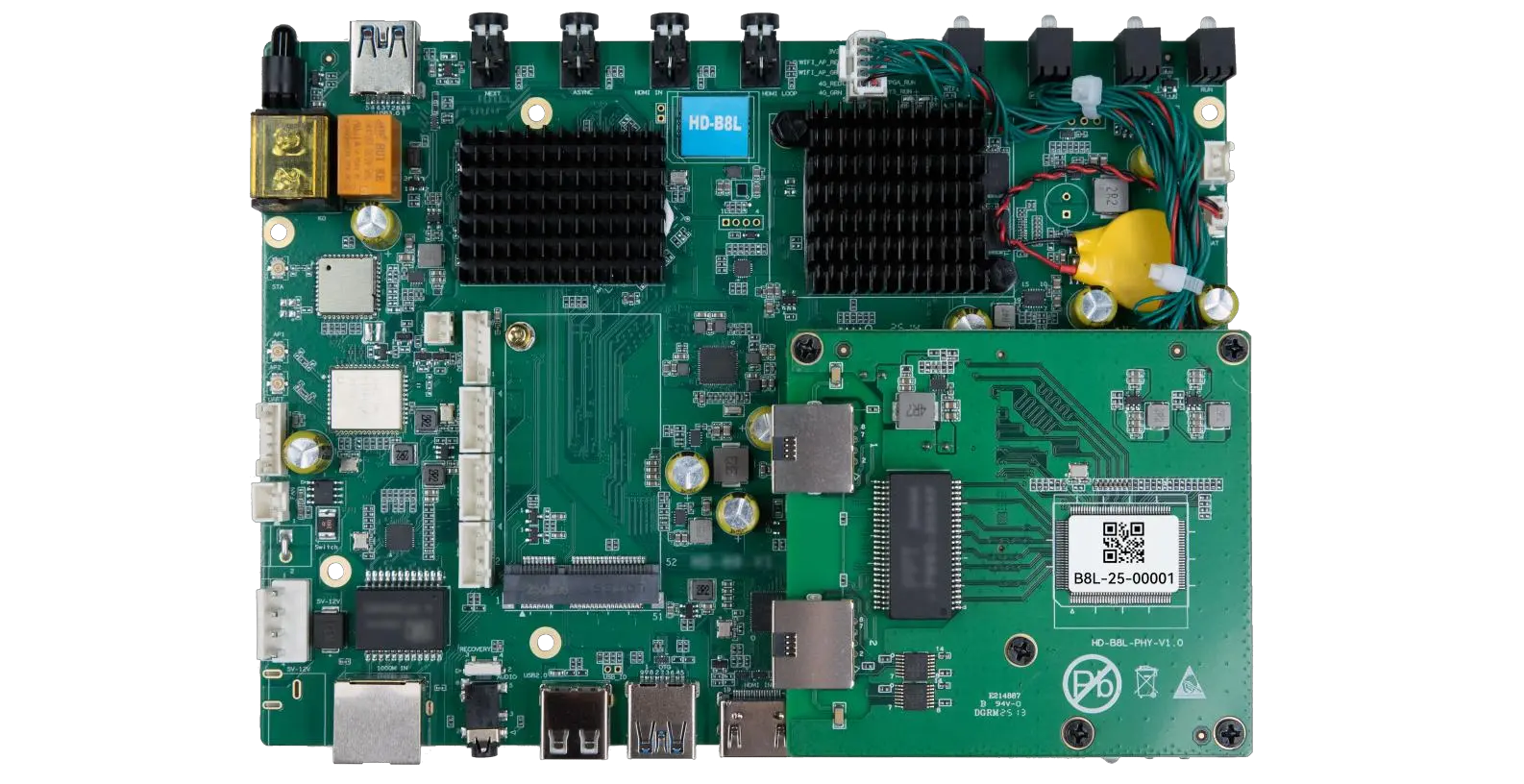
The HD-B8L Poster Screen Control System is an Android-based LED display controller designed for commercial LED poster displays and digital signage. It integrates media playback, asynchronous LED control, HDMI synchronization, network communication, and cloud management into one device, simplifying installation and centralized content management.
What Is the HD-B8L Poster Screen Control System? A Complete Technical Guide for Commercial LED Displays
Tell Us What Are You Looking For?
