
How to Choose LED Pixel Pitch: Viewing Distance Guide 2025
2025-08-29
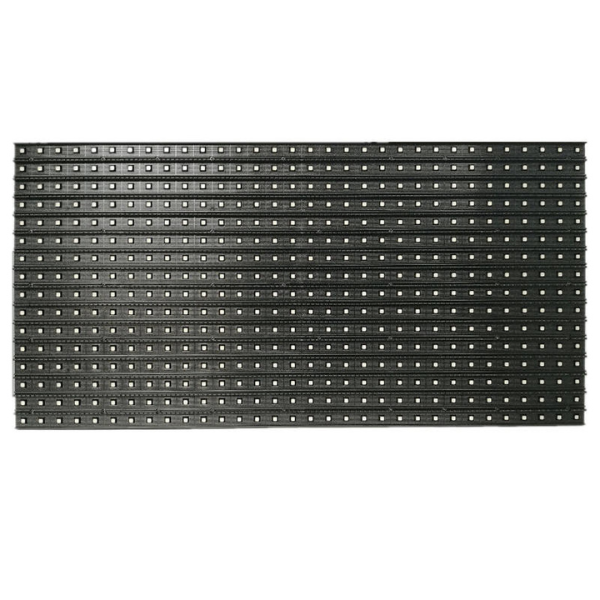
How to Choose the Right Pixel Pitch for Your LED Display: A Complete Guide
When you’re investing in an LED display—whether for a retail store’s promotional screen, a corporate conference room video wall, or an outdoor advertising billboard—one specification has a bigger impact on performance than almost any other: led pixel pitch. Get this wrong, and you might end up with a display that looks grainy up close, wastes budget on unnecessary detail, or fails to grab attention from far away.
In this guide, we’ll demystify what is pixel pitch, break down pixel pitch meaning for real-world use, and show you how to match pixel pitch viewing distance to your space. By the end, you’ll have all the tools to pick a pixel pitch that delivers crisp visuals, fits your budget, and wows your audience.
What Is Pixel Pitch? The Essential Definition
Let’s start with the basics: what is pixel pitch? In simple terms, pixel pitch is the distance (measured in millimeters) between the centers of two adjacent LED pixels on a display. It’s always labeled with a “P” followed by a number—for example, P2.5 means there’s a 2.5mm gap between each pixel.
This might sound like a small detail, but pixel pitch definition holds the key to image quality. Smaller pixel pitches mean pixels are packed closer together, which creates higher resolution and finer detail. Larger pixel pitches have more space between pixels, which works for long-distance viewing but can look pixelated when viewers are near.
Every LED display—from flexible indoor screens to rugged outdoor billboards—relies on pixel pitch to balance clarity and cost. Understanding this foundational spec is the first step to choosing the right display.
Pixel Pitch Meaning: How It Impacts Your Display’s Performance
Pixel pitch meaning isn’t just technical jargon—it directly affects how your audience perceives your display. Here’s what you need to know:
1. Resolution and Detail
Smaller pixel pitches (like P1.2 or P2) have more pixels per square meter, so they can show sharp text, intricate logos, and high-definition video. For example, a P1.5 display has over 444,000 pixels per square meter, while a P5 display has just 40,000. This makes small pitches ideal for spaces where viewers need to read fine print—like a museum exhibit or a conference room presentation.
2. Graininess and Viewer Experience
If your pixel pitch is too large for your viewing distance, viewers will see individual LED pixels (a effect called “pixelation” or “graininess”). Imagine standing 1 meter away from a P10 outdoor billboard—you’d clearly see each pixel, making text and images look blurry. But from 20 meters away, that same P10 display looks smooth and clear.
3. Brightness and Contrast
While pixel pitch doesn’t directly control brightness, smaller pitches often use higher-quality LEDs that deliver better contrast and color accuracy. This is critical for indoor spaces with controlled lighting (like a luxury retail store), where muted colors or washed-out contrast would ruin the customer experience.
Pixel Pitch Viewing Distance: The Golden Rule for Perfect Visuals
The most important factor in choosing led pixel pitch is pixel pitch viewing distance—how far your audience will be from the display. The rule is simple: the closer the viewers, the smaller the pixel pitch you need. Let’s break this down by common use cases:
1. Close-Range Viewing (1–3 Meters)
For displays viewed up close—like a reception desk screen, a retail counter menu, or a small conference room video wall—opt for pixel pitches between P1.2 and P2.5. These small pitches ensure text and images stay sharp even when viewers are just a few feet away.
Example: A P2.0 display in a 2-meter-wide meeting room will let attendees read spreadsheets and slides without squinting, while a P3.9 would look blurry.
2. Medium-Range Viewing (3–10 Meters)
Spaces like shopping mall hallways, event stages, or airport lounges (where viewers are 3–10 meters away) work best with medium pixel pitches (P2.5 to P4). These balances detail and cost—they’re sharp enough for videos and ads, but not so expensive that they break your budget.
Example: A P3.9 rental LED panel at a concert (viewed from 5 meters) will show performers clearly, even during fast-moving songs.
3. Long-Range Viewing (10+ Meters)
Outdoor billboards, stadium screens, or highway signage (viewed from 10+ meters) thrive with larger pixel pitches (P6 to P16). These are more cost-effective for big displays—since you don’t need fine detail when viewers are far away—and they’re built to withstand outdoor weather.
Example: A P10 billboard alongside a highway (viewed from 20+ meters) will look crisp to drivers, even though its pixel density is lower than an indoor screen.
Pixel Pitch Viewing Distance 2.6: A Popular Mid-Range Option
You might be wondering about specific measurements, like pixel pitch viewing distance 2.6. A P2.6 display (2.6mm between pixels) is one of the most versatile choices for indoor use, and its ideal viewing distance shows why it’s so popular:
- Minimum viewing distance: ~2.6 meters (to avoid seeing individual pixels).
- Optimal viewing distance: 3–8 meters (balances detail and visibility).
This makes P2.6 perfect for spaces like hotel lobbies, retail store aisles, or small event venues—where viewers move between close and medium ranges. It works equally well for static images (like promotional posters) and short videos (like product demos).
Cost Considerations: Balancing Pixel Pitch and Budget
Led pixel pitch directly impacts cost—smaller pitches are more expensive. Here’s how to find the sweet spot between performance and budget:
1. Small Pitches (P1.2–P2.5)
These cost more because they use more LEDs per square meter. They’re worth the investment for high-end applications, like broadcast studios, luxury retail stores, or medical facilities (where clear visuals are critical).
2. Medium Pitches (P2.5–P4)
These offer the best value for most businesses. They’re affordable enough for large installations (like a 5-meter-wide mall screen) while still delivering sharp visuals for medium-range viewing.
3. Large Pitches (P6–P16)
These are the most budget-friendly option. They’re ideal for temporary events (like music festivals) or large outdoor displays (like a stadium scoreboard)—where long viewing distances mean you don’t need fine detail.
Pro Tip: Don’t overspend on a smaller pitch than you need. A P1.5 display in a stadium (viewed from 50 meters) won’t look better than a P10—it will just cost 3x more.
How to Choose the Right Pixel Pitch: Step-by-Step
Follow these 5 steps to pick the perfect led pixel pitch for your display:
- Measure Your Viewing Distance: Use a tape measure to find the closest and farthest points where viewers will stand. For example, a retail screen might have viewers 1–5 meters away.
- Match Pitch to Distance: Use the guidelines above. For 1–5 meters, P2.5–P3.9 works best.
- Consider Your Content: If you’ll show text-heavy content (like menus or reports), lean toward a smaller pitch. For videos or large images, medium pitches often suffice.
- Set Your Budget: Narrow down options to those that fit your budget while meeting your distance and content needs.
- Test Before You Buy: Request a sample of your chosen pixel pitch and view it from your typical distance—this ensures it looks as good in real life as it does on paper.
Conclusion: Get the Right Pixel Pitch for Your LED Display
Choosing the right led pixel pitch isn’t about picking the smallest (or cheapest) option—it’s about matching the pitch to your viewing distance, content, and budget. By understanding what is pixel pitch, pixel pitch meaning, and how pixel pitch viewing distance works, you’ll avoid common mistakes and invest in a display that delivers results.
Remember:
- Small pitches = close viewing, high detail, higher cost.
- Medium pitches = versatile for most indoor spaces.
- Large pitches = long distances, budget-friendly.
Whether you’re setting up a small counter screen or a large outdoor billboard, this guide will help you pick a pixel pitch that makes your content shine—no matter where your audience is standing.
5 Key Features of High-Performance Outdoor LED Modules You Can't Ignore
Curved LED Display Screen: Top 3D Advertising Examples & Energy Saving LED Screens for Malls
Related Article
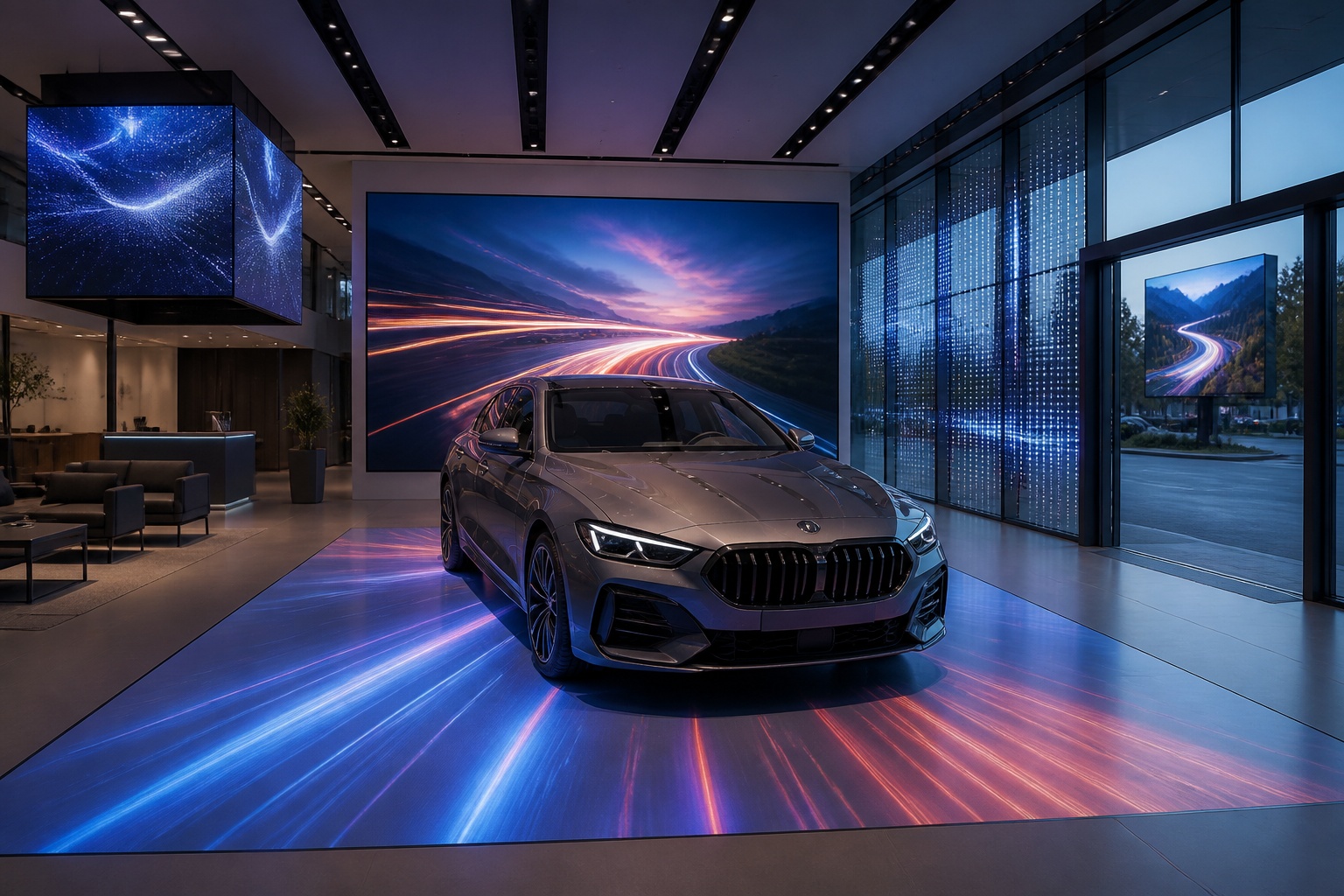
A B2B technical guide to selecting and combining fixed, floor, transparent, cube and other LED displays for automotive dealerships and 4S showrooms.
What LED Displays Can a 4S Dealership Use and How Should They Be Combined?
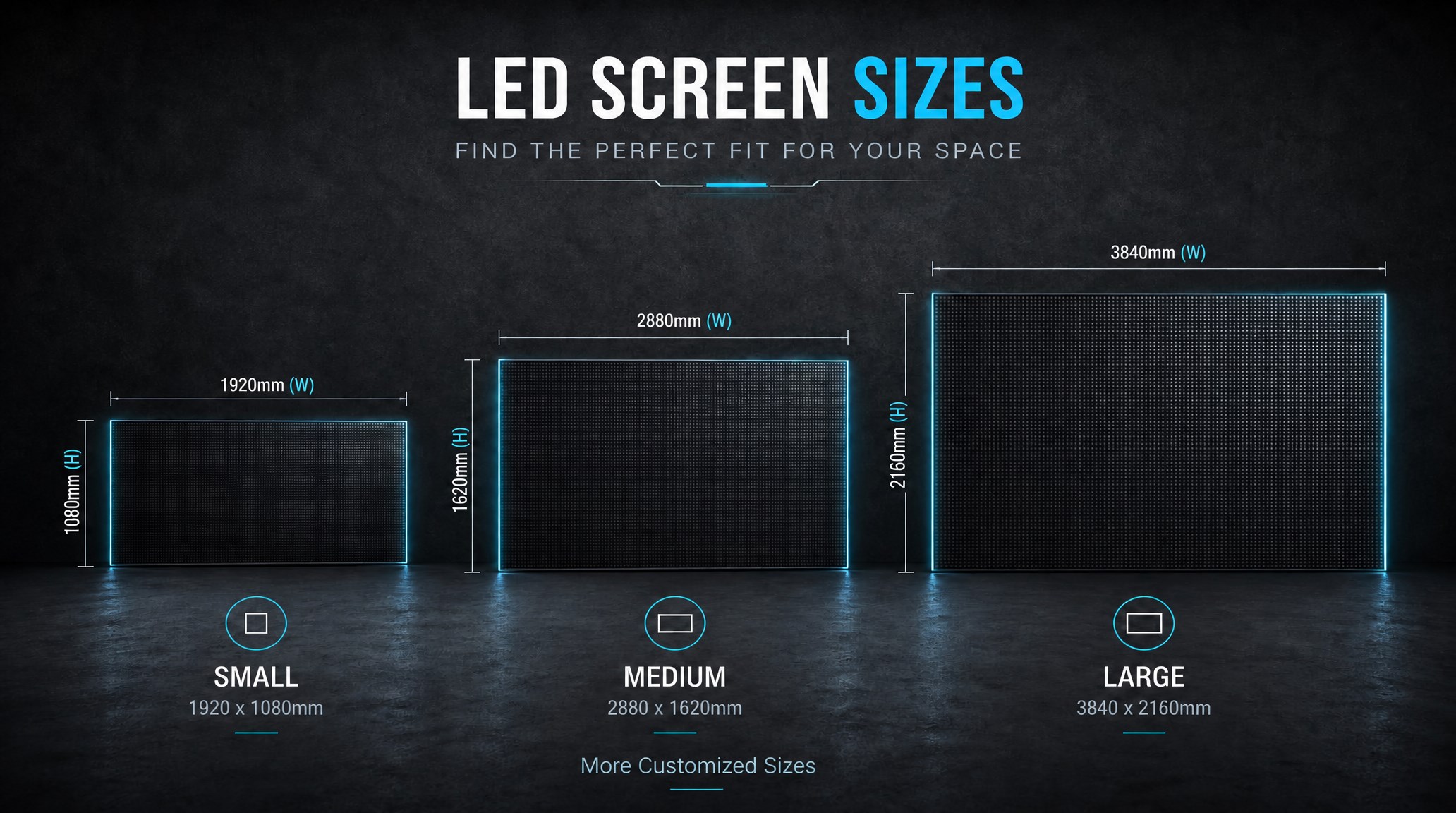
A practical guide explaining how to calculate LED display size, select pixel pitch, determine viewing distance, and choose suitable LED wall dimensions for commercial projects.
How to Choose the Right LED Display Size? Complete LED Screen Size Guide
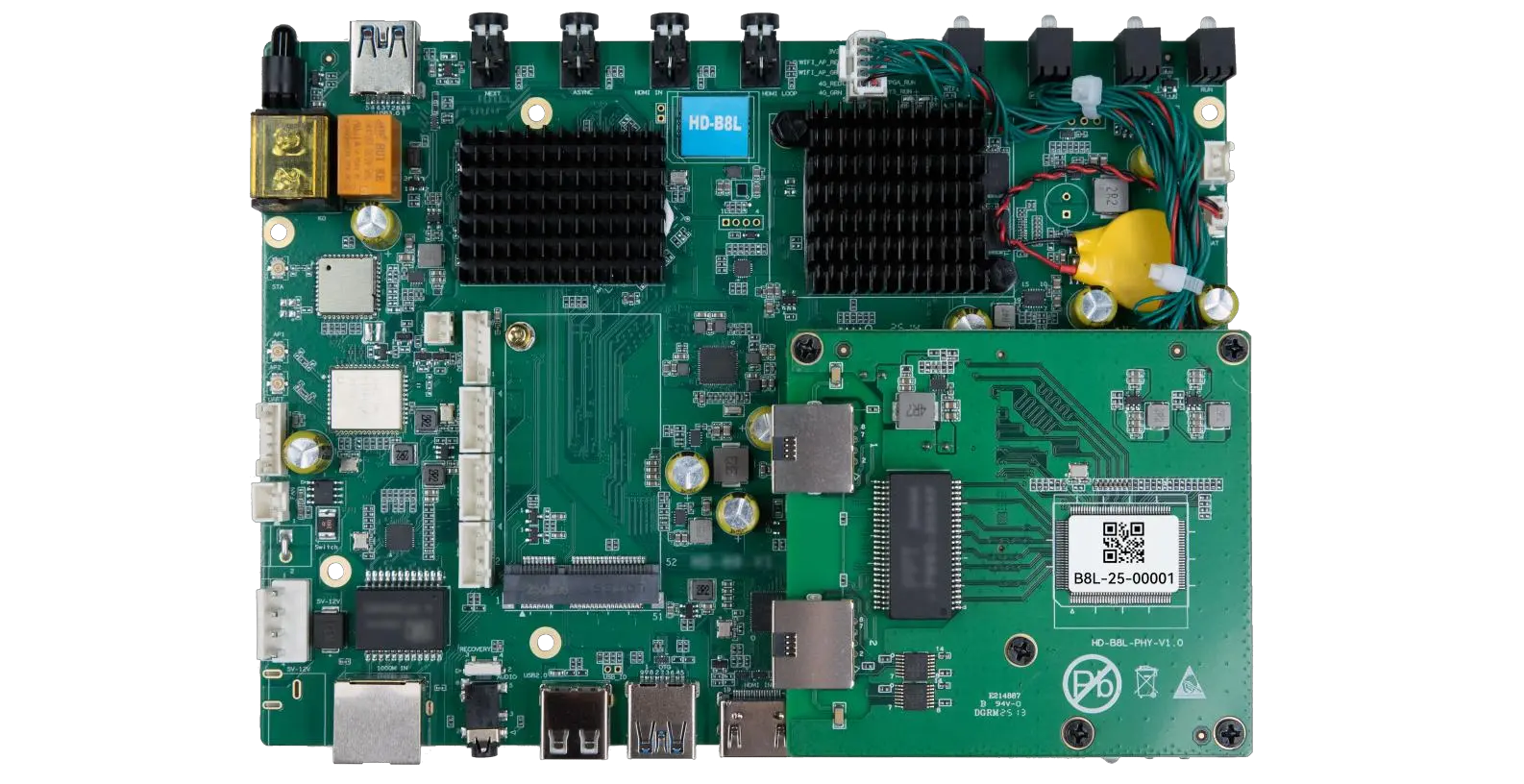
The HD-B8L Poster Screen Control System is an Android-based LED display controller designed for commercial LED poster displays and digital signage. It integrates media playback, asynchronous LED control, HDMI synchronization, network communication, and cloud management into one device, simplifying installation and centralized content management.
What Is the HD-B8L Poster Screen Control System? A Complete Technical Guide for Commercial LED Displays
Tell Us What Are You Looking For?
