
How can led display be repaired?
2025-03-04
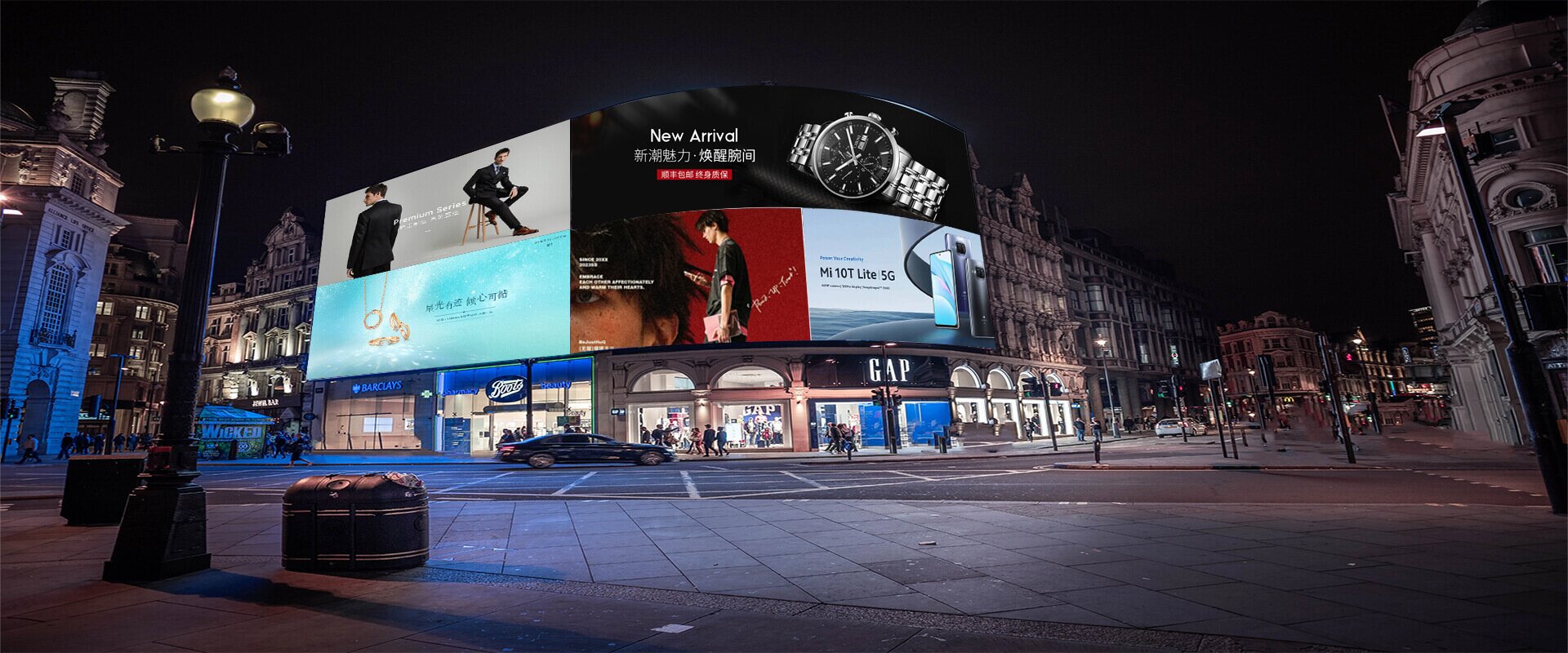
LED display screen are widely used in places such as shopping malls and airports. They are prone to malfunctions after long-term use. Common faults include black screens, where the led display screen shows no display; bright spots, where individual lamp beads are abnormally bright; and mosaic screens, where the picture is chaotic and blurry. These faults affect the display effect, and it is crucial to understand the maintenance methods. Here is an introduction for you.
Common Faults and how can be repaired of LED Display Screen
一、Local "Dead Lamp" Fault and Its Maintenance
The local "dead lamp" refers to the situation where several lamp beads on the lamp surface do not light up.
There are two situations: they do not light up at all times and only part of the colors do not light up. The causes are mostly that the lamps are affected by moisture or the RGB chips are damaged. When maintaining, use tweezers and a hot air gun to replace the LED lamp bead spare parts provided by the factory, and then use a test card to check whether it returns to normal.
二、 "Caterpillar" Fault and Its Maintenance
The "caterpillar" fault is manifested as a long dark bright strip appearing on part of the lamp surface when the power is on and there is no input source, and it is mostly red. Usually, it is caused by the leakage of the internal chip of the lamp or the short circuit of the line of the transistor on the IC surface behind. Chip leakage is more common. When maintaining, first use a hot air gun to find out the problem lamp beads and replace them. If it is a line short circuit, measure it with a multimeter and then replace the IC.
三、Local Color Block Missing Fault and Its Maintenance
When a small square abnormal color block appears during the normal playback of the LED display screen, it is a local color block missing fault. This is caused by the burnout of the color IC that controls the color block behind. The maintenance method is simple. Find the corresponding new IC and directly replace the damaged IC, and then check whether the picture returns to normal.
四、Local Black Screen and Large-Area Black Screen Faults and Their Maintenance
The local black screen means that a few modules do not light up, and the large-area black screen means that more areas have no display. The main problem is with the power supply, such as power supply damage or loose power cords. When maintaining, first check the power indicator light. If it does not light up, replace the power supply with the corresponding power. Then check the power cord and tighten the wire ends again to ensure power supply.
五、Local Garbled Code Fault and Its Maintenance
The local garbled code fault is manifested as the appearance of chaotic and flashing color blocks in a local area during playback. First, check the connection of the signal line, such as whether the cable is burned out and whether the network cable is loose. It may also be due to module damage. When maintaining, first check the signal connection and re-plug it. If it doesn't work, exchange the abnormal module with a normal one to determine whether it is a module problem. The maintenance of IC problems is more complicated.
Tips for Preventing Faults
1. Regular Maintenance: Regularly clean the dust and stains on the screen, check whether the power cord and interface are damaged or loose, and monitor the environment to avoid high temperatures and humidity, creating a good operating condition for the display screen.
2. Purchase High-Quality Accessories: Choose high-quality and highly compatible accessories. Inferior accessories do not meet the parameter standards and are likely to cause faults. For example, a poor-quality power supply may have unstable power supply and damage the components of the display screen.
Conclusion
LED display screen have a variety of common faults, each corresponding to different maintenance methods. Mastering this knowledge allows you to respond quickly when problems occur. It is recommended to conduct self-inspection first, and if you cannot solve the problem, seek professional help to ensure the normal operation of the display screen.
What is a front maintenance LED module?
What are the elements of a high configuration LED display panel board?
Related Article
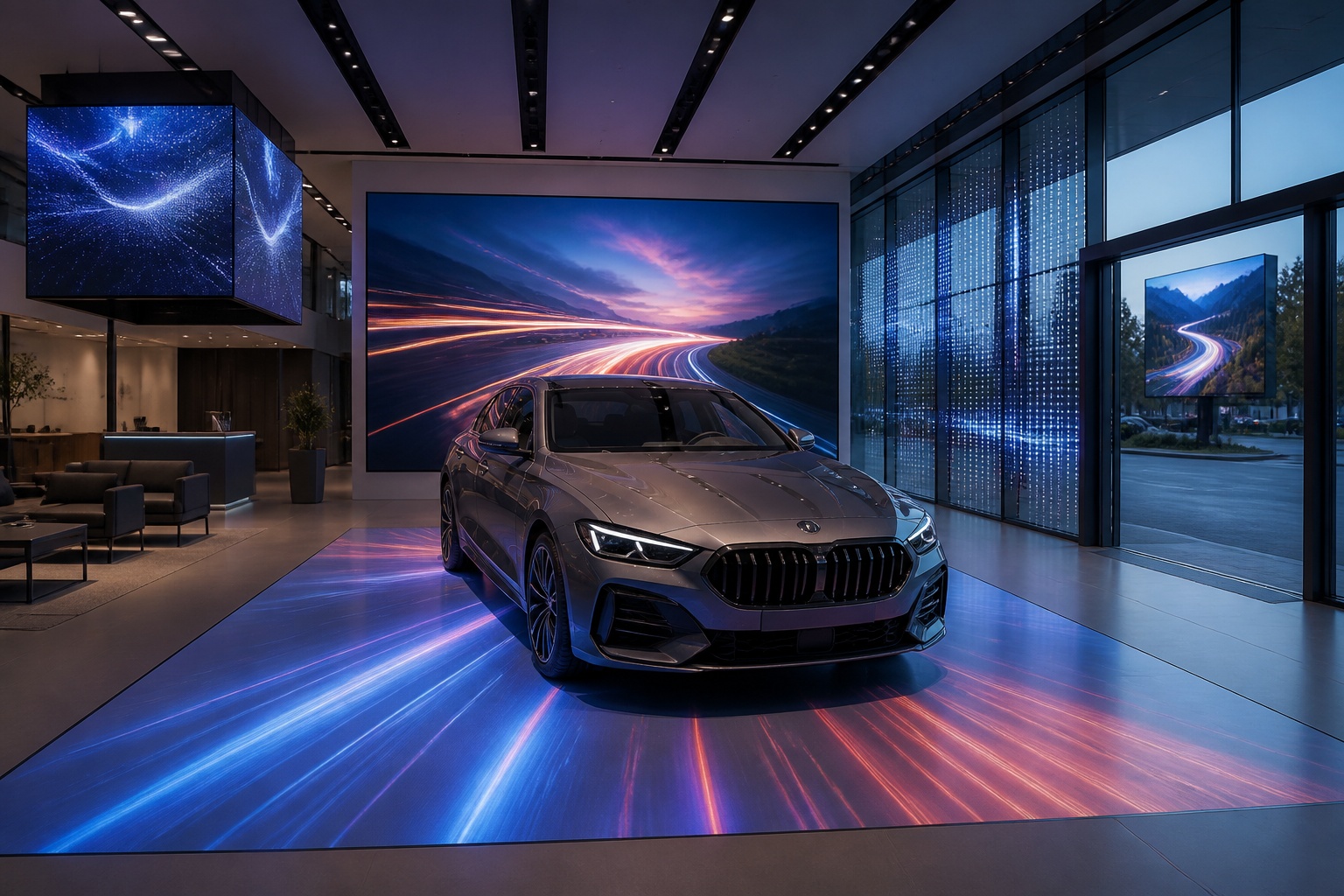
A B2B technical guide to selecting and combining fixed, floor, transparent, cube and other LED displays for automotive dealerships and 4S showrooms.
What LED Displays Can a 4S Dealership Use and How Should They Be Combined?
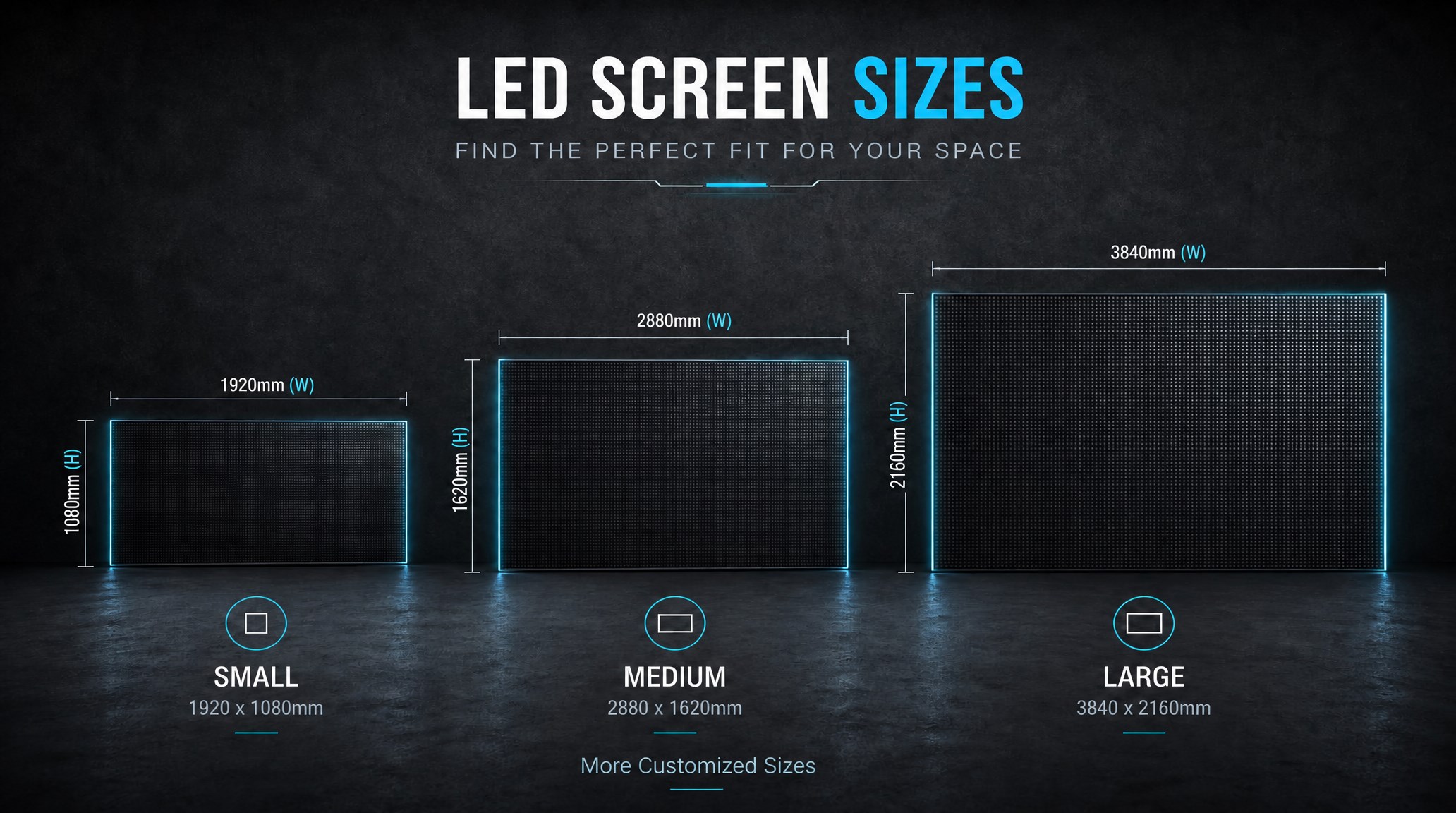
A practical guide explaining how to calculate LED display size, select pixel pitch, determine viewing distance, and choose suitable LED wall dimensions for commercial projects.
How to Choose the Right LED Display Size? Complete LED Screen Size Guide
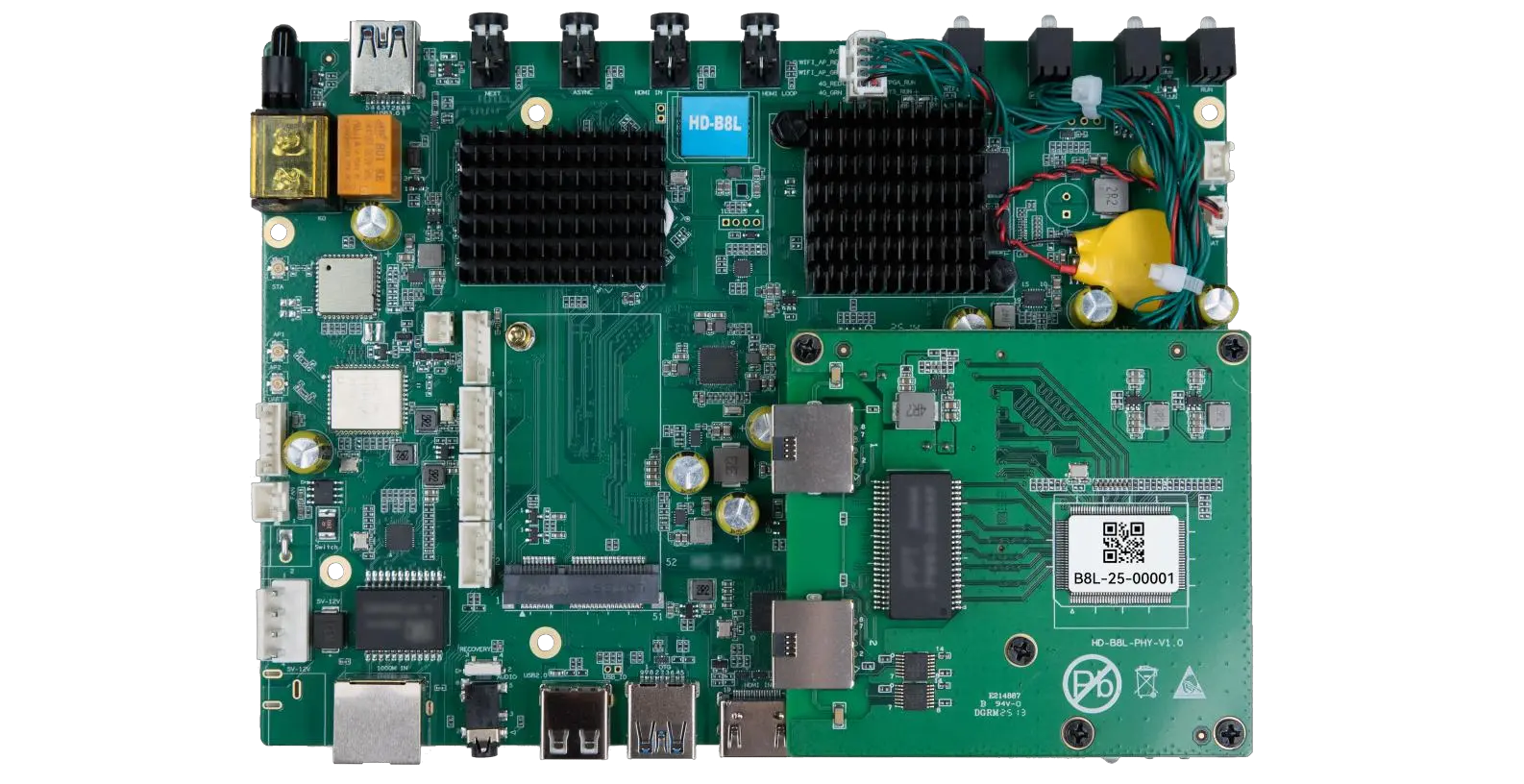
The HD-B8L Poster Screen Control System is an Android-based LED display controller designed for commercial LED poster displays and digital signage. It integrates media playback, asynchronous LED control, HDMI synchronization, network communication, and cloud management into one device, simplifying installation and centralized content management.
What Is the HD-B8L Poster Screen Control System? A Complete Technical Guide for Commercial LED Displays
Tell Us What Are You Looking For?
