
What Is a Good Contrast Ratio for a Monitor? Complete Guide for 2025
2025-09-04

What Is a Good Contrast Ratio for a Monitor? Complete Guide for 2025
Contrast ratio explanation starts with the basics: it's the measurement of the difference between the brightest white and the darkest black a monitor can display. Expressed as a ratio (e.g., 1000:1), it represents how well a screen can distinguish between light and dark areas simultaneously.
This fundamental specification directly impacts your visual experience. A higher contrast ratio creates more dramatic differences between light and shadow, making images appear more lifelike and three-dimensional. In practical terms, this means better detail in dark movie scenes, more realistic photo editing capabilities, and sharper text in document work.
Different display technologies offer varying contrast performance. Current 2025 data shows:
- IPS panels typically offer around 1200:1 contrast
- VA panels range from 5000:1 to 7000:1 for high-end models
- OLED displays achieve near-infinite contrast due to self-emissive pixels that can turn completely off
When researching monitors, you'll encounter two key terms: static and dynamic contrast ratio. Understanding this distinction is crucial for making an informed purchase.
Static contrast ratio measures the brightness difference between white and black when displayed simultaneously on screen. This fixed value reflects the panel's inherent quality and remains consistent regardless of content.
Dynamic contrast ratio refers to a feature where the monitor adjusts backlight brightness based on content, creating higher contrast in dark scenes and lower contrast in bright ones. While this produces impressive-sounding numbers (often in the millions:1), it's a software-enhanced measurement rather than a true reflection of panel quality.
For most users, static contrast ratio is far more important. Professional monitors prioritize static contrast because it delivers consistent, reliable performance for tasks like photo editing and video production where color accuracy matters most. Dynamic contrast can sometimes cause unwanted brightness fluctuations during movie watching or gaming.
The ideal contrast ratio depends entirely on your primary use case. Here's how to choose based on your needs:
For Everyday Office Work & Web Browsing
Basic productivity tasks like document editing, email, and web browsing don't require extreme contrast. A static contrast ratio of 1000:1 is sufficient, paired with 200-300 nits of brightness. This balance prevents eye strain during long work sessions while maintaining clear text readability.
For Photo & Video Editing
Professional content creators need accurate tonal representation. Look for monitors with at least 3000:1 static contrast, preferably with VA or OLED panels. The 2025 Samsung ViewFinity S8, with its high-contrast VA panel, exemplifies the type of display that handles color gradients and shadow details essential for creative work.
For Gaming & Movie Watching
Immersive entertainment benefits from higher contrast ratios. Gaming monitors with 5000:1 to 7000:1 static contrast (like premium VA panels) deliver exceptional dark scene detail for horror games and movies. OLED monitors like Samsung's Odyssey OLED G8 offer near-infinite contrast, making them perfect for HDR content with VESA DisplayHDR certification.
For HDR Content Consumption
HDR (High Dynamic Range) content demands the highest contrast performance. Look for monitors with at least 10,000:1 contrast ratio, though OLED technology's infinite contrast provides the most authentic HDR experience by reproducing the full range of brightness levels found in real-world scenes.
You might wonder why some monitors advertise 1000000:1 while others offer 1000:1. This comparison highlights the difference between dynamic and static contrast.
A 1000000:1 ratio almost always refers to dynamic contrast, achieved through backlight adjustments. While impressive on paper, this number doesn't reflect real-world performance during simultaneous bright and dark content. In contrast, a 1000:1 static ratio represents the panel's actual capability to display both bright whites and deep blacks at the same time.
For example, a monitor with 1000:1 static contrast will consistently display better shadow details during daytime scenes than a monitor relying on 1000000:1 dynamic contrast that might artificially darken bright areas to enhance blacks. The static ratio is a more reliable indicator of overall quality.
Verifying a monitor's real contrast performance requires simple testing:
- Visual Inspection Method: Display a full-screen grayscale test pattern in a dark room. Observe if shadow details remain visible in dark areas without losing highlight details in bright areas.
- Software Testing: Use tools like DisplayCAL with a colorimeter to measure actual contrast levels. Professional tests use equipment like the Spyder X or i1Pro 2 in controlled environments with the monitor warmed up for at least 30 minutes.
- Black Uniformity Check: Display a full black screen and check for backlight bleeding or uneven brightness, which can significantly impact perceived contrast despite official specifications.
Even with the best contrast ratio monitor, proper calibration enhances your experience:
- Adjust in a Controlled Environment: Calibrate contrast in the lighting conditions where you'll use the monitor most—dim lighting for entertainment, brighter conditions for photo editing.
- Balance Brightness and Contrast: Increasing brightness too much can wash out contrast. For SDR content, aim for 120-180 nits brightness with contrast set between 70-80% initially, then adjust to preference.
- Use Preset Modes Wisely: Many monitors offer optimized modes (e.g., "Movie," "Photo," "Game") that automatically adjust contrast for specific content types.
- Calibrate Regularly: Environmental changes and monitor aging affect contrast performance. Professional users should recalibrate monthly using tools like Calman or DisplayCAL.
The answer to "what is a good contrast ratio for a monitor" depends on your needs:
- 1000:1 for basic office work
- 3000:1+ for photo editing
- 5000:1+ for gaming and movies
- Near-infinite (OLED) for HDR content
Remember that static contrast ratio matters more than dynamic specifications. Prioritize VA or OLED panels for superior contrast performance, and always verify manufacturer claims through hands-on testing or reputable reviews.
By matching your monitor's contrast capabilities to your primary use case, you'll ensure every visual experience—whether working, creating, or gaming—is as vivid and detailed as possible.
The Evolution and Wonders of the World's Biggest Screens: From LED Displays to Jumbotrons
5 Key Features of High-Performance Outdoor LED Modules You Can't Ignore
Related Article
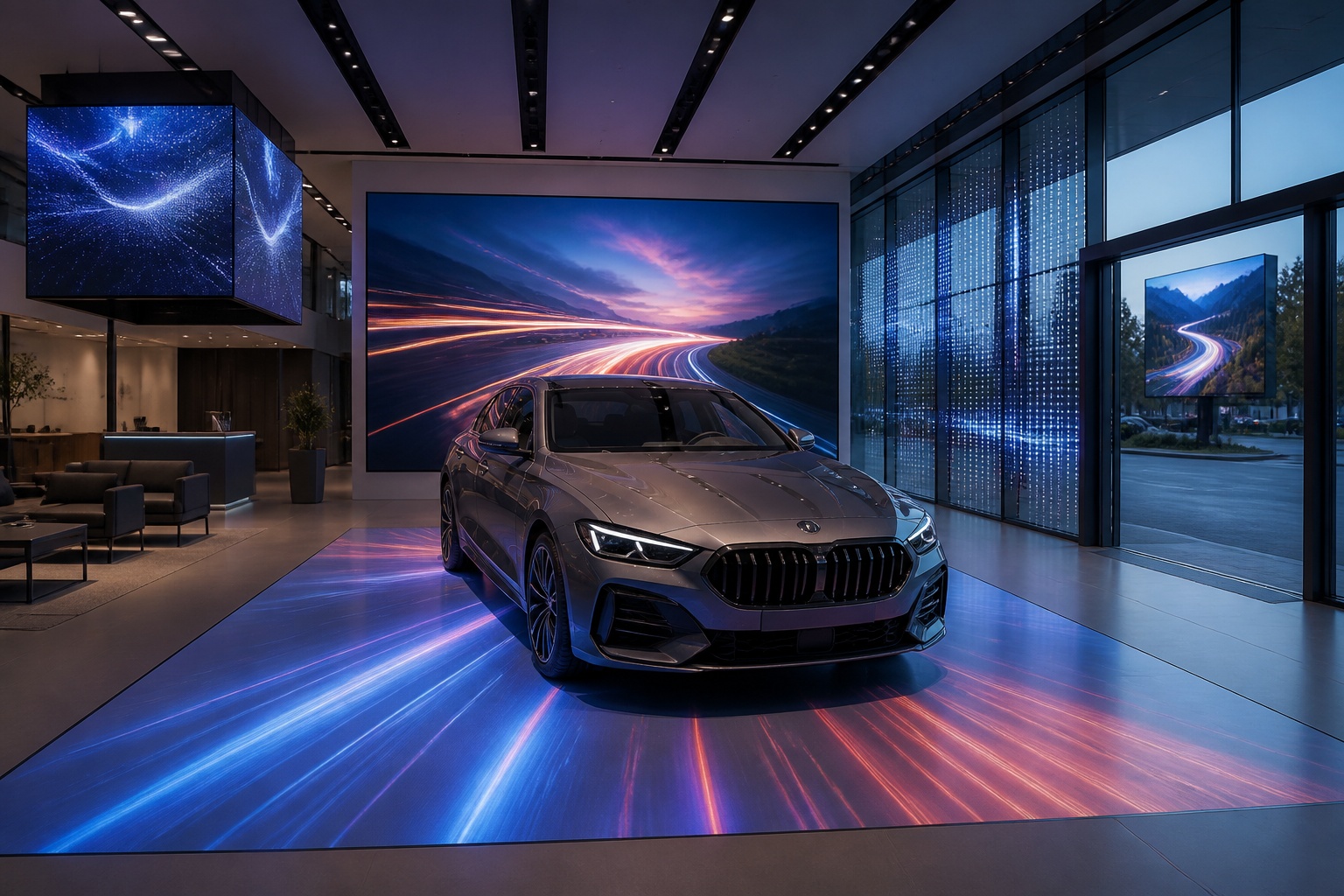
A B2B technical guide to selecting and combining fixed, floor, transparent, cube and other LED displays for automotive dealerships and 4S showrooms.
What LED Displays Can a 4S Dealership Use and How Should They Be Combined?
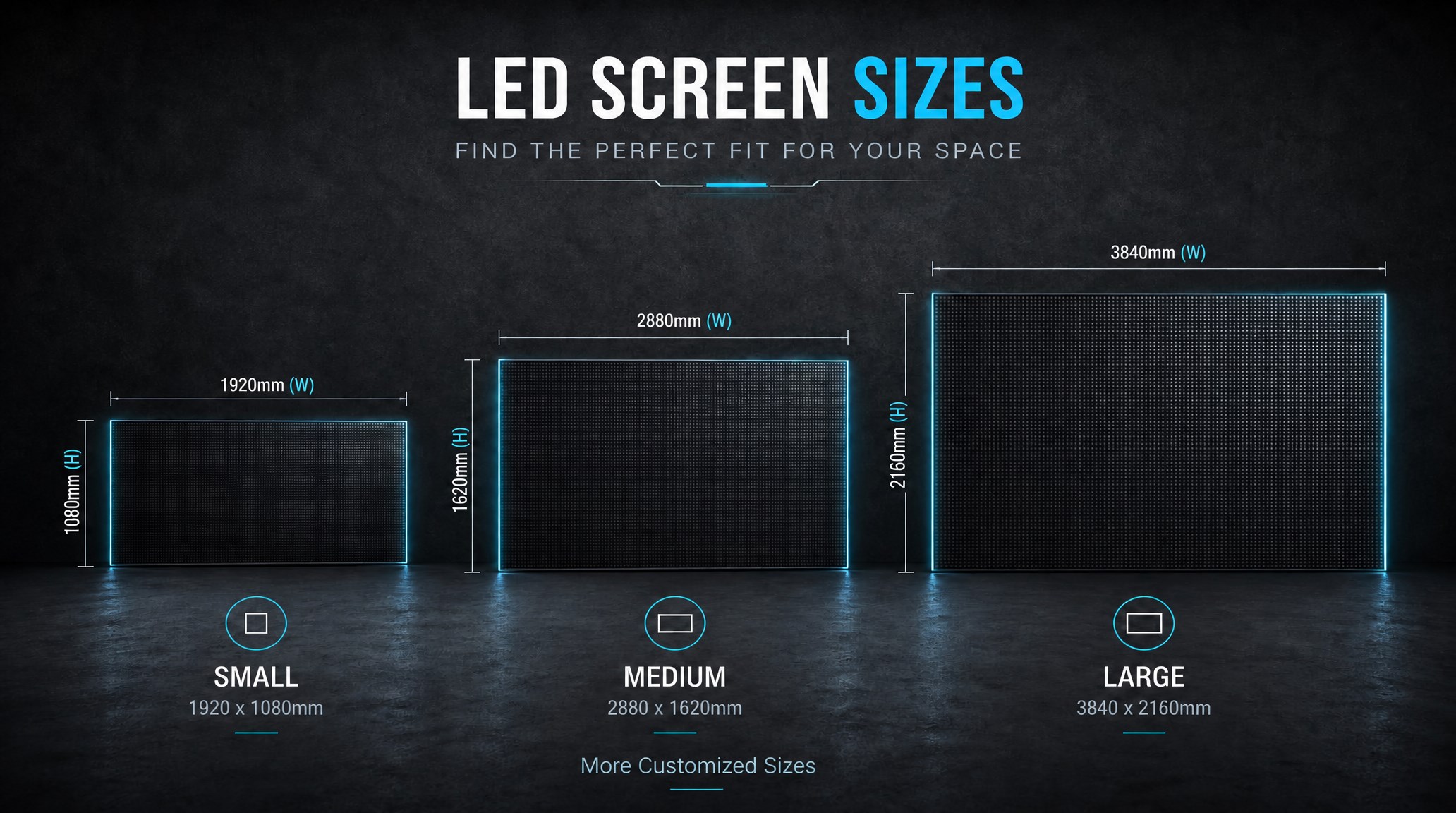
A practical guide explaining how to calculate LED display size, select pixel pitch, determine viewing distance, and choose suitable LED wall dimensions for commercial projects.
How to Choose the Right LED Display Size? Complete LED Screen Size Guide
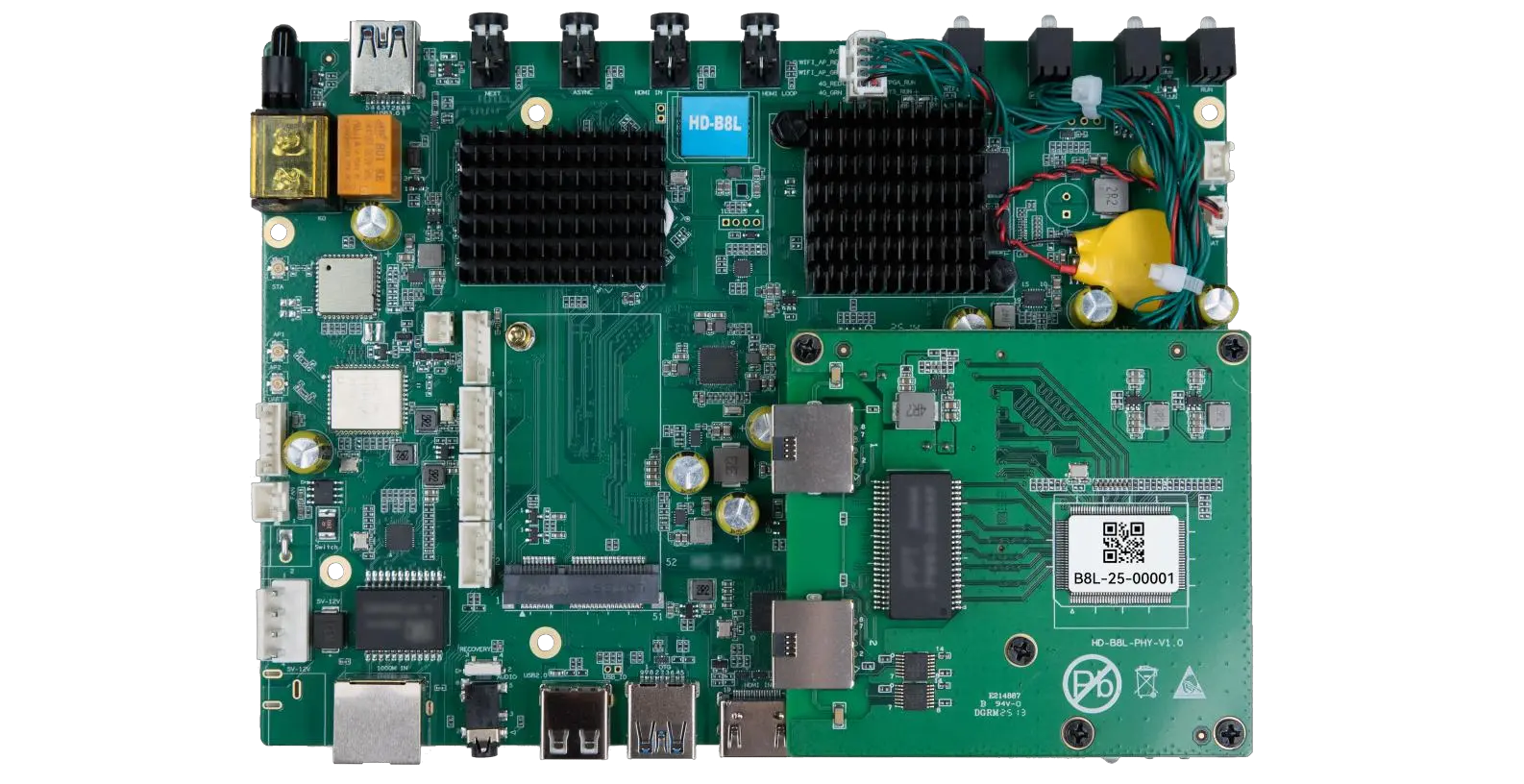
The HD-B8L Poster Screen Control System is an Android-based LED display controller designed for commercial LED poster displays and digital signage. It integrates media playback, asynchronous LED control, HDMI synchronization, network communication, and cloud management into one device, simplifying installation and centralized content management.
What Is the HD-B8L Poster Screen Control System? A Complete Technical Guide for Commercial LED Displays
Tell Us What Are You Looking For?
