
All About the Pixel Density of LED Display Screens
2024-11-27
In today's world full of advanced technology, LED display screens can be seen everywhere. And pixel density is a really important factor.

一、What Exactly Is the Pixel Density of LED Display Screens?

1. Definition of Pixel Density
The pixel density of an LED display screen is the number of pixel points in one square meter. Notations like P2.5, P3 are common. The number after "P" is the distance between adjacent pixel centers in millimeters. From this, we can calculate the pixel density. For example, a P2.5 LED display screen has a pixel density of 160,000 dots per square meter. More pixels mean more details in the image.
2. The Relationship with Pixel Pitch
Pixel pitch and pixel density are intertwined. A smaller pixel pitch leads to a higher pixel density. Consider a P2 and a P3 LED display screen. The P2 has a smaller pixel pitch, thus a higher pixel density and can present clearer, more detailed visuals, like fitting more small items neatly in a confined space.
二、The Impact of Pixel Density on the Effects of LED Display Screens

1. Image Clarity
Pixel density dictates image clarity. Fewer pixels make a blurry picture, while more show every detail. In advertising on LED display screens, high pixel density ensures product details and text are sharp, grabbing attention. In digital signage, it helps people easily read information.
2. Visual Effects
It also affects visual effects. High pixel density enhances contrast, brightness, and depth. Good contrast makes colors vivid, proper brightness keeps the image true, and depth gives a 3D feel. In VR and games, it makes the virtual world more lifelike, boosting immersion and entertainment.
3. Performance Improvement
Higher pixel density improves performance. It speeds up response time, reducing image smearing and lag. In color reproduction, it's more accurate, avoiding color errors and blurring, presenting smooth and clear images.
三、Factors Affecting the Choice of Pixel Density for LED Display Screens

1. Viewing Distance
Viewing distance matters. Indoors, like in meeting rooms or mall displays where people are close, a higher pixel density (P2 - P3 for 2 - 5 meters) is needed. Outdoors, for billboards or stadium screens seen from afar (dozens to hundreds of meters), a lower density (P10 - P20) suffices as our eyes can't distinguish individual pixels.
2. Display Content
Text-heavy displays, such as bus stop info screens, need high pixel density for clear text. For picture or video displays, high-resolution content demands a higher density, but low-res content doesn't require it.
3. Cost Consideration
Pixel density impacts cost. Higher density needs better components and complex manufacturing, costing more. For small, temporary setups with a tight budget, a lower density can work. For long-term, high-quality projects, a higher density is worth the investment.
4. Technical Support and After-sales Service
Good technical support and after-sales are vital. LED display screens may have issues like abnormal pixel density. Reliable support ensures timely fixes and stable operation, influencing the choice of pixel density.
四、Common Pixel Densities of LED Display Screens and Their Applicable Scenarios
1. Indoor LED Display Screens
Indoors, different places need different densities. Meeting rooms often use P2 - P3 for clear document viewing. Mall display screens use P3 - P4 for product info. High-end exhibition halls may opt for P1.5 - P2 for detailed art and high-res content.
2. Outdoor LED Display Screens
Outdoors, due to long viewing distances and complex environments, city billboards typically have a P10 - P16 density. Stadium screens use P8 - P12 for clear viewing even in sunlight. Square or event venue screens usually have a P6 - P10 density for a balance of cost and effect.
五、Conclution
In conclusion, pixel density of LED display screens is key. It affects display quality, suitable scenarios, and cost. When choosing, consider all factors to get the best screen for your needs and enjoy excellent visual experiences.
LED Display Screen: The Secret to Purchasing - Considerations on Brightness and Clarity
What's the Difference Between COB and GOB LED Displays?
Related Article
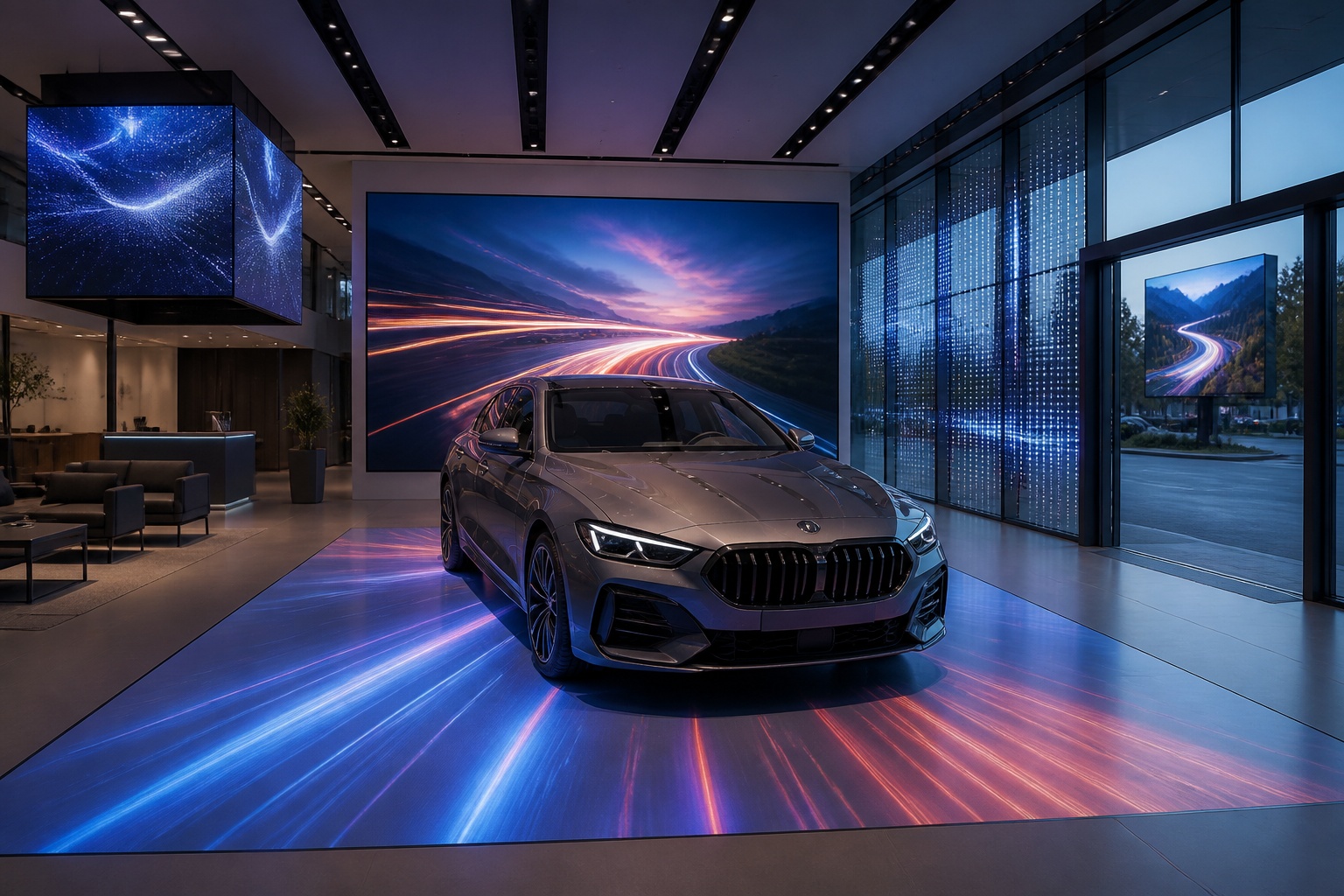
A B2B technical guide to selecting and combining fixed, floor, transparent, cube and other LED displays for automotive dealerships and 4S showrooms.
What LED Displays Can a 4S Dealership Use and How Should They Be Combined?
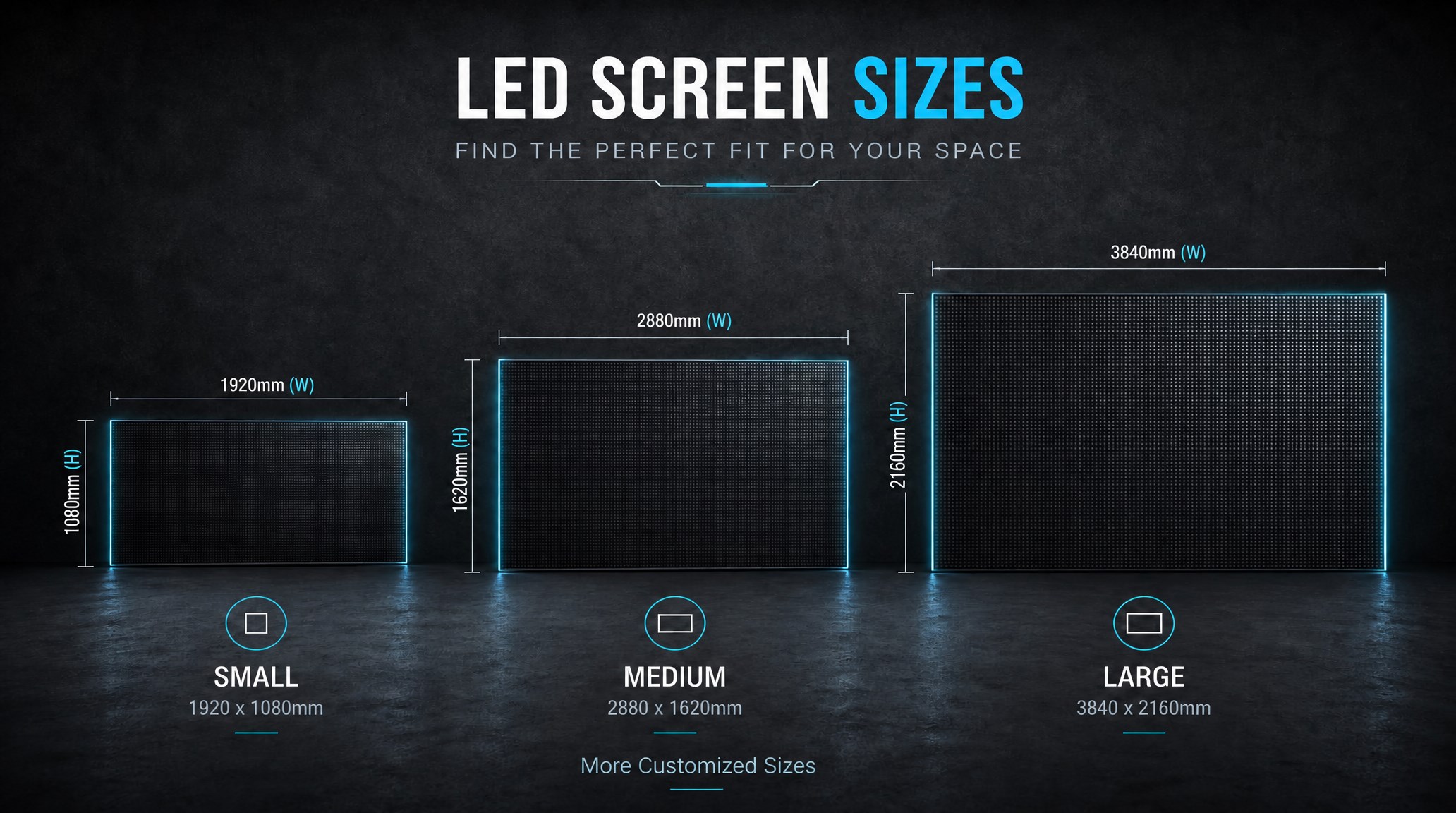
A practical guide explaining how to calculate LED display size, select pixel pitch, determine viewing distance, and choose suitable LED wall dimensions for commercial projects.
How to Choose the Right LED Display Size? Complete LED Screen Size Guide
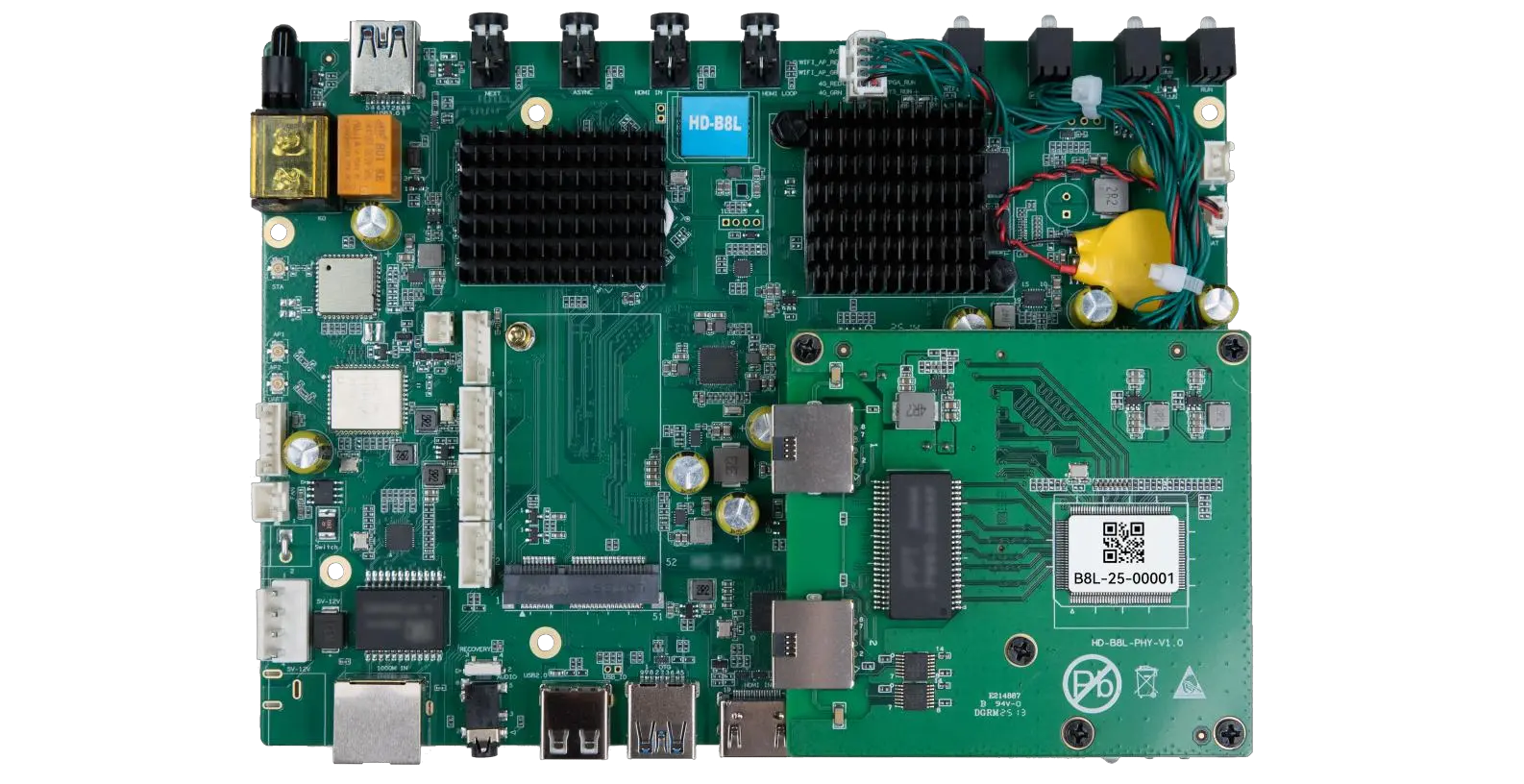
The HD-B8L Poster Screen Control System is an Android-based LED display controller designed for commercial LED poster displays and digital signage. It integrates media playback, asynchronous LED control, HDMI synchronization, network communication, and cloud management into one device, simplifying installation and centralized content management.
What Is the HD-B8L Poster Screen Control System? A Complete Technical Guide for Commercial LED Displays
Tell Us What Are You Looking For?
