
Add LED Screen Corner: Transform Spaces with Smart LED Installations
2025-10-27
Add LED Screen Corner: Transform Spaces with Smart LED Installations
In interior design and commercial spaces, underutilized corners often get overlooked—but add led screen corner is emerging as a creative solution to turn these blank areas into eye-catching focal points. A well-placed led screen in a corner doesn’t just fill empty space; it enhances ambiance, delivers information, and even boosts engagement for businesses. Whether you’re revamping your home living room, sprucing up a retail store, or upgrading an office, knowing how to add led screen corner with the right led screen panels can elevate your space without overwhelming it. This guide breaks down the benefits, applications, steps, and tips for successful corner LED screen installations.
Why Add LED Screen Corner? Key Benefits
Choosing to add led screen corner offers unique advantages that wall-mounted or standalone led screen setups can’t match. First, space efficiency: Corners are often wasted, so installing led screen panels here maximizes usable area without crowding main walls. For small apartments or compact retail stores, this is a game-changer—you get a dynamic display without sacrificing floor or wall space.
Second, immersive viewing: Corner LED screens create a “wrap-around” effect, especially with curved led screen panels. In a home theater corner, this makes movies feel more immersive; in a restaurant, it draws diners’ attention to promotions without blocking views. Third, versatility: A corner led screen can switch between functions—showing family photos at home, displaying product videos in a store, or sharing meeting agendas in an office. Finally, cost-effectiveness: Smaller led screen panels (ideal for corners) are more affordable than large wall displays, making this a budget-friendly way to add visual interest.
Top Scenarios to Add LED Screen Corner
The beauty of add led screen corner is its adaptability to various spaces. Here are the most popular applications:
-
Home Interiors: In living rooms, a corner led screen can stream TV shows, display digital art, or act as a smart home control panel. Bedrooms benefit from smaller led screen panels showing weather updates or calming visuals. Home theaters often use curved led screen corners to enhance the cinematic experience.
-
Retail & Hospitality: Stores can add led screen corner near checkout areas to show flash sales or product demos—boosting impulse buys. Cafés and bars use corner led screen panels to display menus, live sports, or mood-setting videos (e.g., nature scenes for a cozy café). Hotels place them in lobbies to share event schedules or local attractions.
-
Offices & Public Spaces: Office reception areas use corner led screen setups to welcome visitors and share company news. Co-working spaces add them to breakroom corners for community announcements. Public buildings like libraries or train stations use led screen panels in corners to display wayfinding or safety information.
How to Add LED Screen Corner: Step-by-Step Guide
Installing a led screen in a corner is straightforward with the right tools and planning. Follow these steps:
-
Measure the Corner Space: Use a tape measure to get the height and width of the corner. For most spaces, 2–4 led screen panels (each 16–24 inches) work best. Ensure the walls are flat and sturdy—avoid corners with uneven surfaces or moisture (e.g., bathroom corners).
-
Choose the Right LED Screen Panels: Opt for lightweight, slim led screen panels (under 5kg each) for easy installation. For straight corners, use flat panels; for curved effects, pick flexible led screen panels (bendable up to 90°). Indoor setups need 300–500 nits brightness; if near windows, go for 500–800 nits.
-
Prepare Mounting Hardware: Use corner-specific mounting brackets (available at hardware stores) that fit your led screen size. For drywall, use anchors to secure the brackets; for concrete walls, use masonry screws. Ensure the brackets can hold 2x the weight of the led screen panels.
-
Install the Panels: Attach the brackets to the corner walls first, then mount the led screen panels one by one. Connect the panels with the included cables (most use HDMI or USB-C). If using multiple panels, use a controller to sync the display so it acts as one seamless led screen.
-
Test and Adjust: Plug in the screen, test the display for dead pixels, and adjust the angle for optimal viewing. Use the screen’s settings to calibrate brightness and color—avoid glare by tilting panels slightly if needed.
Choosing the Best LED Screen Panels for Corner Installations
Not all led screen panels are suitable for corners—here’s what to look for: Size & Weight: Small to medium panels (16–32 inches) are easier to mount in corners and don’t strain walls. Look for panels under 5kg per unit.
Flexibility: Curved or flexible led screen panels (like OLED or flexible LED strips) are perfect for creating smooth corner transitions. They bend without damaging pixels, unlike rigid LCD panels. Pixel Pitch: For indoor corners (viewing distance 1–3 meters), 2.5–3.9mm pixel pitch ensures sharp visuals. Connectivity: Choose panels with multiple ports (HDMI, USB, Wi-Fi) for easy content updates. Brands like Samsung, LG, and BOE offer dedicated led screen panels for corner installations, with built-in corner-mounting kits.
Design Tips for Adding LED Screen Corner
To make your corner led screen blend seamlessly with the space, follow these design hacks: Match the Aesthetic: If your space is minimalist, use a slim led screen with a black or white frame. For industrial style, opt for exposed led screen panels with metal brackets.
Content Matters: Avoid cluttered visuals—use high-resolution images or short videos. In homes, rotate between family photos and digital art; in stores, keep promotions concise (3–5 seconds per slide). Lighting Coordination: Adjust the led screen brightness to match ambient light—dimmer for cozy spaces, brighter for high-traffic areas. Add Accents: Surround the corner screen with small plants, shelves, or LED strip lights to frame it and enhance the focal point effect.
FAQ: Common Questions About Add LED Screen Corner
Q: Can I install a large led screen in a corner? A: It’s possible, but stick to 55 inches or smaller for most residential/commercial corners. Larger screens may overwhelm the space—use multiple small led screen panels instead for a modular look.
Q: Do corner LED screens use more energy? A: No—smaller led screen panels for corners use 30–60W of power, less than a full-wall led screen (100–200W). Opt for energy-efficient models (Energy Star certified) to save more.
Q: How to hide cables when adding LED screen corner? A: Use cable management channels (painted to match walls) or run cables through the wall (if possible). Wireless led screen panels are also an option for a clean look.
Q: Can outdoor corners have LED screens? A: Yes—use weatherproof (IP65-rated) led screen panels and waterproof mounting brackets. Ensure the screen is protected from direct rain and sunlight.
Conclusion
To add led screen corner is to turn overlooked spaces into functional, visually appealing assets. Whether for home, retail, or office use, a corner led screen combines space efficiency, immersion, and versatility—all at a budget-friendly cost. By choosing the right led screen panels, following proper installation steps, and aligning the design with your space’s aesthetic, you can create a display that enhances rather than distracts.
From streaming movies in your living room to boosting sales in your store, the possibilities of add led screen corner are endless. As led screen technology becomes slimmer and more affordable, this trend will only grow—proving that the best design solutions often come from thinking outside the (wall) box. Ready to transform your corners? Start with small, flexible led screen panels, and let your creativity shine.
What Does LED Stand For? LED Guide | JunChen Display
P6 Outdoor LED Display Screen Does Look Different? Here’s Why & How to Fix It
Related Article
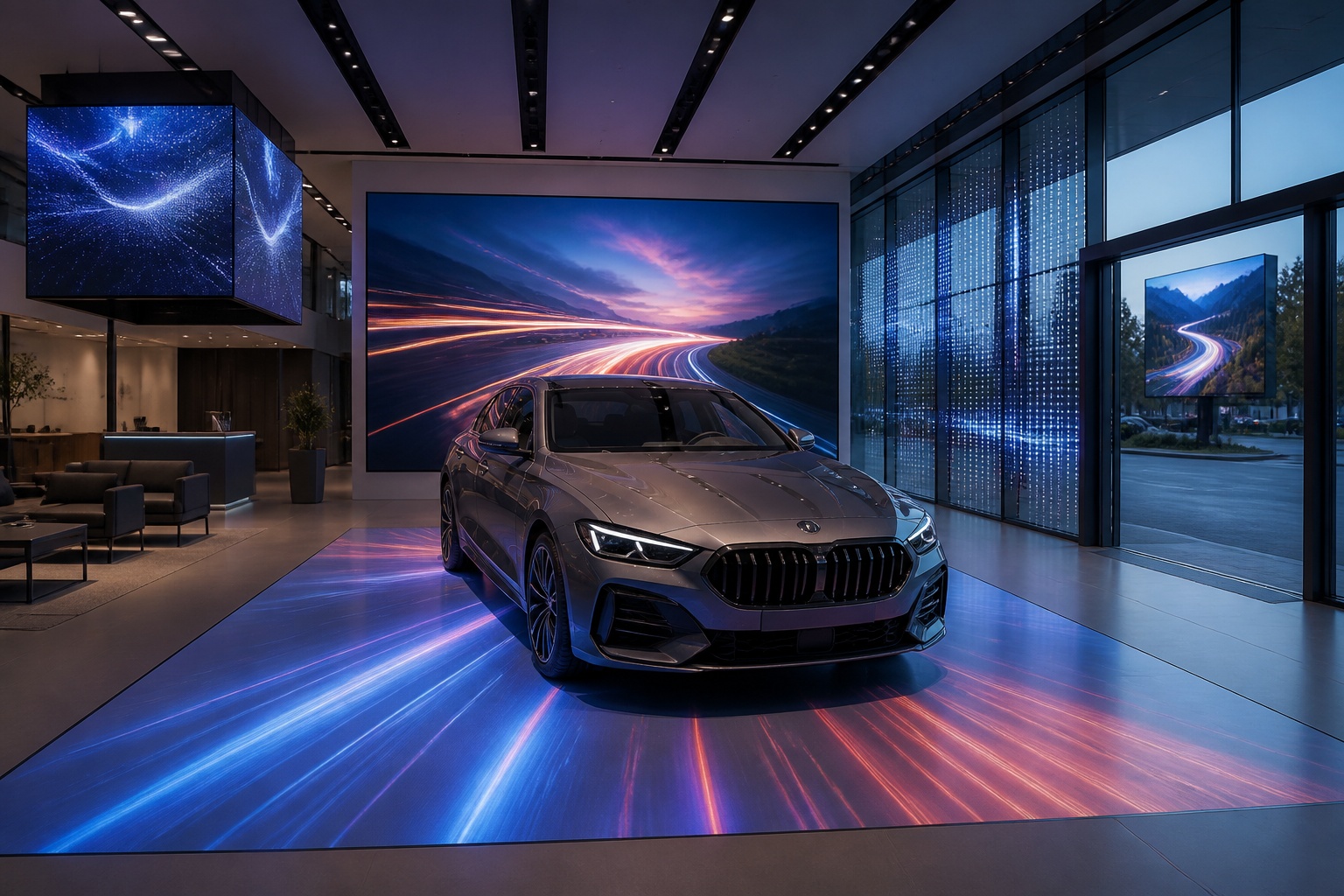
A B2B technical guide to selecting and combining fixed, floor, transparent, cube and other LED displays for automotive dealerships and 4S showrooms.
What LED Displays Can a 4S Dealership Use and How Should They Be Combined?
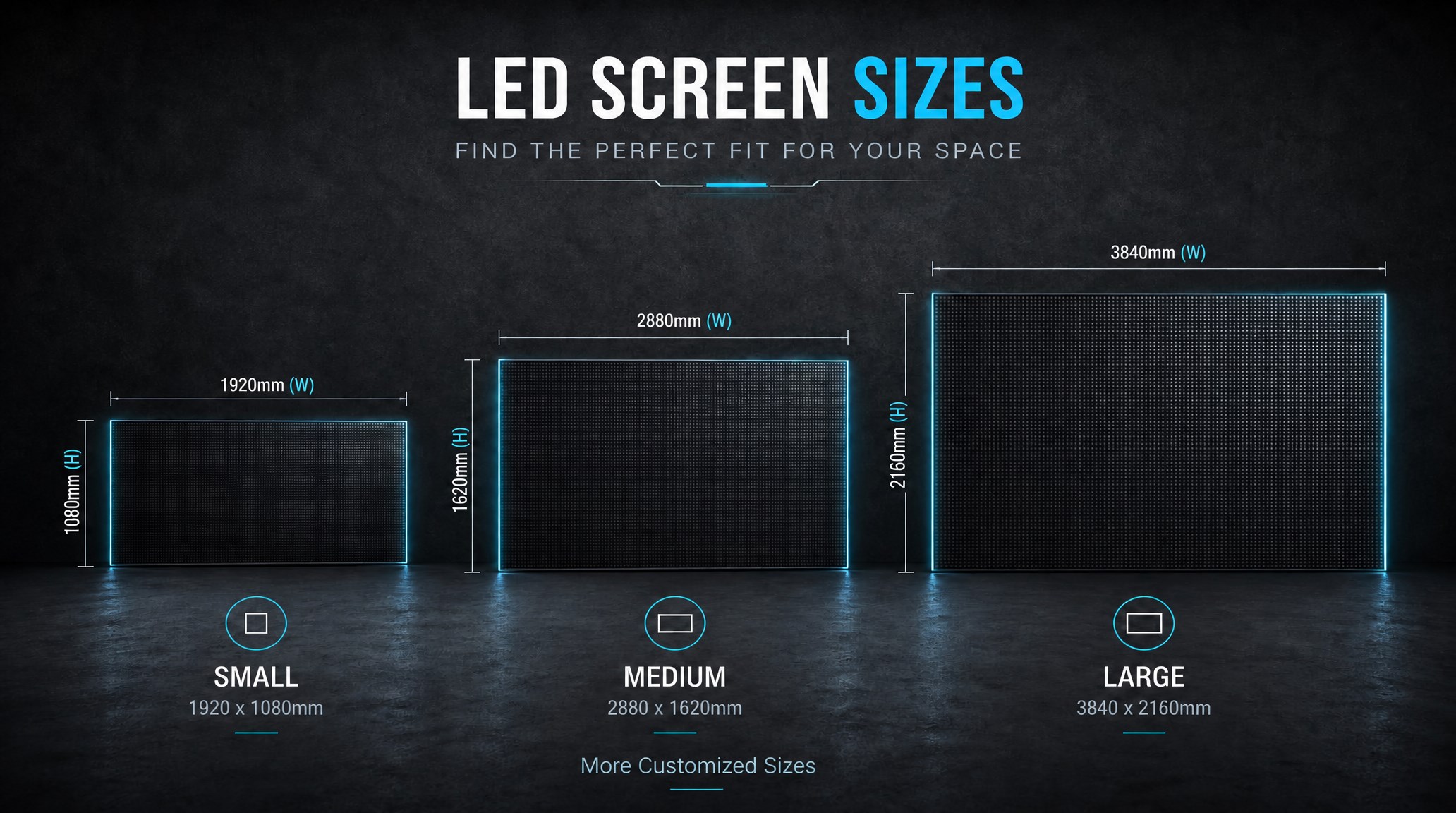
A practical guide explaining how to calculate LED display size, select pixel pitch, determine viewing distance, and choose suitable LED wall dimensions for commercial projects.
How to Choose the Right LED Display Size? Complete LED Screen Size Guide
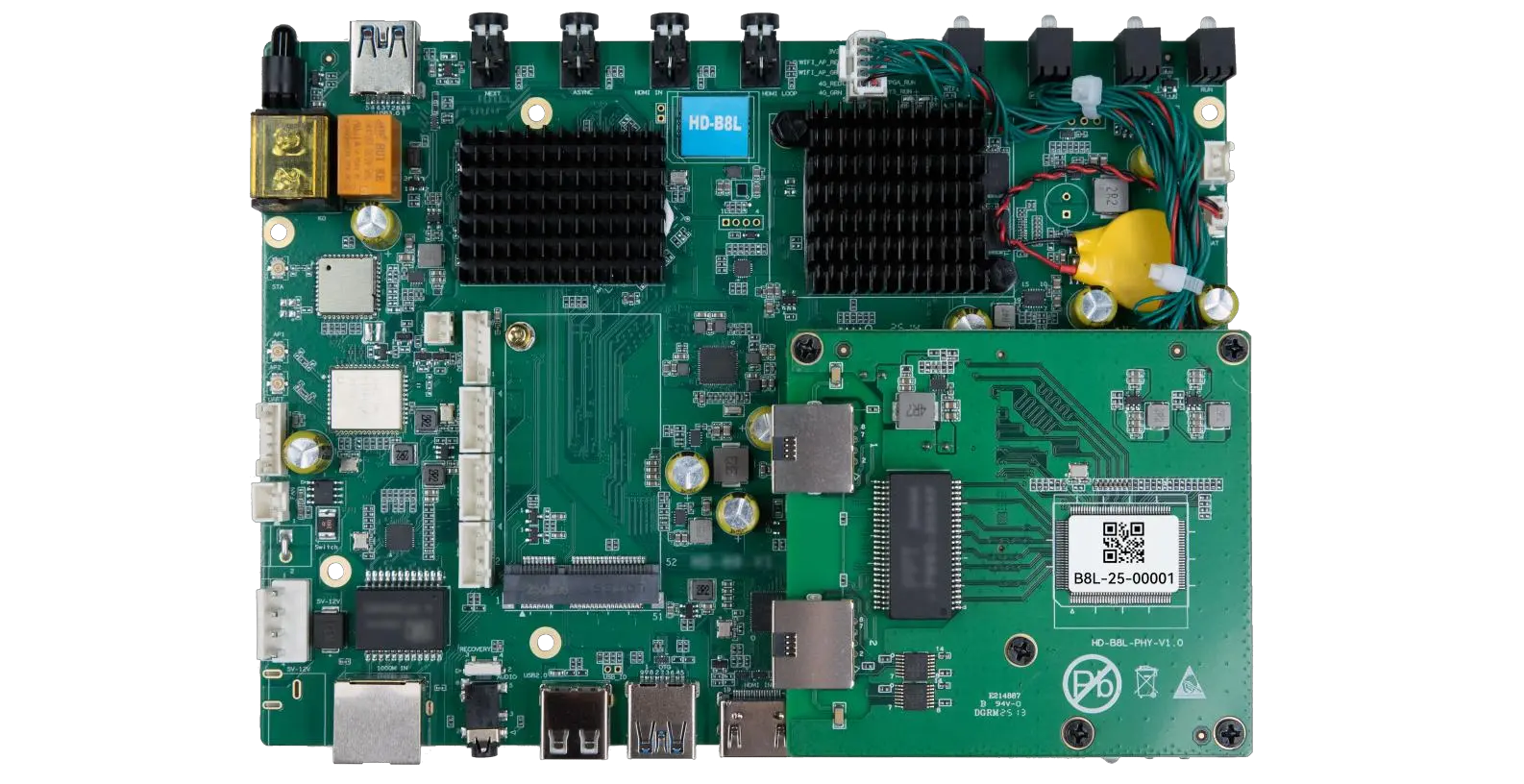
The HD-B8L Poster Screen Control System is an Android-based LED display controller designed for commercial LED poster displays and digital signage. It integrates media playback, asynchronous LED control, HDMI synchronization, network communication, and cloud management into one device, simplifying installation and centralized content management.
What Is the HD-B8L Poster Screen Control System? A Complete Technical Guide for Commercial LED Displays
Tell Us What Are You Looking For?
